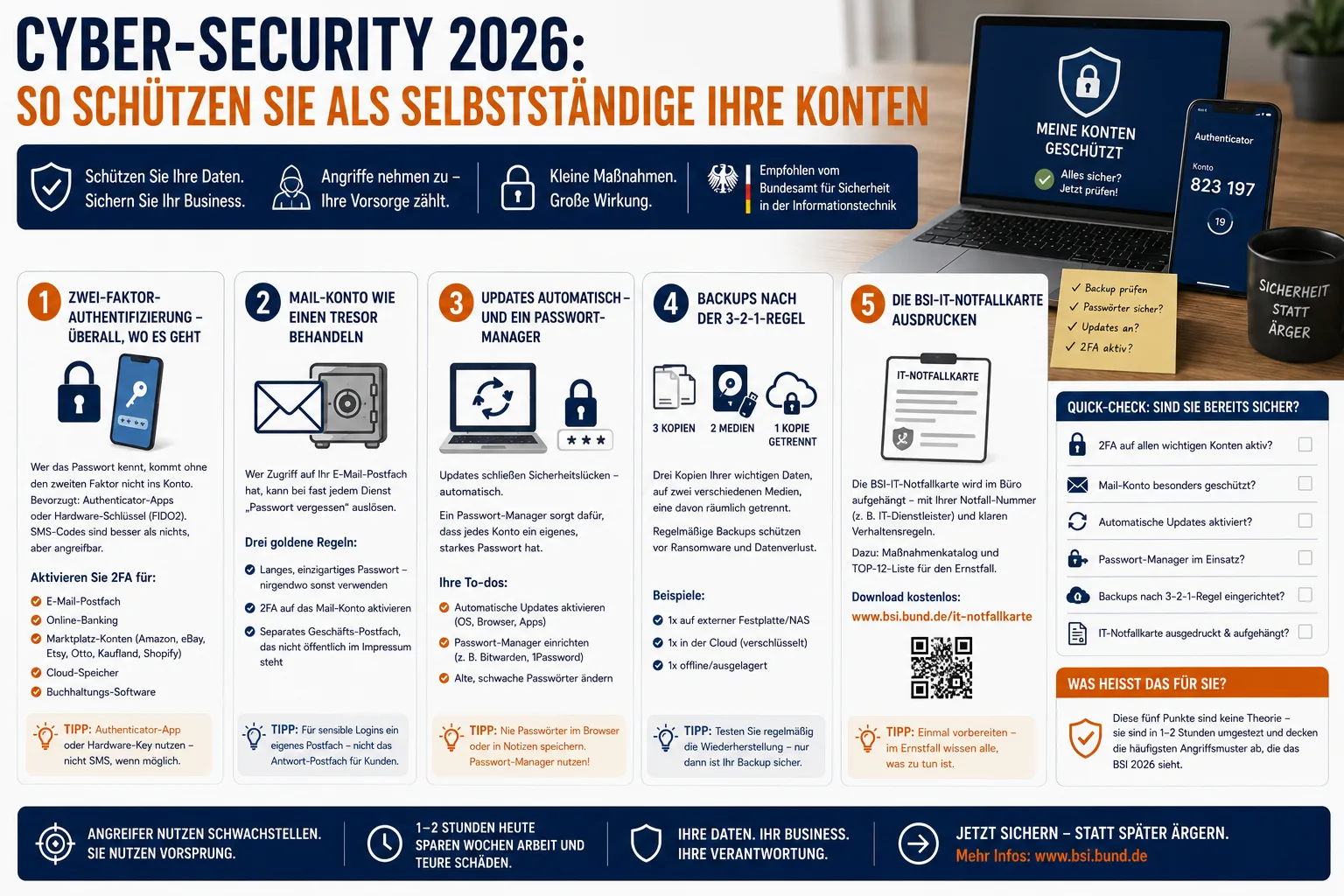
Cybersecurity 2026: How Self-Employed Pros Protect Their Accounts
Your email inbox, your Amazon or Etsy seller account, your online banking — that is your business today. If an attacker gets in, your livelihood is on the line in the worst case. In 2026, phishing has reached a new level: According to Germany's Federal Office for Information Security (BSI), the messages are often AI-generated and almost impossible to spot through typos. This article shows you how, as a self-employed professional or small business owner, you can protect yourself effectively with a reasonable amount of effort.
Table of Contents
- Why the self-employed and SMEs are particularly targeted now
- The new phishing wave: What is different in 2026
- Example: When your Etsy account is suddenly gone
- Five protective measures any self-employed pro can implement immediately
- Recognizing phishing: The rule of thumb for 2026
- If it happens: The first 24 hours
- Frequently asked questions
- Conclusion
Why the self-employed and SMEs are particularly targeted now
The German Federal Office for Information Security (BSI) is the federal authority responsible for IT security. In its current 2025 situation report, BSI classifies small and medium-sized enterprises as particularly at risk: Around 80 percent of reported ransomware incidents in Germany hit SMEs, often through classic phishing or encryption campaigns.
The reason is rarely a lack of willingness, but rather a lack of time. Anyone running a solo business alongside writing invoices, handling orders, and answering customer inquiries doesn't have their own IT department. This is exactly where attackers come in. In the 2026 Cybersecurity Monitor by BSI and ProPK (Police Crime Prevention Program), roughly one in nine internet users in Germany reported being a victim of cybercrime in the past year. Phishing and unauthorized account access are among the most common incidents.
What does this mean for you? Even without major corporate business, you are a worthwhile target — especially because your marketplace accounts, banking access, and email inboxes mean cold, hard cash.
The new phishing wave: What is different in 2026
Phishing emails used to be recognizable by clumsy language and strange sender addresses. Those days are over. Texts are now typically AI-generated, sound like they come from customer service, and are tailored to your industry. Industry surveys for 2025/2026 cite around 80 percent of phishing emails as AI-generated — the classic warning signs are gone.
On top of that, there are new attack routes that BSI and the Federal Office for the Protection of the Constitution (BfV) have jointly warned about. On 6 February 2026, both authorities issued a joint security advisory on phishing via messaging services such as Signal, updated on 17 April 2026. The characteristic feature: Attackers don't exploit a technical vulnerability, but instead use legitimate functions — for example, linking an additional device — combined with social engineering. Anyone who clicks on a supposed QR code gives strangers access to their chat history.
Marketplace accounts are simultaneously attacked with classic phishing mail: fake "buyer messages" with attachments, supposed account suspension warnings with login links, or alleged trademark violation notices designed to trick you into entering your seller credentials.
Example: When your Etsy account is suddenly gone
Imagine Sabine, an Etsy seller working on the side. An alleged buyer message lands in her personal Gmail inbox: "Please look at the damage photo, otherwise refund." She opens the attachment — a login page that looks exactly like Etsy. She enters her password. Hours later, her account has been taken over, the stored payout IBAN has been changed. Three pending orders are paid out to a foreign account, and Sabine is stuck with the shipping costs.
Three things would have prevented this: Two-factor authentication on the Etsy account, a separate password for the email address, and a healthy mistrust of login links from emails. That's exactly what we're going to look at now.
Five protective measures any self-employed pro can implement immediately
1. Two-factor authentication — everywhere it's available
BSI recommends that consumers always use two-factor authentication (2FA) wherever the online service offers it. Anyone who knows your password cannot get into your account without the second factor. Authenticator apps (with time-based codes, for instance) or FIDO2-standard hardware keys are preferred. SMS codes are better than nothing, but can be attacked.
Activate 2FA at least for: email inbox, online banking, every marketplace account (Amazon Seller, eBay, Etsy, Otto, Kaufland, Shopify), cloud storage, and accounting software.
2. Treat your email account like a vault
Anyone with access to your email inbox can trigger "forgot password" on almost any other service. So follow three rules: a long, unique password you don't use anywhere else — 2FA on the email account — and ideally a separate business inbox that isn't publicly listed on your imprint. For sensitive logins, use one that's different from the customer reply inbox.
3. Automatic updates — and a password manager
Updates close security gaps, so they don't belong on the "sometime after work" list, but should run automatically. Operating system, browser, all apps. A password manager takes the burden off you of having to remember 50 different passwords — and makes sure every account really has its own password.
4. Backups following the 3-2-1 rule
Three copies of your important data, on two different media types, one of them stored separately (e.g., encrypted cloud storage). Anyone who backs up regularly is much better protected against ransomware — even in a worst-case scenario, invoices, receipts, and master data are not lost. Cloud applications with revision-secure document archiving are a practical building block here.
5. Print out the BSI IT emergency card
BSI provides a free IT Emergency Card, designed to be posted in the office like fire safety instructions — with an individually entered emergency number (e.g., your IT service provider) and brief behavioral rules. There is also an action catalog and a TOP 12 list of what to do in case of an incident. Costs nothing and forces you to think about it once, before the worst-case scenario hits.
What does this mean for you? These five points are not theory — they can be implemented in 1–2 hours and cover the most common attack patterns that BSI is observing in 2026.
Recognizing phishing: The rule of thumb for 2026
Because the classic indicators no longer apply, a simple rule of thumb applies for 2026: Never log in via a link in an email or messenger message. If Amazon warns you, open Amazon in your browser via your bookmark. If your bank contacts you, call back using the official number on the back of your bank card. If someone on Signal asks you to link an "additional device" — hands off, that's exactly what BSI is warning against.
Two more warning signs: Pressure ("only today," "account will be locked in 24 hours") and unusual payment methods (gift cards, crypto, foreign IBAN). Both have been stable fraud indicators for years.
If it happens: The first 24 hours
If your account has been taken over, speed is everything:
- Change the password of the affected service — if that's no longer possible, contact support (official help page, don't google via search ads, where fake hotlines often appear).
- Change passwords on all services linked to the same email address or the same password.
- Re-set up 2FA and log out all active devices/sessions.
- In case of financial damage: inform your bank, file a report with the police (also possible online).
- In case of a data protection incident involving third-party personal data: check the 72-hour notification deadline to the state data protection authority.
BSI provides specific instructions for companies with the IT Emergency Card and the TOP 12 list — in the heat of the moment, every prepared step helps.
Frequently asked questions
Is SMS-based 2FA enough?
Better than just a password, but not ideal. SMS can be intercepted via what's called SIM swapping. BSI recommends authenticator apps or hardware keys. Where only SMS is offered, you should still activate it.
What does a hardware security key cost?
Simple FIDO2 sticks are available in the single-digit to low double-digit euro range. For email and banking accounts, it's a sensible investment — especially if you manage marketplace accounts with high payouts.
My Amazon seller account was hacked — what should I do?
Immediately contact Amazon support via the official Seller Central, change your password, check all payout details, review sales and communication of recent days. In parallel, have the bank block the stored bank details if a foreign IBAN has been entered.
Do I have to report a cyber incident?
If personal customer data could be affected, the GDPR notification obligation generally kicks in within 72 hours to the responsible state data protection authority. Pure corporate incidents without third-party impact are not subject to notification, but should be documented for insurance purposes.
Do I have to change passwords regularly?
BSI has moved away from the rigid "every 90 days" rule. More important are long, unique passwords per service plus 2FA. Change them when there is a suspicion or when a service has been affected by a data leak.
Conclusion
Cybersecurity is no longer a matter of convenience for the self-employed in 2026, but a business foundation. The five basic measures — 2FA, clean email setup, updates, backups, emergency plan — cost little time and protect against the most common attack patterns that BSI is seeing. Anyone who runs their business processes such as invoicing, bank import and payment matching and document archiving in a modern cloud solution also benefits from centralized access points that can be consistently secured with 2FA — instead of a scattered jumble of critical passwords.
Anyone who sells a lot through marketplaces in their day-to-day business should also read platform news on account security — for example, when fees or payout terms change or new marketplaces like TikTok Shop are set up. Local providers like trades businesses also benefit, because a well-maintained Google Business Profile today requires a properly secured Google account.
Sources
- BSI — The State of IT Security in Germany 2025 — BSI's annual report on the threat landscape for SMEs, ransomware statistics, and recommendations.
- BSI / BfV — Joint security advisory: Phishing via messaging services (6 February 2026) — Warning about the Signal phishing campaign, description of attack patterns.
- BSI Press — Updated warning and guide on Signal phishing (17 April 2026) — Updated notice with an interactive guide for those affected.
- BSI — Cybersecurity Monitor 2026 (Digital Barometer) — Joint study by BSI and ProPK on cyber incidents affecting private individuals in Germany.
- BSI — IT Emergency Card for SMEs — Free emergency card, action catalog, and TOP 12 recommendations for small and medium-sized enterprises.
- BSI — Two-Factor Authentication — Recommendations and assessment of available 2FA methods.
- BSI — Cybersecurity for SMEs (publication) — BSI brochure with IT security fundamentals for small and medium-sized enterprises.
Disclaimer: This article does not constitute legal advice. In the event of a specific cyber attack or questions about GDPR reporting obligations, please contact a lawyer or the responsible state data protection authority.
Handle invoices more easily
Easy Invoice combines quotes, invoices and customer management in the cloud.
Try Easy InvoiceRead next
 Tech & Servers
Is WordPress still up to date in 2026? And do you even have to use it?
You have heard that you have to use WordPress? You do not. This guide explains without jargon what is behind the constant security warnings, what maintenance really costs and who is better off with something simpler.
 Tech & Servers
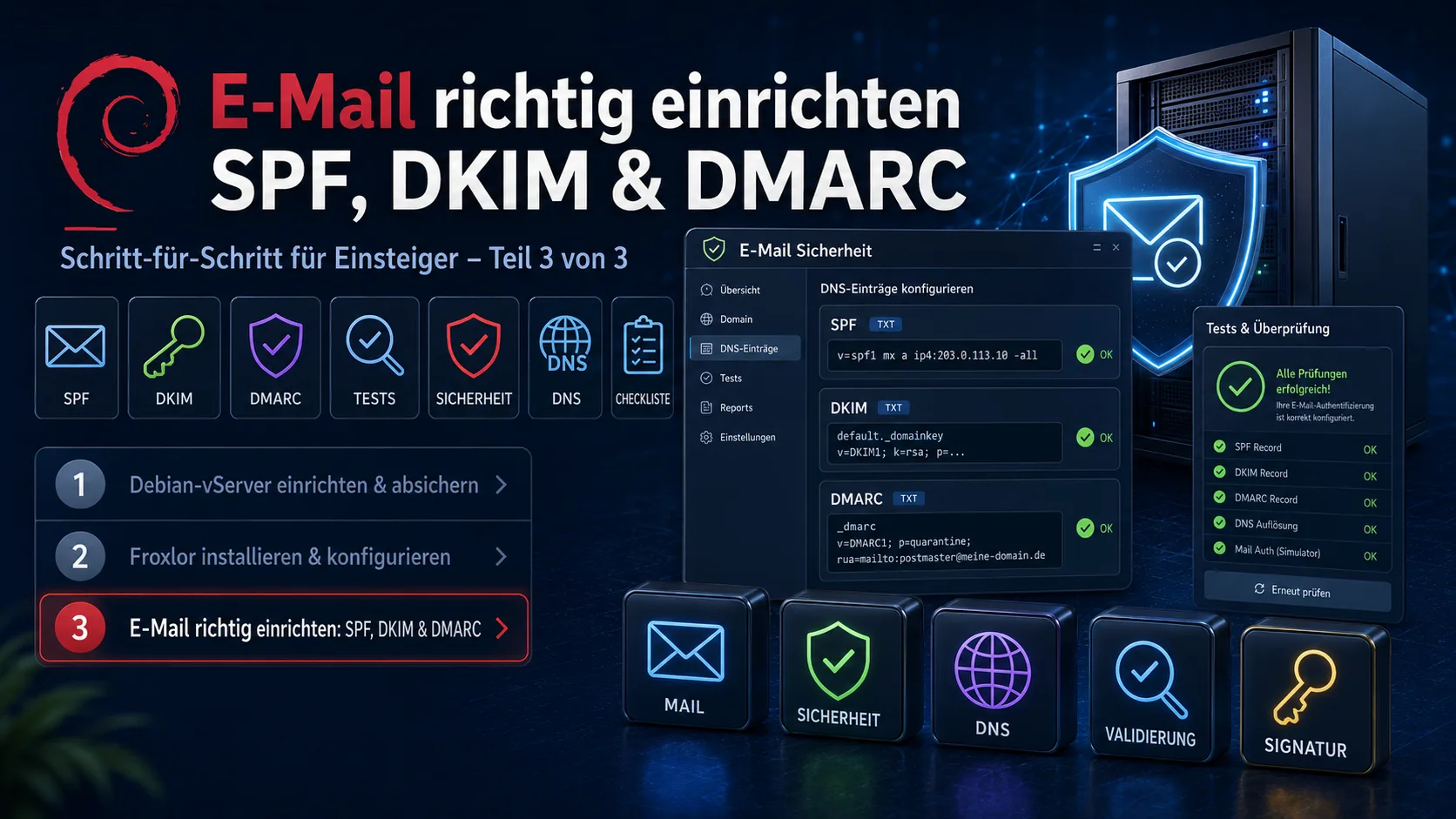
Set up email correctly: SPF, DKIM and DMARC for beginners (Part 3 of 3)
Part 3 of the series „Your own server – from zero to secure": set up SPF, DKIM and DMARC so your emails arrive instead of landing in spam. With DNS records, DKIM signing via OpenDKIM on your own server, the right order (p=none first) and free test tools – all ready to copy.
 Tech & Servers
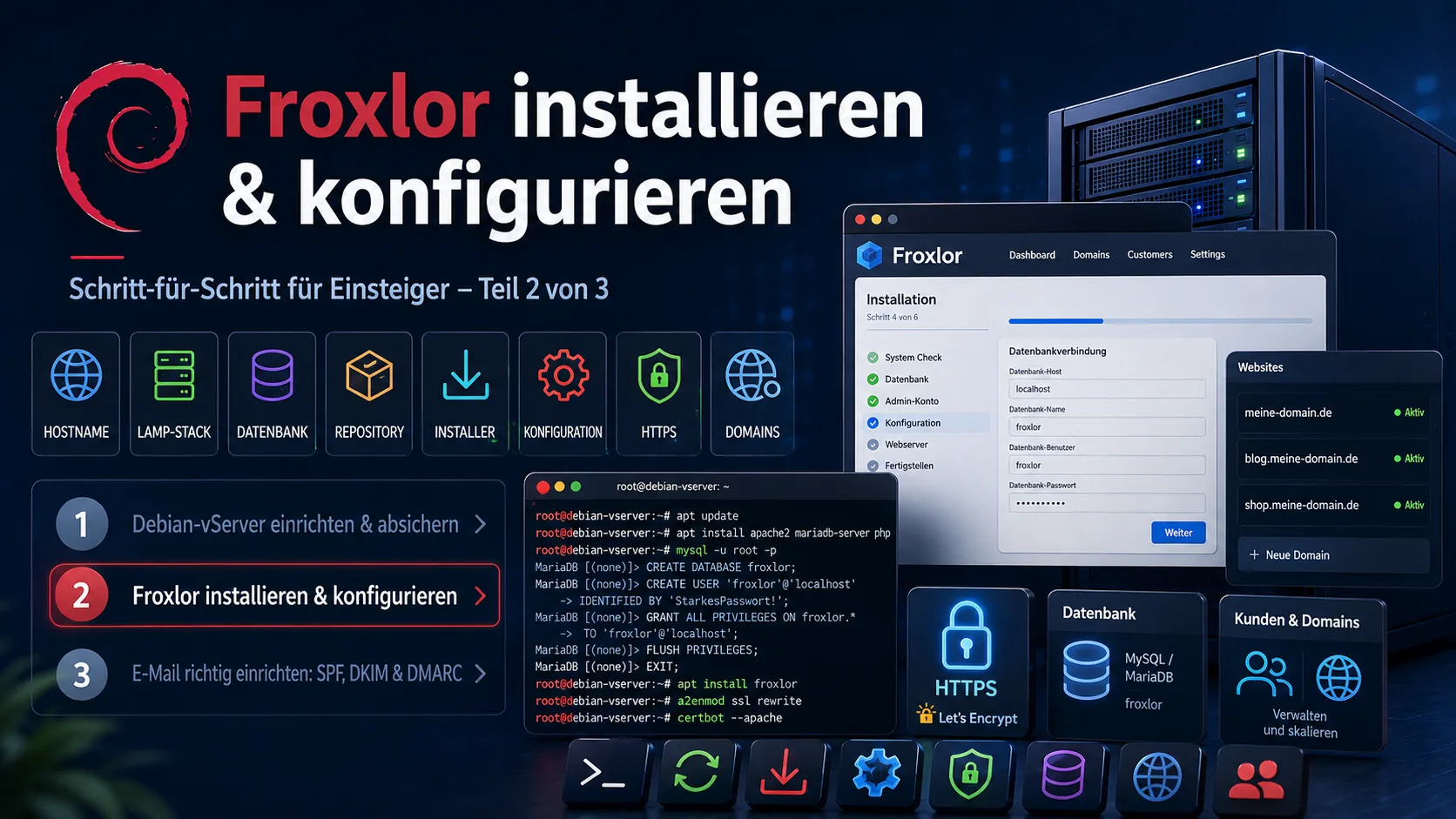
Install and configure Froxlor: a beginner's step-by-step guide (Part 2 of 3)
Part 2 of the series „Your own server – from zero to secure": install Froxlor as a free server panel on Debian 12 – from the LAMP stack via the repository install and the web installer to applying the configurations and HTTPS via Let's Encrypt. Incl. subchapters on common problems (cron, Let's Encrypt) with copy-paste commands.