Why a professional invoice template is indispensable
Every entrepreneur, freelancer and self-employed person knows the situation: an order has been completed, the work is done - now all that remains is to write the invoice. But this is exactly where most mistakes happen. Missing mandatory information, an incorrect invoice number or a forgotten tax rate can lead to the tax office not recognising the invoice or the customer losing their input tax deduction.
A good invoice template helps, as it contains the most important mandatory fields in the right place and reduces the risk of forgetting something. In this guide, you will learn everything you need to know about invoice templates - from the legal requirements and the various formats to the question of whether a template is really sufficient or whether invoice software is the better choice.
A template stops working the moment orders come in from a shop: for Shopify sellers the way is an import that creates the invoices automatically, see Creating invoices for Shopify.
If you want to write invoices with all mandatory details in a few minutes, you can try the invoicing software Easy Invoice free for 10 days.
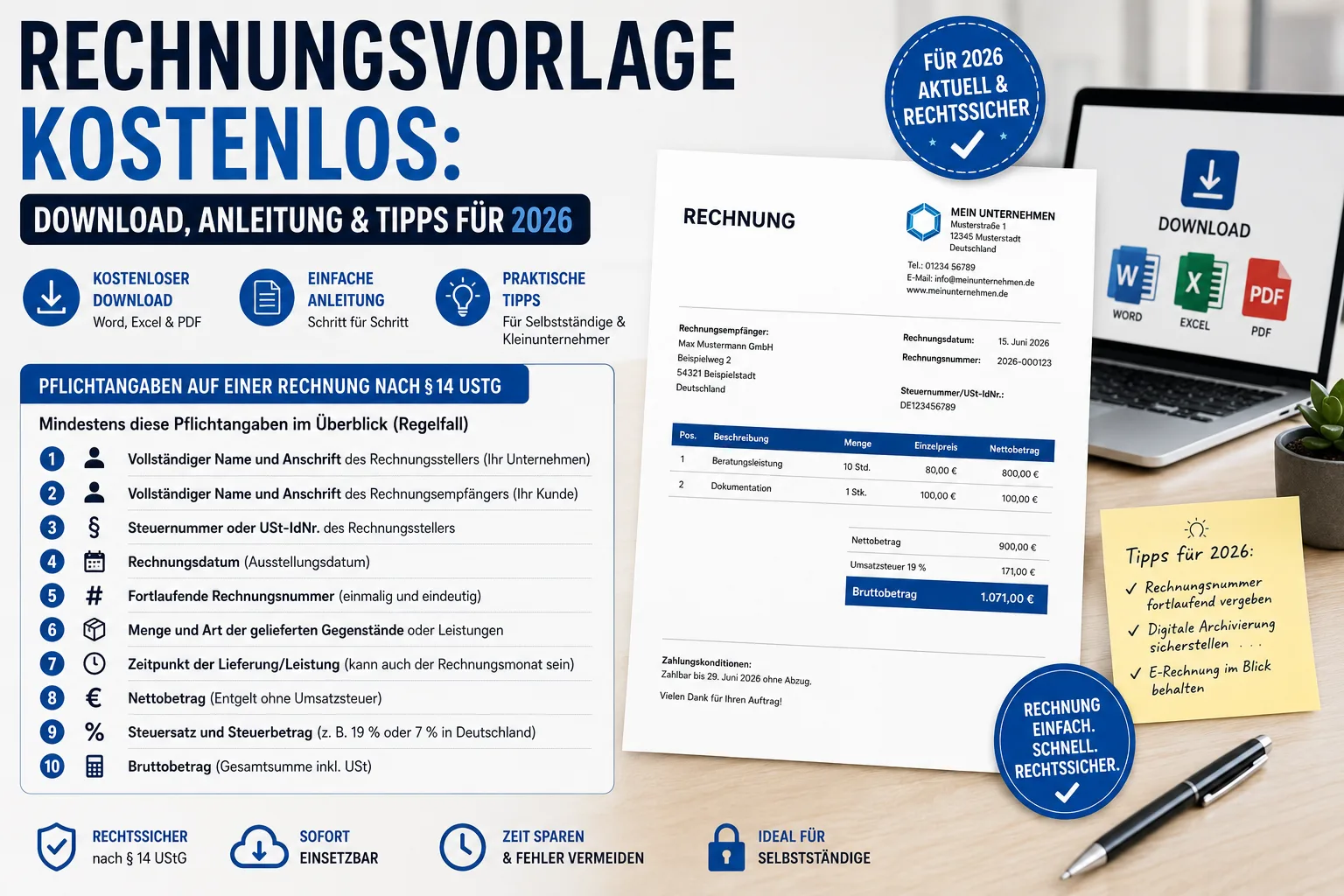
Mandatory information on an invoice according to § 14 UStG
Before we talk about templates, we need to clarify what legally belongs on an invoice. Whether it's a Word document, Excel spreadsheet or online tool - the basic obligations are the same. Depending on the case, additional information is added (e.g. tax exemption, reverse charge, intra-Community supply).
At least these mandatory details at a glance (as a rule)
- Full name and address of the invoicing party (your company)
- Full name and address of the invoice recipient (your customer)
- Tax number or VAT number of the invoicing party
- Invoice date (date of issue)
5 Consecutive invoice number (unique and unambiguous)
- Quantity and type of goods or services supplied
- Time of delivery/service (can also be the calendar month in which the delivery or service took place, Section 31(4) UStDV)
- net amount** (payment without VAT)
- Tax rate and tax amount (e.g. 19% or 7% in Germany)
- Gross amount (total amount incl. VAT)
Additionally, depending on the case: e.g. reference to tax exemption (if tax-free), reference to reverse charge, reference to intra-Community deliveries, as well as information on pre-agreed reductions in payment (e.g. cash discount/rebate), if relevant.
Note special cases
- Small-value invoices (up to €250 gross): Simplified information is sufficient - as a rule no invoice number and no recipient name** required; however, the issuer, date, service description, total amount and tax details must be included.
- Small business regulation (§ 19 UStG): Do not show sales tax, instead note: "According to § 19 UStG no sales tax will be charged. ".
- Intra-Community deliveries** (EU): VAT ID no. of both parties + reference to tax exemption (usually)
- Reverse charge procedure**: Note "Tax liability of the recipient of the service "
Important: Since 2025, new limits for the small business regulation apply: €25,000 previous year's turnover and €100,000 current year.
The following also applies: Since 1 January 2025, companies in Germany must be able to receive E-invoices (B2B domestic). The obligation to issue/dispatch will be introduced gradually with transitional periods (see "E-invoicing" section).
Invoice template: A comparison of the different formats
There are basically four ways to create an invoice. Each format has advantages and disadvantages.
1. Word template (.docx)
Advantages:
- Easy to edit, almost everyone has Word
- Layout can be freely designed (logo, colours, fonts)
- Quickly customisable for different customers
Disadvantages:
- No automatic calculation - totals must be calculated manually
- No automatic consecutive invoice number - you have to count yourself
- Prone to errors - typos in amounts, forgotten fields
- Archiving: Traceable storage in line with the GoBD requires a suitable system/process
- Generally unsuitable for structured e-invoices** - Word does not generate an EN-16931-compliant data format
2nd Excel template (.xlsx)
Advantages:
- Automatic calculation of net, VAT and gross
- Formulas for item totals and total amount
- Simple adjustment of tax rates
Disadvantages:
- Unprofessional appearance - Excel tables rarely look good (without effort)
- Print layout difficult - page breaks, margins, logo positioning
- No automatic number assignment - manual incrementing (without macros/logic)
- No audit-proof archiving** without a suitable system/process
- Generally unsuitable for structured e-invoices**
Important "Word/Excel may still be possible as other invoices during the transition period, but are often criticised by the tax authorities because they can be edited or because the e-invoice obligation applies. E-invoices or at least PDF/A + audit-proof archiving are more secure. The document must not be editable, which is difficult in this format. It is not a format that can be recommended."
3. PDF template
Advantages:
- Professional, standardised layout
- Cannot be changed accidentally (in everyday life)
- Universally readable on all devices
Disadvantages:
- Not directly editable - PDF editors are often expensive or cumbersome
- No calculations - everything manual (without form logic)
- No workflow - each invoice must be created individually
- Not automatically an e-invoice: A normal PDF is not a structured e-invoice (exception: ZUGFeRD with embedded XML)
4. online invoice software
Advantages:
- Many things automatic: Number assignment, calculation, templates, customer management
- Professional design without design knowledge
- Functions that help you meet the GoBD requirements (depending on provider and setup) and logging
- E-invoice-ready** (XRechnung, ZUGFeRD) depending on product
- Can be used from anywhere** (cloud)
- Optional: Dunning, export, analyses
Disadvantages:
- Monthly costs (although many tools offer free entry-level tariffs)
Step-by-step: How to create an invoice with a template
If you decide in favour of a template, proceed as follows:
Step 1: Prepare template
Open your template and enter your master data:
- Company name and legal form
- Complete address
- Tax number or VAT ID no.
- Bank details (IBAN, BIC, bank name)
- Contact details (telephone, e-mail, website)
- Optional: Logo and company colours
Step 2: Enter customer data
- Full company name or name of the customer
- Address (street, postcode, town)
- For B2B: VAT ID no. of the customer (for EU transactions)
Step 3: Invoice details
- Invoice number**: Consecutive and unique (e.g. RE-2026-001)
- Invoice date: The date of issue
- Service date/period**: When was the service provided? (if applicable, the calendar month of the service)
Step 4: List items
For each item:
- Description of the service or product
- Quantity and unit (pieces, hours, flat rate)
- Unit price (net)
- Total price of the item
Step 5: Calculate totals block
- Subtotal** (net of all items)
- Sales tax** (e.g. 19 % or 7 %)
- Total amount** (gross)
- Optional: Discount note or rebate (if agreed)
Step 6: Payment information
- Payment term (e.g. "Payable within 14 days")
- Bank details
- Optional: QR code for bank transfer
Step 7: Save and send
- Export as PDF or print
- Send by e-mail
- Archive copy (generally 8 years** under tax law; shortened since 2025)
The 8 most common mistakes with invoice templates
We know from practical experience which errors occur most frequently - and which of them can be expensive.
1. missing or duplicate invoice number
The invoice number must be unique and continuously traceable in practice. When using templates, you must ensure that no duplicate numbers are assigned.
2. incorrect or missing tax rate
Not all services are subject to the same tax rate. Books and many foodstuffs have 7 %, most services 19 %. Mixed invoices with different tax rates are particularly prone to errors in templates.
3. service date forgotten
The service date is a mandatory entry. Many people think that the invoice date is sufficient. This is only true if the delivery/service date is identical and this is clearly stated accordingly (e.g. "Service date corresponds to invoice date"). According to the tax authorities, this sentence is only sufficient on paper and PDF invoices. In an e-invoice, the date belongs in the structured data format (section 14.5 (16) of the German VAT Application Decree, UStAE). How to state the date of supply correctly, including for a period, is explained in a separate article.
4. incorrect customer address
For B2B invoices, the exact company name including legal form must be correct. "Müller GmbH" instead of "Hans Müller GmbH & Co. KG" can lead to queries or the need for corrections.
5. rounding errors
Excel formulas sometimes round differently than expected. A difference of one cent between individual items and the total is noticeable and can lead to unnecessary queries in practice.
6. no audit-proof archiving
For tax purposes, invoices must be stored completely, correctly, in a timely, organised and traceable manner. A Word file on the desktop is usually not sufficient for this - changes must be excluded or fully traceable (process/archiving system).
7 Missing small business notice
Small businesses according to § 19 UStG are not allowed to show VAT. Anyone who nevertheless declares VAT may owe it to the tax office under certain circumstances - even though they are not actually allowed to charge VAT.
8. not e-invoice-ready
Since 01.01.2025, companies in Germany must be able to receive B2B e-invoices (domestic). Transitional periods apply to shipping/issuing: "other invoices" are still permitted until the end of 2026; for ≤ €800,000 turnover in the previous year typically until the end of 2027. Structured e-invoices will become standard in the B2B sector after this date at the latest. Word and Excel templates do not fulfil this requirement.
Invoice template vs. invoice software: Which is worthwhile?
A free template may be enough to start with. But from a certain number of invoices per month, the disadvantages clearly outweigh the advantages.
When a template is sufficient
- You write fewer than 5 invoices per month
- Your invoices always have the same structure
- You have only one tax rate
- You are a small business (no VAT calculation necessary)
When invoice software is the better choice
- You write invoices regularly (more than 5/month)
- You have different tax rates or international customers
- You need consecutive invoice numbers without manual counting
- You want to archive properly (GoBD process/archiving system)
- You want to save time (reuse customer data, copy items)
- You need to receive e-invoices (since 2025) and issue them in the medium term
- You want to track incoming payments and send automatic reminders
Tip: Easy Invoice offers a free entry-level tariff with all important functions - including e-invoicing, automatic number assignment and archive/export functions (depending on tariff/setup).
Assign invoice numbers correctly
A frequent problem with templates is the invoice number assignment. The tax office requires a unique number for each invoice - a specific format is not prescribed.
Common formats
| format | example | advantage |
|---|---|---|
| Consecutive | 001, 002, 003 | Simple |
| With year | 2026-001 | Yearly overview |
| With prefix | RE-2026-001 | Clearly recognisable as an invoice |
| With customer abbreviation | RE-MUE-2026-001 | Customer allocation |
Important: Individual gaps (e.g. cancelled invoice) are not automatically inadmissible, but should be justifiable and clearly documented.
Set payment terms and deadlines correctly
Although the payment term is not a mandatory item of information, it is important for business and should appear on every invoice.
Usual payment terms
- Immediately due: "Payable on receipt of invoice"
- 7 days: Usual for small amounts
- 14 days**: Standard for medium-sized companies
- 30 days**: Usual for larger companies
Cash discount as an incentive
Many companies offer discounts for fast payment:
"We grant a 2% discount for payment within 7 days. Payment term: 30 days net. ".
Discounts should be clearly stated so that the recipient can apply them correctly.
E-bill: What you need to know from 2026/2027
The e-bill is coming - and will make traditional templates less useful in the long term.
Timetable Germany (B2B domestic, simplified)
- From 01.01.2025: Companies must be able to receive E-invoices**.
- Transitional phase 2025-2026: issue can continue as "other invoice" (e.g. PDF).
- From 01/01/2027: For companies with > €800,000 turnover in the previous year, issuing** structured e-invoices will become the norm.
- From 01/01/2028: issue** for all companies in the B2B sector (after expiry of the transition periods).
Note: Details/individual cases depend on the specific transaction and the statutory transitional provisions.
What is an e-invoice?
An e-invoice is not a PDF by e-mail! It is a structured, machine-readable data format in accordance with EN 16931. Common formats in Germany are
- XRechnung: Pure XML format (especially in public procurement)
- ZUGFeRD: PDF with embedded XML** (hybrid format)
Word, Excel and simple PDF templates cannot generate EN-16931-compliant e-invoice data. For this, you need invoice software that supports the format.
Frequently asked questions (FAQ)
Do I have to write an invoice as a small business owner?
Yes, small businesses are also obliged to issue invoices. The difference is that they do not charge VAT and must include a reference to Section 19 UStG.
How long do I have to keep invoices?
Under tax law, generally 8 years (shortened since 2025), in each case from the end of the calendar year of issue. Example: An invoice from March 2026 must be kept at least until 31 December 2034.
Can I send an invoice by e-mail?
Yes, this is common practice and legal. In the B2B sector, structured e-invoicing is gradually becoming the standard; transitional periods apply (see section "E-invoicing").
What happens if my invoice is incorrect?
An incorrect invoice is not automatically invalid. It should be corrected by a correction invoice (e.g. cancellation invoice + new invoice, depending on the case). The recipient may not be able to claim input tax deduction until the correction has been made.
Do I need invoicing software as a freelancer?
Not necessarily - a template is sufficient for a small number of invoices. But as soon as you write more invoices, software often saves time and reduces typical errors (numbers, tax rates, archiving, e-invoices).
Is a Word invoice GoBD-compliant?
Not "automatically". The requirements mainly concern retention and traceability. A Word document can be changed; you should therefore at least export it as a PDF and store it in a suitable archive/DMS system or process so that it can be audited or traced.
Conclusion: Template for the start, software for everyday use
A free invoice template is a good starting point - especially for start-ups, freelancers and small businesses that only write a few invoices per month. It helps you not to forget the mandatory information and gives the invoice a professional look.
However, the limitations of templates quickly become apparent: no automatic number assignment, no calculations (with Word), no clean archiving without a system/process and, as a rule, no option to generate structured e-invoices. With e-invoicing in the B2B sector at the latest (receipt since 2025, issue after transitional periods), there is no way around invoice software for many.
With Easy Invoice you can get started immediately and free of charge - with professional invoice design, automatic number assignment, customer management and e-invoice support (depending on tariff/setup). This saves you time, avoids errors and equips you for the future.
Try Easy Invoice free for 10 days — no payment details, the trial ends by itself.
Handle invoices more easily
Easy Invoice combines quotes, invoices and customer management in the cloud.
Try Easy InvoiceRead next
 Invoicing & Accounting
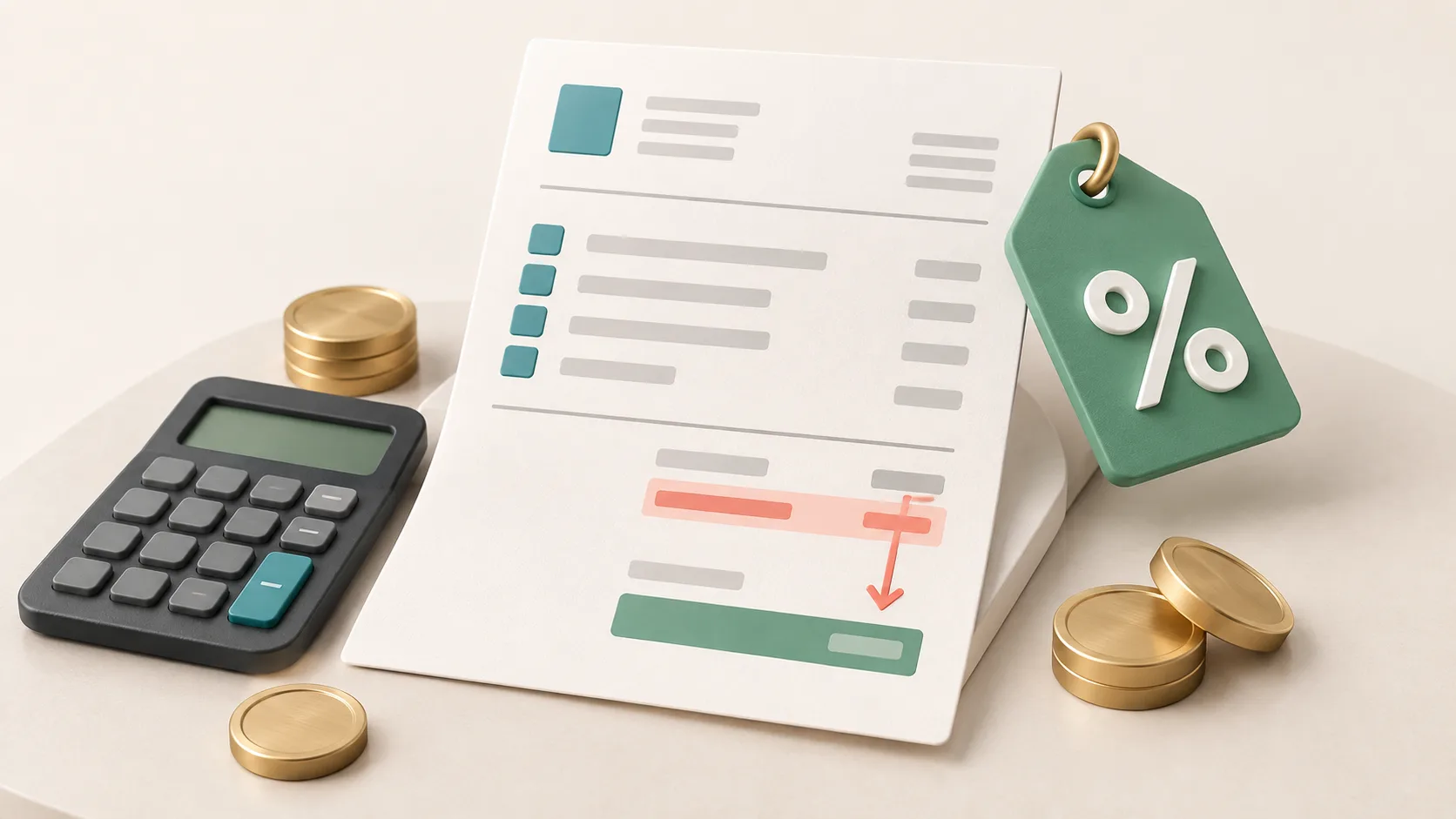
Showing a discount on an invoice in Germany: template, VAT, example
A discount is deducted from the net amount, and VAT is calculated afterwards. Here are two templates to copy, the rules for discount codes and vouchers, and what applies if you grant the reduction only after the invoice.
 Invoicing & Accounting
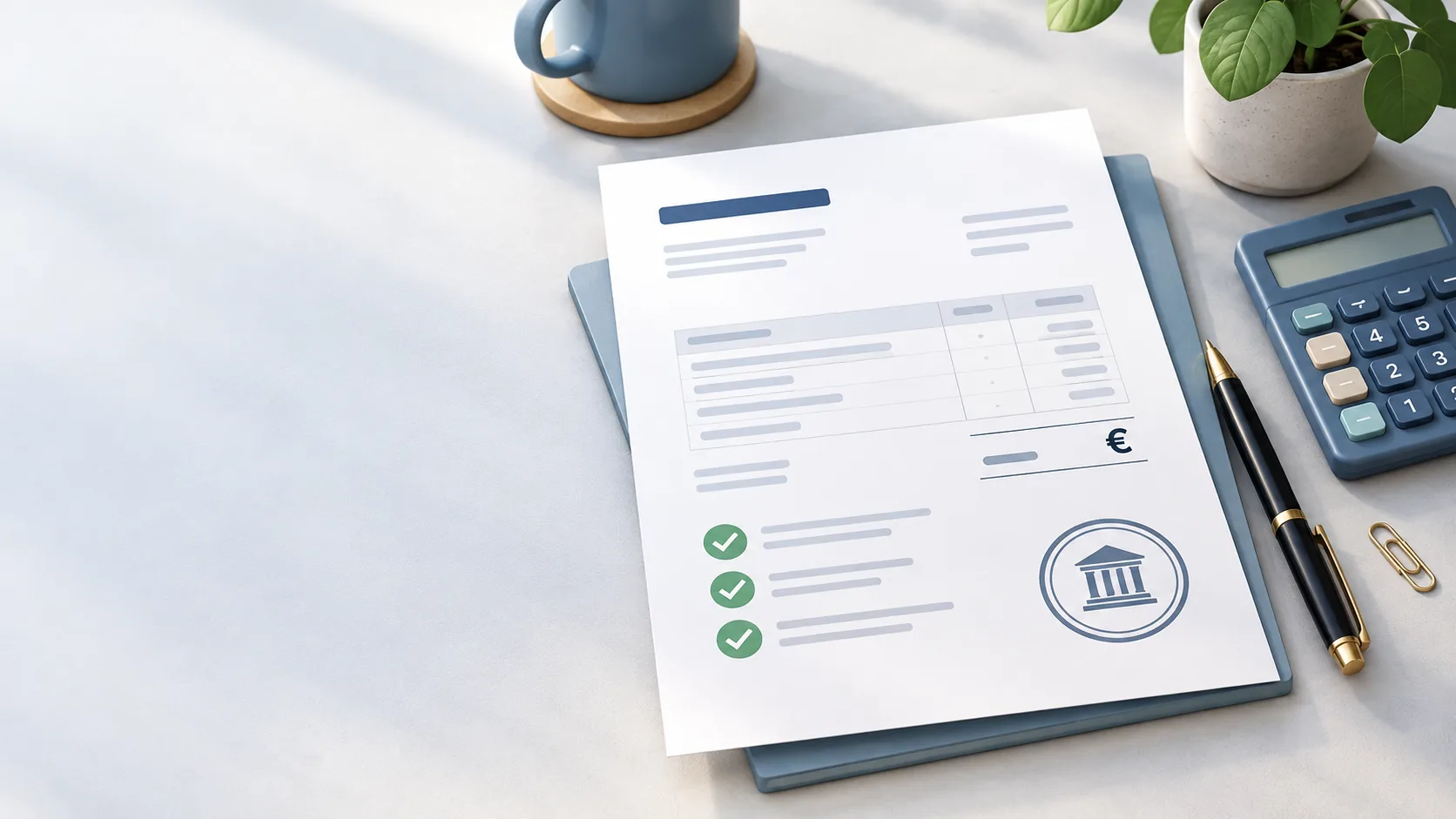
Freelancer invoices in Germany: template, required details, VAT
As a freelancer (Freiberufler) in Germany, you write invoices without registering a trade, but with the same mandatory details as any business. One question decides: do you add VAT or not? Here you find the answer for your case and a template for each of the three cases.
 Invoicing & Accounting
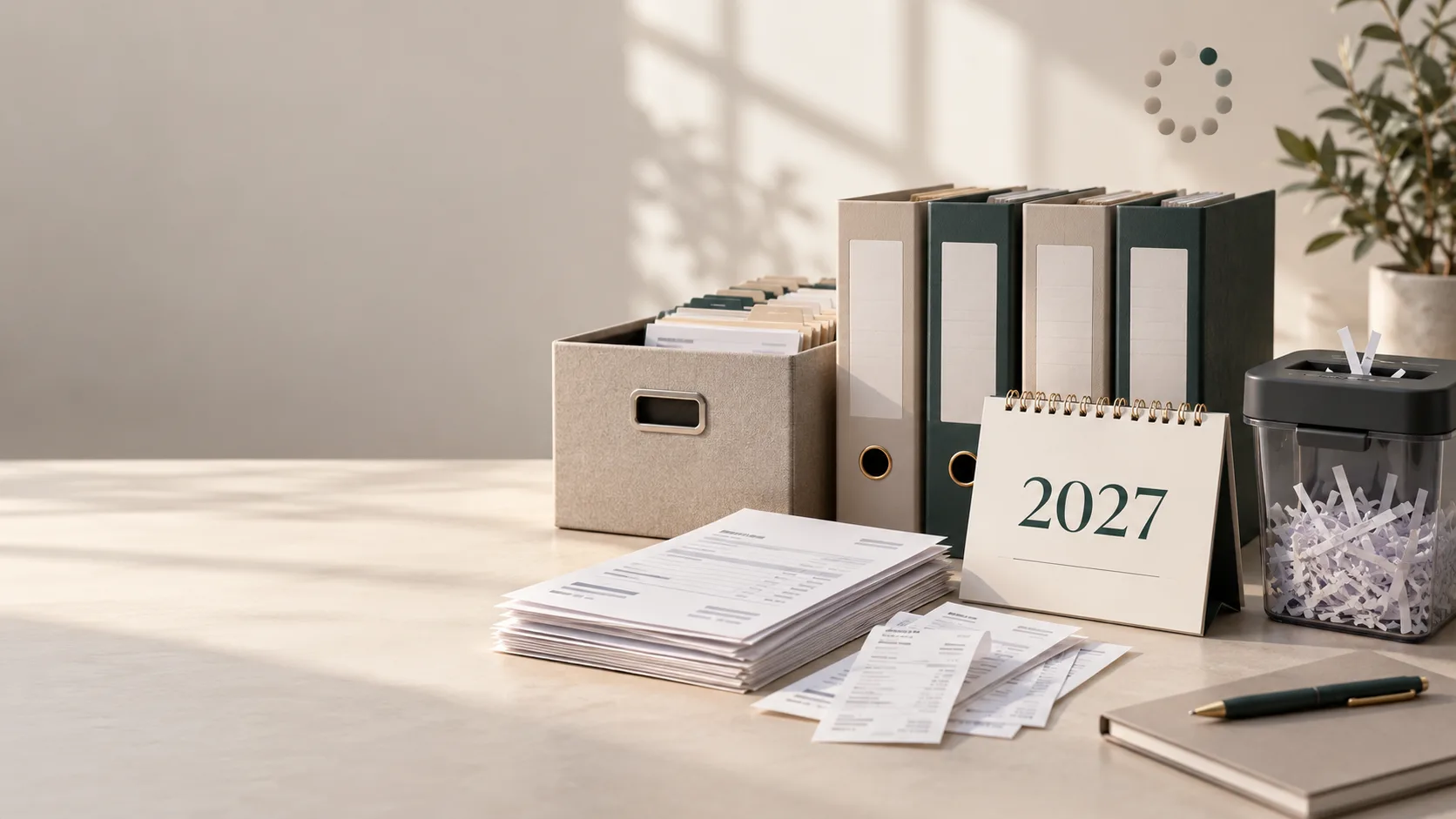
Retention periods 2026: invoices, receipts and what may go in 2027
Since 2025, eight instead of ten years have applied to invoices and other accounting vouchers (Buchungsbelege). The table shows all periods, when they start, when they run longer and which folders you may clear out at the start of 2027.