
Managing incoming invoices – no folders, no searching
Tired of searching for incoming invoices in folders and mailboxes? In Easy Invoice you record every supplier invoice with receipt, category and payment status – right where your outgoing invoices already are.
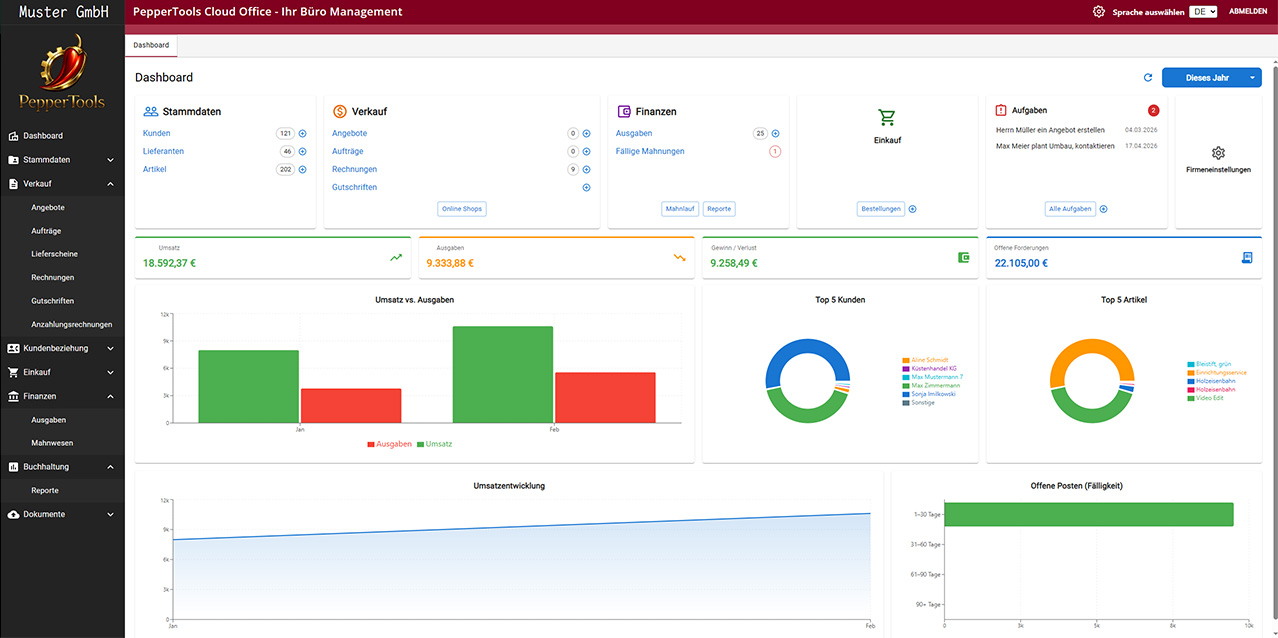
Every invoice found in seconds
Supplier, date, amount, category, receipt – recorded once, found again in seconds. No leafing through folders, no searching the mailbox when your tax adviser or the tax office asks.
Payment status instead of gut feeling
You see which supplier invoice is paid and which is still due – and miss neither early-payment discounts nor payment deadlines.
Received e-invoices readable
More and more suppliers send XRechnung or ZUGFeRD. Easy Invoice shows the data readably – you do not have to decipher XML.
How you manage incoming invoices in Easy Invoice
Record with receipt and category
Create the incoming invoice, attach the PDF or a photo of the receipt, choose category and tax rate, assign the supplier – done. Its own number range keeps everything consecutive.
Suppliers and purchase orders in context
Every incoming invoice hangs on the supplier – together with purchase orders and earlier invoices. You see the complete business relationship in one place.
More about purchase orders →Expenses analysed, DATEV-ready
Your incoming invoices flow into the expense reports and go to your tax adviser in a structured way via DATEV export – together with your revenue.
More about accounting →Frequently asked questions about managing incoming invoices
For accounting documents in Germany a retention period of eight years generally applies since 2025. The details – including digital filing – are explained in our guide "Managing incoming invoices"; this is not tax advice.
No more shoebox – incoming invoices in one place.