
Quote and invoice software: one workflow instead of retyping
Looking for software for quotes AND invoices? In Easy Invoice both are one workflow: one click turns the quote into the order, the delivery note and the invoice – line items and prices travel along, nothing is typed twice.
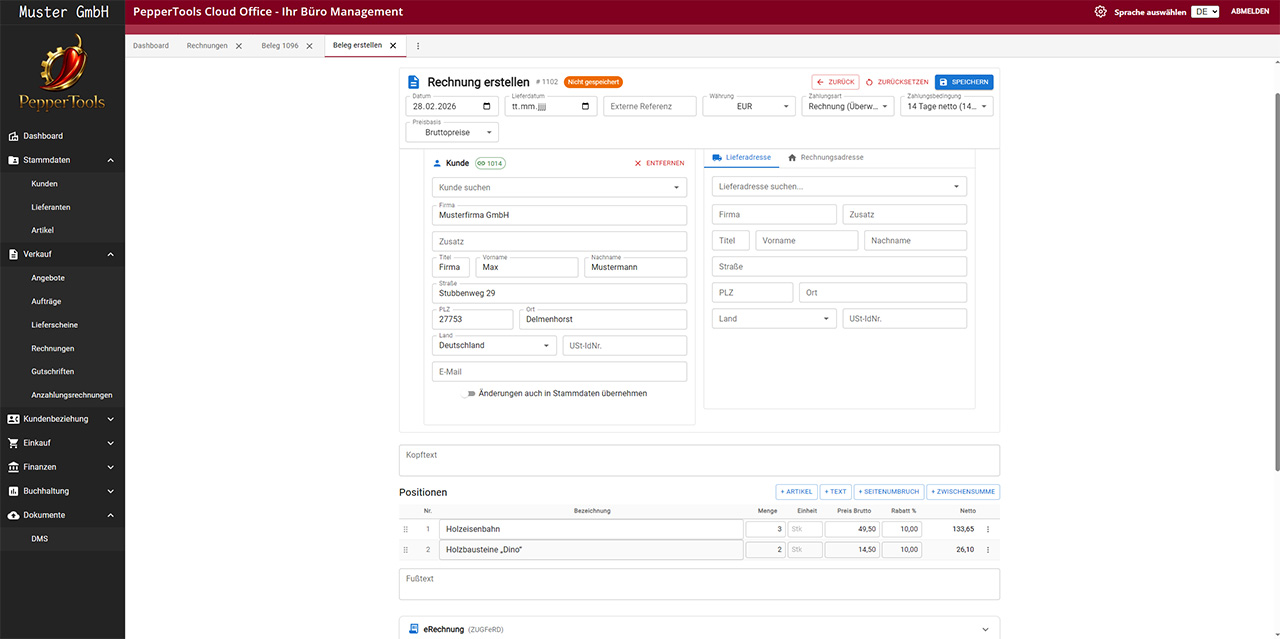
Never retype line items again
The most common error with separate programs: between quote and invoice a number changes while retyping – and the customer notices first. Here line items, prices and customer data move automatically from document to document.
Quotes that go out faster
Customers and products come from master data, the quote number is assigned by the program, the validity date is added automatically. A quote reaches the customer in minutes – often the difference between winning and losing the job.
Every acceptance is documented cleanly
The accepted quote becomes the order with an order confirmation. What was agreed is recorded – the basis nobody renegotiates later.
The workflow: quote → order → delivery note → invoice
Step 1: create the quote
Line items from the product catalogue, your own texts, options below the total, validity date – ready as a PDF, sent by email. Also with a progress-payment agreement for longer projects.
Guide: what belongs in a good quote →Step 2: accepted? One click to the order
The customer says yes, you click "Convert to order" – order confirmation included. If the customer changes something (only two of three items, a different date), you adjust the order while the quote stays documented unchanged.
Guide: using order confirmations properly →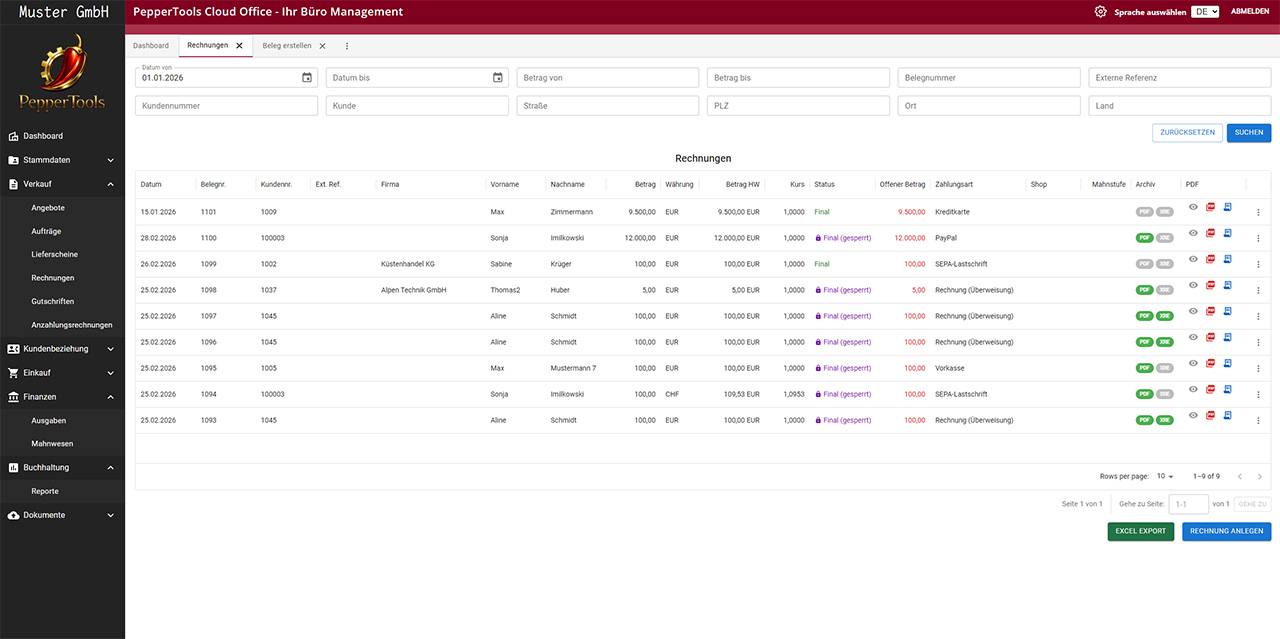
Step 3: delivery note and invoice
The order becomes the delivery note, the delivery note becomes the invoice – as an e-invoice (XRechnung/ZUGFeRD) if you like. Every line item keeps its origin: you can always see which invoice line came from which quote.
For projects: progress and final invoices
On longer jobs you issue progress invoices and, at the end, the final invoice with all progress payments deducted automatically – including correct VAT per tax rate.
When the customer hesitates: overview instead of sticky notes
Open quotes with expiry dates at a glance – you see where a follow-up pays off before the validity runs out. And if payment stays out after the invoice, the dunning feature takes over.
More about dunning →All prices are net prices plus statutory VAT. Offer exclusively for businesses, traders and self-employed professionals.

Standard
19,99 €/ month
Business
39,99 €/ month
Just started a business?Get 6 months free.
Send us your business registration by ticket or email. From the start date on that registration you use Easy Invoice free of charge for 6 months in a dedicated founder plan.
There is no legal entitlement. We check every request and reserve the right to exclude customers.
Frequently asked questions about the quote and invoice software
Yes, that is the core of the program: quote → order → delivery note → invoice with one click. You can skip intermediate steps – the quote can become the invoice directly.
From quote to paid invoice – without retyping once.