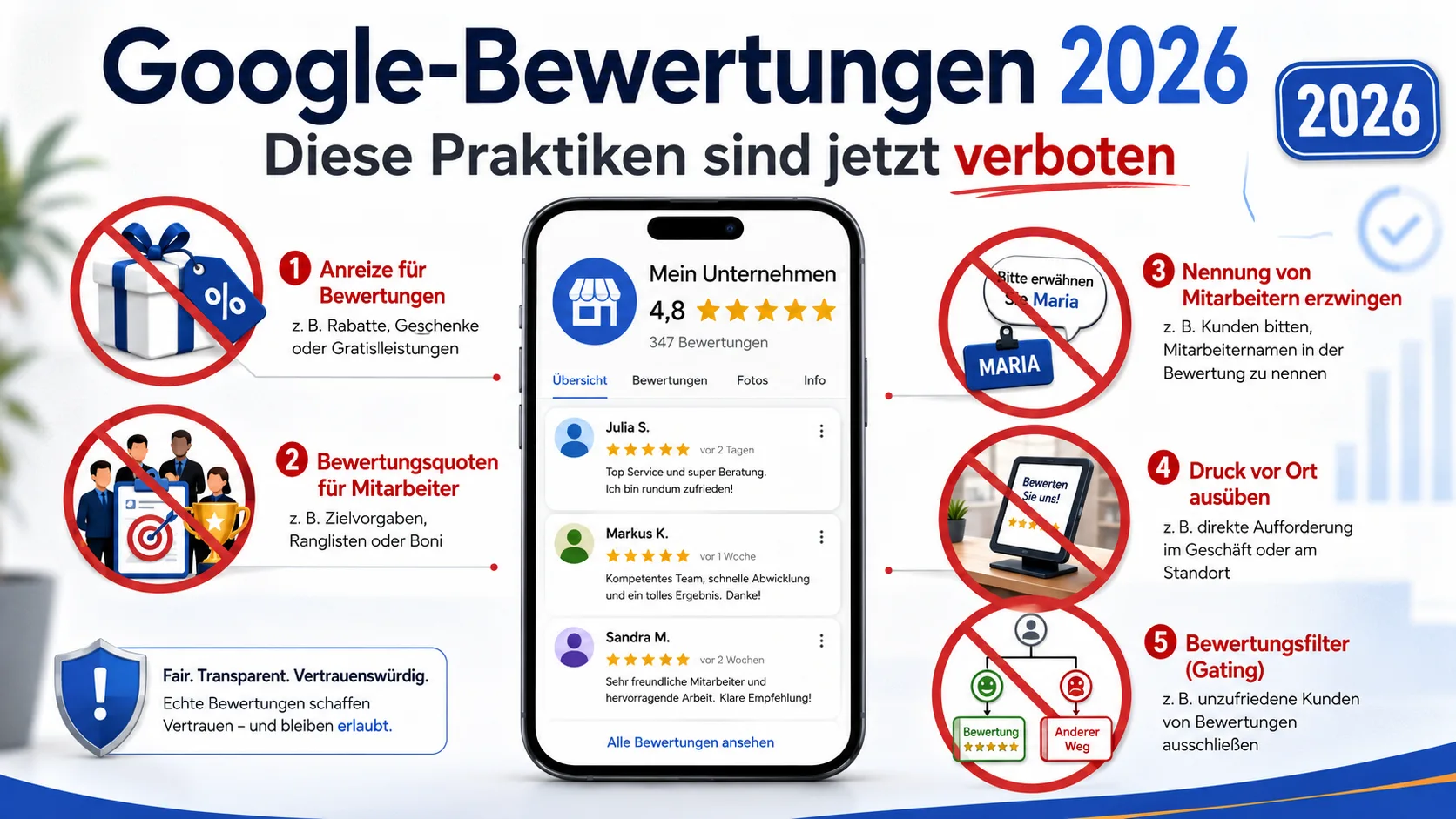
Google Reviews 2026: These Practices Are Now Banned
In April 2026, Google tightened the rules for reviews on Business Profiles. Things many self-employed people have done for years can now lead to reviews being removed or your profile being temporarily restricted. This post shows you exactly what is no longer allowed — and how you can still collect honest reviews on a regular basis.
Table of Contents
- What Google changed in April 2026
- These 5 practices are now banned
- What is still allowed
- What happens if you break the rules
- Practical example: A salon with a review tablet
- How to adjust your review strategy now
- Frequently asked questions
- Conclusion
- Sources
What Google changed in April 2026
On 16 and 17 April 2026, Google overhauled its Business Profile review guidelines in two steps. The substance was about reviews: which requests are acceptable, what counts as manipulation? At the same time, Google switched its detection models — according to Google, they now run on Gemini, the company's large language model. Repetitive patterns, identical wording or suspicious waves of reviews are detected automatically and removed, often with no notice to you as the profile owner.
This is not cosmetic. The official Google help page on "Prohibited and restricted content" was extended with concrete examples, and the list of possible profile restrictions is clearer. For you, that means: things that used to sit in a grey zone are now clearly banned.
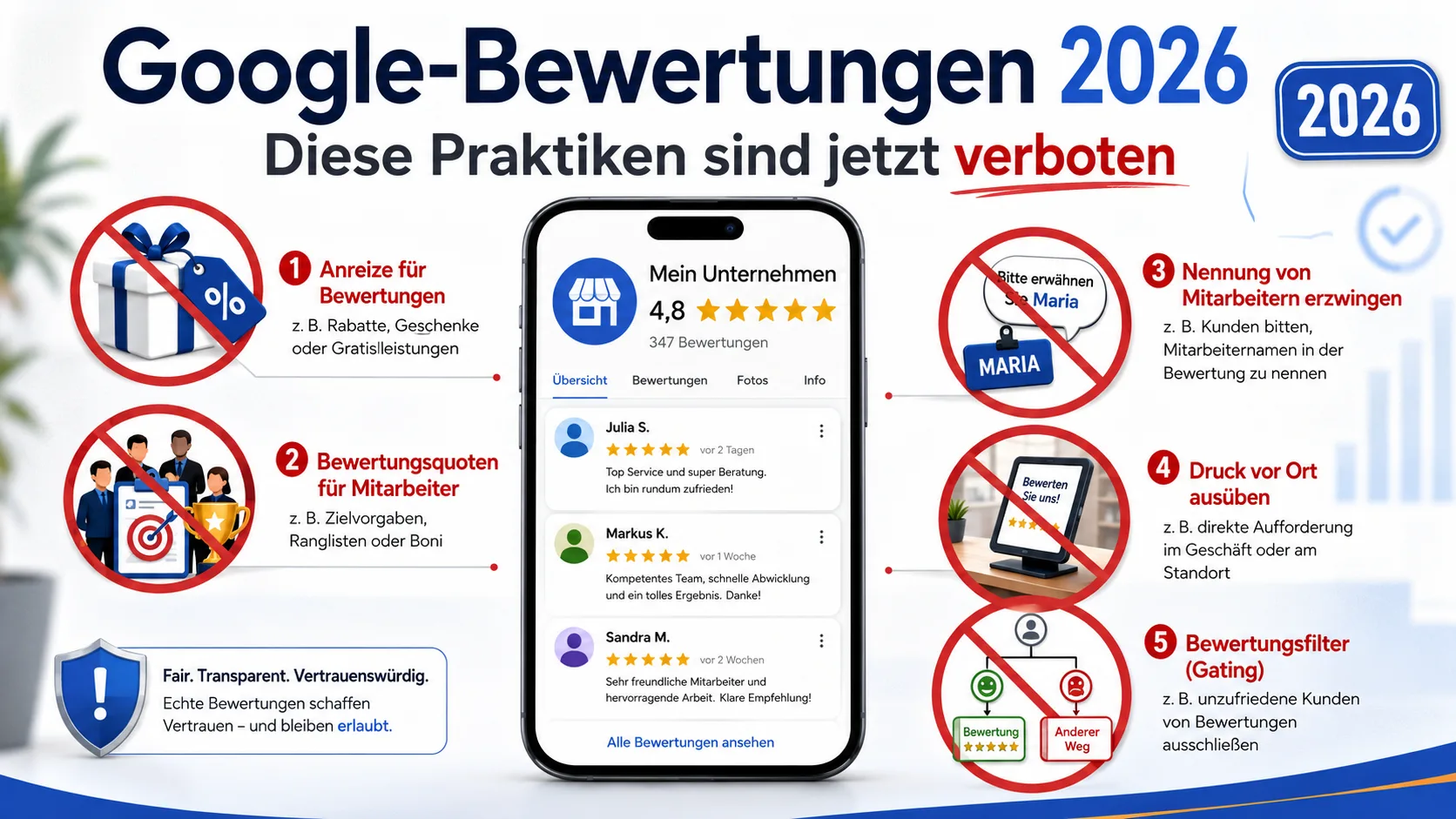
These 5 practices are now banned
The most important new or sharpened bans at a glance:
1. Reviews in exchange for incentives
Discounts, free products, loyalty points, raffles or small gifts "for a quick 5-star review" are off the table — even when you don't explicitly ask for a positive review. The ban also applies when you offer something to an unhappy customer so they change or delete a bad review.
2. Review quotas for staff
If you have employees, you cannot tell them how many reviews they have to "bring in". Bonuses, commissions or contests along the lines of "whoever collects the most Google reviews wins…" also fall under the ban. Google has made this explicit in the updated policy.
3. Pushing staff names into reviews
Asking customers to mention the hairdresser's, technician's or consultant's first name in the review ("please write that Sarah helped you") now explicitly counts as impermissible content direction. If a customer mentions the name on their own, that's fine, of course.
4. Pressure on premises
Tablets or kiosks at the entrance, where customers are "invited" to leave a review right after their appointment, are no longer acceptable in that form. Google sees an immediate on-site prompt as inappropriate pressure. Shared devices used by many customers in a row are also a suspicious pattern on their own.
5. Review gating
This means: asking customers in advance whether they are happy, then steering only the happy ones to Google while redirecting unhappy ones to an internal feedback form. The practice has been problematic for a while but is now clearly marked as a Fake Engagement violation.
What is still allowed
The good news: you may still actively ask for reviews. Permitted, for example:
- A friendly request for a review by email or SMS after the service is complete
- A link or QR code on the invoice, the quote or the delivery note
- A business card with a QR code linking to your profile
- A short reminder at the end of a phone call or appointment that you would welcome honest feedback
- Standardised templates for the request — as long as they don't dictate content and don't promise incentives
The rule of thumb: you may ask, but you may neither steer what is written nor pay for it to be written. See our guide Collecting customer reviews 2026: a legally compliant guide for more on lawful collection.
What happens if you break the rules
When Google's detection models see suspicious patterns on your profile, the response is usually staged:
- Individual reviews are removed without warning. You only notice it by a sudden drop in your review count.
- After repeated red flags, the profile may temporarily lose the ability to receive new reviews.
- In the worst case, existing reviews are hidden for a set period and visitors see a public notice on the profile explaining that suspicious activity was detected.
- Rating manipulation violations can, according to Google, lead to a profile suspension.
What does that mean for you? In the worst case, you don't just lose the questionable reviews but also the honest ones caught in the same cluster — and the public notice is visible to every potential customer.
Practical example: A salon with a review tablet
Picture a small salon. Until now, there was a tablet at the till and customers were asked to leave a review right after paying. Anyone who left a 5-star review naming the stylist received a five-euro care voucher. Three problems after the April 2026 update:
- Tablet on premises: pressure practice, no longer acceptable.
- Naming required: content direction, also banned.
- Voucher as an incentive: clear violation of the incentive ban.
Here is how to fix this without giving up the review strategy: the salon sends a short SMS in the evening after the appointment, with a review link, no bonus, no instruction about the stylist. If the appointment is billed through invoicing software, the link can be printed on the invoice. The result: fewer reviews per week, but more stable ones, because they don't get caught by the filter.
How to adjust your review strategy now
Four concrete steps for the next few days:
- Drop the incentives. Audit every channel — newsletter, receipts, waiting-room flyer — and remove any mention of discounts or gifts for reviews.
- Defuse review scripts. If you use templates for review requests, remove any specific content instructions ("please mention X"). "We'd appreciate honest feedback" is enough.
- Rethink on-site devices. If you use a tablet or kiosk for reviews, move the request to follow-up communication by email or SMS — delayed, not on premises right after payment.
- Embed the review link in the document workflow. Every invoice or order confirmation can carry a subtle line: "Happy with the service? A review would mean a lot to us: [link]". No quotas and no on-premises issue. With PepperTools, you can put a fixed review link into your invoice and quote templates.
If you are just starting out with a Google Business Profile as a local service provider, our practical guide for tradespeople covers the basics.
Frequently asked questions
Can I still ask customers for a review by email?
Yes. A friendly request by email, SMS or letter remains allowed — as long as you don't attach an incentive and don't dictate the content.
What about business cards or QR codes on the invoice?
Allowed. A QR code pointing to your review profile is not banned. It only becomes a problem when customers are pressured on premises or rewarded for the review.
Can old reviews be removed retroactively?
Reviews that fall under the sharpened detection patterns can be removed after the fact. If a profile has collected years of 5-star reviews with similar wording, that is riskier now than it used to be.
What is the difference between asking and pressuring?
You may let customers know you would appreciate a review. Google considers it pressure when you guide them to a device on the spot to write it, or when staff hover until the review is submitted.
What should I do if reviews suddenly disappear?
First, check whether your profile shows a policy notification. If so, adjust your practice to the new rules. You can submit an appeal through Google Business Profile Help, but realistically, reviews flagged as inauthentic rarely come back.
Conclusion
The April 2026 update does not make collecting Google reviews impossible, just less convenient. If you have been working with incentives, on-site tablets or staff quotas, stop those practices in the next few days — otherwise the risk of removed reviews or a restricted profile is real. Clean alternatives are plentiful: a QR code on the invoice, a short email after the appointment, a subtle line on the business card or the order confirmation. PepperTools users can embed a review link directly into their invoice and quote templates — and keep collecting reviews without falling foul of Google.
Sources
- Google Business Profile Help — Prohibited and restricted content — Official overview of the current policy, including the tightened rules on reviews.
- Google Business Profile Help — Overview of policies — Official summary of all profile policies.
- Google Business Profile Help — Restrictions for policy violations — Official description of possible sanctions, from hiding individual reviews to suspension.
- Google Business Profile Help — Missing or delayed reviews — What to do when reviews vanish and which causes Google names.
- Search Engine Land — Google Business Profile tests AI replies to reviews — Background on Gemini's role in the review workflow. An invoicing software writes invoices with every mandatory detail in minutes.
Handle invoices more easily
Easy Invoice combines quotes, invoices and customer management in the cloud.
Try Easy InvoiceRead next
 Marketing & SEO
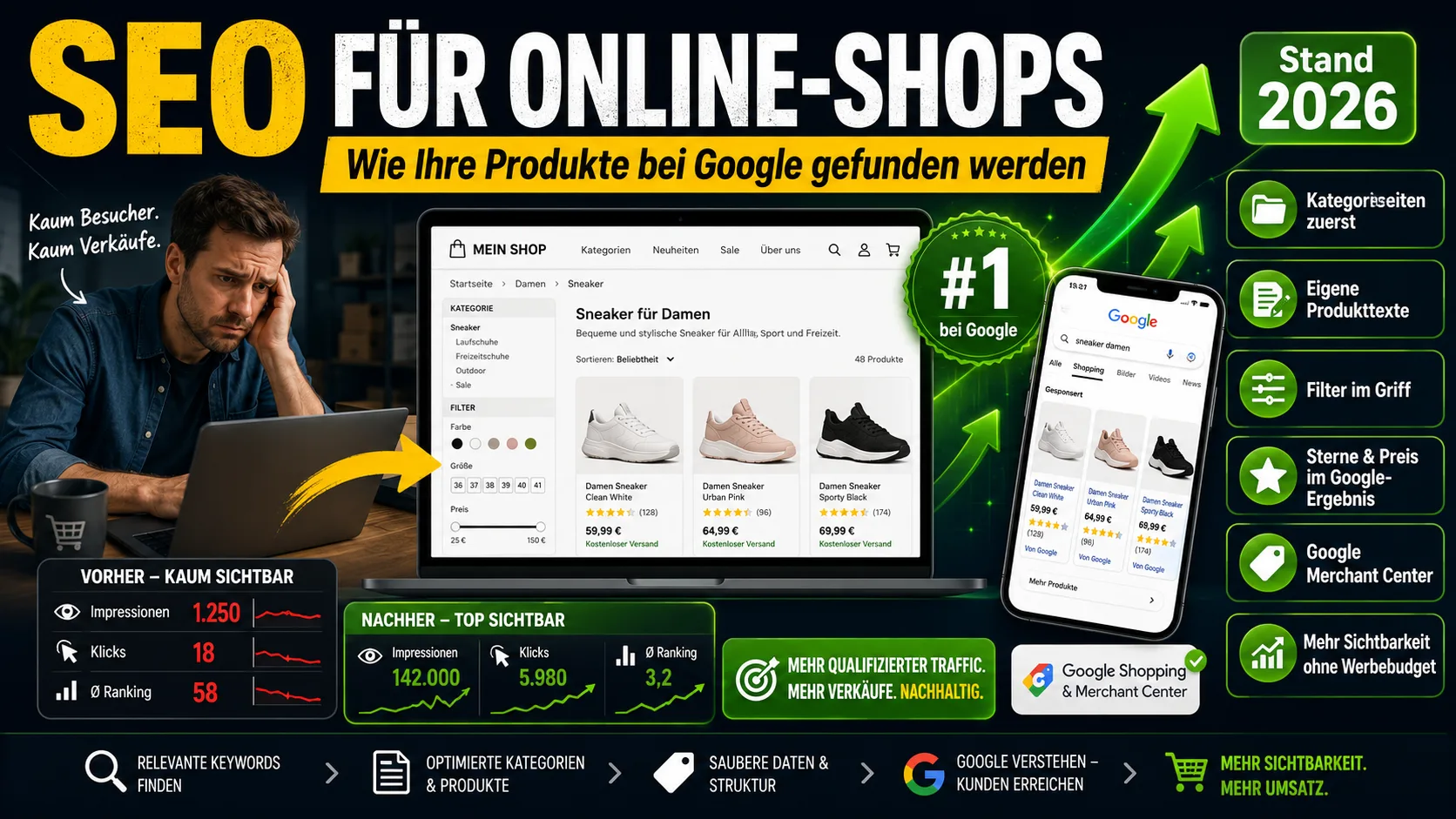
SEO for Online Shops: How Your Products Get Found on Google (2026)
Shop SEO works differently from ordinary website SEO. What really counts on category and product pages – without the technical jargon.
 Marketing & SEO
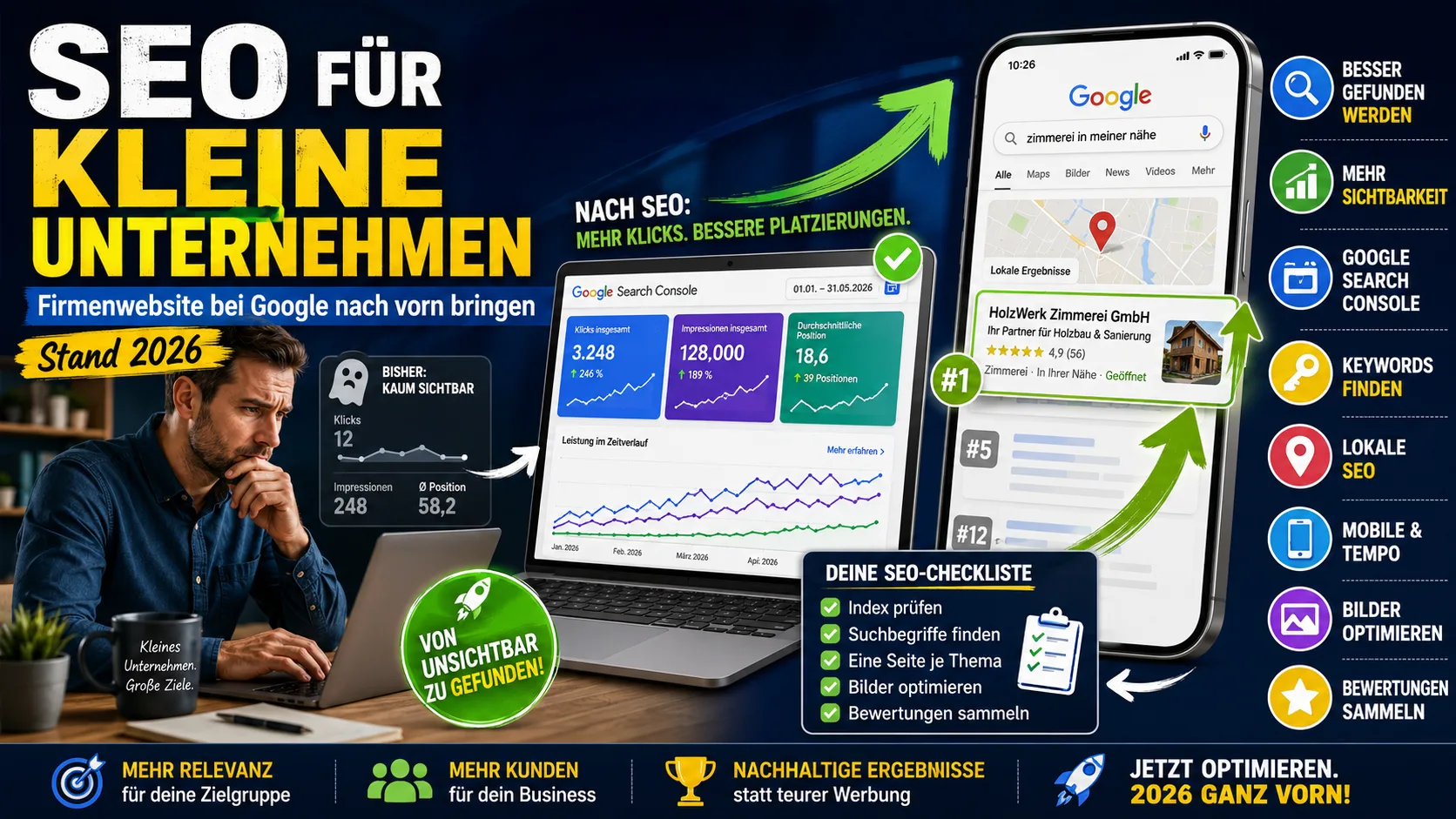
SEO for small businesses: getting your company website to the top of Google (as of 2026)
Starting from scratch: are you even on Google? Why you are not being found, what you can change yourself in three weeks – and what you can safely skip.
 Marketing & SEO
Getting a Website Built: Costs & Process for Freelancers and Small Businesses Like Tradespeople
What does it cost to have a website built? Real prices, what belongs on a 2026 site, and how the process works – for freelancers and small businesses like tradespeople.