Google Business Profile for tradespeople: How new customers will find you in 2026
If you want to win new customers as a painter, electrician or hairdresser, you don't need an expensive advertising agency - you need a well-maintained Google entry. The Google Business Profile (formerly: Google My Business) will be the most important marketing channel for many craft businesses and local service providers in 2026. In this article, you will learn how to set up your profile, which new functions have been added in 2026 and which small adjustments you can make to get noticeably more enquiries.
Table of contents
- Why the Google Business Profile is so important](#why)
- Setting up a profile: This information is mandatory
- Reviews: The most important lever for more visibility
- New functions 2026: WhatsApp, QR codes and AI
- Practical example: A painting company wins new enquiries
- Avoid common mistakes
- Frequently asked questions](#faq)
Why the Google Business Profile is so important
If someone googles "painter nearby" or "electrician emergency", three entries with a photo, address and stars appear at the top - the so-called Local Pack. Whoever is there gets the calls. Those who are not there usually come up empty-handed.
The Google Business Profile is the entry ticket to this Local Pack. It works like a free mini business card that is displayed directly in the search results and on Google Maps. For many solo freelancers, it even replaces their own website - at least in the beginning.
In 2026, the importance has even increased: Google is increasingly providing summarised AI answers directly in the search with AI Overviews. These answers draw their data precisely from such profiles. Anyone who does not have a profile or maintains a neglected profile will appear less favourably in the new search.
**What does this mean for you? A well-maintained profile is no longer an optional extra, but a must - and it's free.
Set up your profile: These details are mandatory
It takes about 30 minutes to set up a profile. You need a Google account and an official business address. The process in a nutshell:
- Go to google.com/business and click "Manage now".
- enter company name - exactly as it appears on invoices and business cards. Do not add keywords such as "Maler München günstig", this is against the guidelines and can lead to the profile being blocked.
3 Choose category - the main category is crucial for visibility. A hairdressing salon chooses "hairdressing salon", not "beauty salon".
- specify location and service area. Tradespeople travelling to customers indicate the area in which they operate (e.g. "30 km radius").
- enter phone number and website.
- Verify - usually by postcard or video. Video verification has been the standard for many new entries since 2025.
As soon as the profile is live, add it:
- Opening hours (including special hours on public holidays - important!)
- At least 10 photos: Exterior shot, workshop or salon, team, but most importantly before and after pictures of your work**
- Service description with keywords that your customers really google
- posts (like mini-posts) for promotions, seasonal offers or tips
Tip for emergency businesses: If you offer 24/7 availability (e.g. locksmith service, heating emergency service), enter this in the opening hours. Google favours businesses with continuous hours for searches such as "plumber now open".
Reviews: The most important lever for more visibility
Reviews are usually one of the strongest ranking factors in the Local Pack. A business with 47 reviews and 4.8 stars almost always beats one with 8 reviews and 5.0 stars - even if the average looks worse.
This is how you systematically build up reviews:
- Directly ask for the job Ideal moment: shortly after the customer is satisfied and has the invoice in hand. A short email with a review link is often enough.
- Use the review link** - Google provides a short link that you can place on invoices, in email signatures and on business cards.
- Respond to every review** - even negative ones. When criticising, be friendly, factual and solution-oriented. Other interested parties read along and see how you deal with problems.
- Never buy or falsify reviews - Google reliably recognises this and permanently penalises profiles.
Professional invoicing helps twice over: the review link can be integrated unobtrusively on the invoice, and customers who receive a clean, quick receipt are statistically more likely to leave a good review. Find out more in the article Writing an invoice: The ultimate guide.
New functions 2026: WhatsApp, QR codes and AI
Google has significantly expanded its profile over the past twelve months. Three innovations that are particularly relevant for tradespeople and small service providers:
WhatsApp and SMS direct messages
You can store a WhatsApp number in your profile. Customers then simply tap a button in the search results and write to you directly - without having to go through the website or telephone. This makes a real difference in everyday life for industries where pictures or short queries are common (photo of damage, dimensions of a door, hairstyle request).
QR code for reviews
Google offers an official QR code that leads directly to the review page. Print it out:
- the invoice
- the business card
- the sticker in the entrance area
- the dispatch box
A single scan and the customer ends up in the rating window. This drastically lowers the hurdle and generally increases the rating rate.
AI-supported care
Google generates suggested responses to reviews and recommendations for posts. In addition, profiles with consistent, complete data are prioritised in the AI Overviews - the AI answer box in the search results. So those who maintain their profile "properly" will benefit twice over from 2026.
Practical example: A painting company wins new enquiries
A painting company with three employees from the Hanover area systematically built up its profile at the beginning of 2026: complete data, service area 40 km, 35 photos of renovations, a new post every week (e.g. "Wallpapering campaign until May"). Reviews were collected via a QR code on each invoice.
After a few months, Google regularly showed the profile in the Local Pack for searches such as "painter Wedemark" or "wallpapering nearby". Adding up calls, route enquiries and direct messages, this resulted in significantly more contacts than before - with a maintenance effort of around 30 minutes per week.
Such results are not guaranteed and depend heavily on location, competition and industry. But the order of magnitude shows: With a manageable amount of effort, the profile can be turned into a reliable channel for new customer enquiries.
Avoid common mistakes
- Keywords in the company name violates Google guidelines and can lead to the profile being blocked.
- Unmaintained profile If the last photos are two years old, the profile will rank lower. Add something at least once a month.
- Wrong category ** A main category that is too general costs visibility. Better to be specific.
- Don't reply to reviews. Signal to Google and interested parties: Nobody cares here.
- Multiple profiles for the same location.** Google penalises duplicate entries. If you have moved: have your old profile deleted, do not create a new one.
Frequently asked questions
Does the Google Business Profile cost anything?
No, it is free of charge. Google earns money from the paid adverts that appear above and below the profiles - you can use the profile itself without an advertising budget.
How long does it take for the profile to be visible in the search results?
After verification, the profile is online immediately. It usually takes a few weeks until it is well placed in local search results. Active maintenance (photos, posts, reviews) speeds up this process considerably.
Do I still need my own website if I have a profile?
For many solo tradespeople and very small businesses, the profile is sufficient to get started. From a certain size or for more complex services, it is also worth having your own website - it increases trust and gives you more design freedom.
What do I do if I receive an unjustified negative review?
If the review violates Google guidelines (insults, false facts, no real customer contact), you can report it via your profile. In any case: reply objectively - other readers will get an idea of how you react.
Can I also use the profile without a shop?
Yes, if you only travel to customers (e.g. mobile hairdresser, heating engineer), specify a service area instead of an address. Your private address will then remain invisible to customers.
Conclusion
The Google Business Profile is one of the most important digital marketing levers for tradespeople and local service providers in 2026 - free of charge, with manageable maintenance effort and with a measurable effect on new enquiries. Anyone who invests an hour to set up their profile properly and then sticks with it for 30 minutes a week will have a real advantage over most of their competitors.
If you want to print the evaluation link directly on your invoices, it's worth taking a look at the invoice function in PepperTools - this automatically places the QR code on every receipt. You can also find a free template to get you started in the article Invoice template free of charge: Download, instructions & tips.
Sources
1) Google: Updates for your company profile - official overview of all new and existing functions.
- Google: Create link or QR code to request reviews - Guide to the official review QR code.
- Google: Guidelines for presenting your business on Google - rules on company name, categories and content.
- Google: Get insight into reviews of local places and businesses - Background on reviews as a ranking factor.
- Google Business Profile - Services - official product page with current features.
Handle invoices more easily
Easy Invoice combines quotes, invoices and customer management in the cloud.
Try Easy InvoiceRead next
 Marketing & SEO
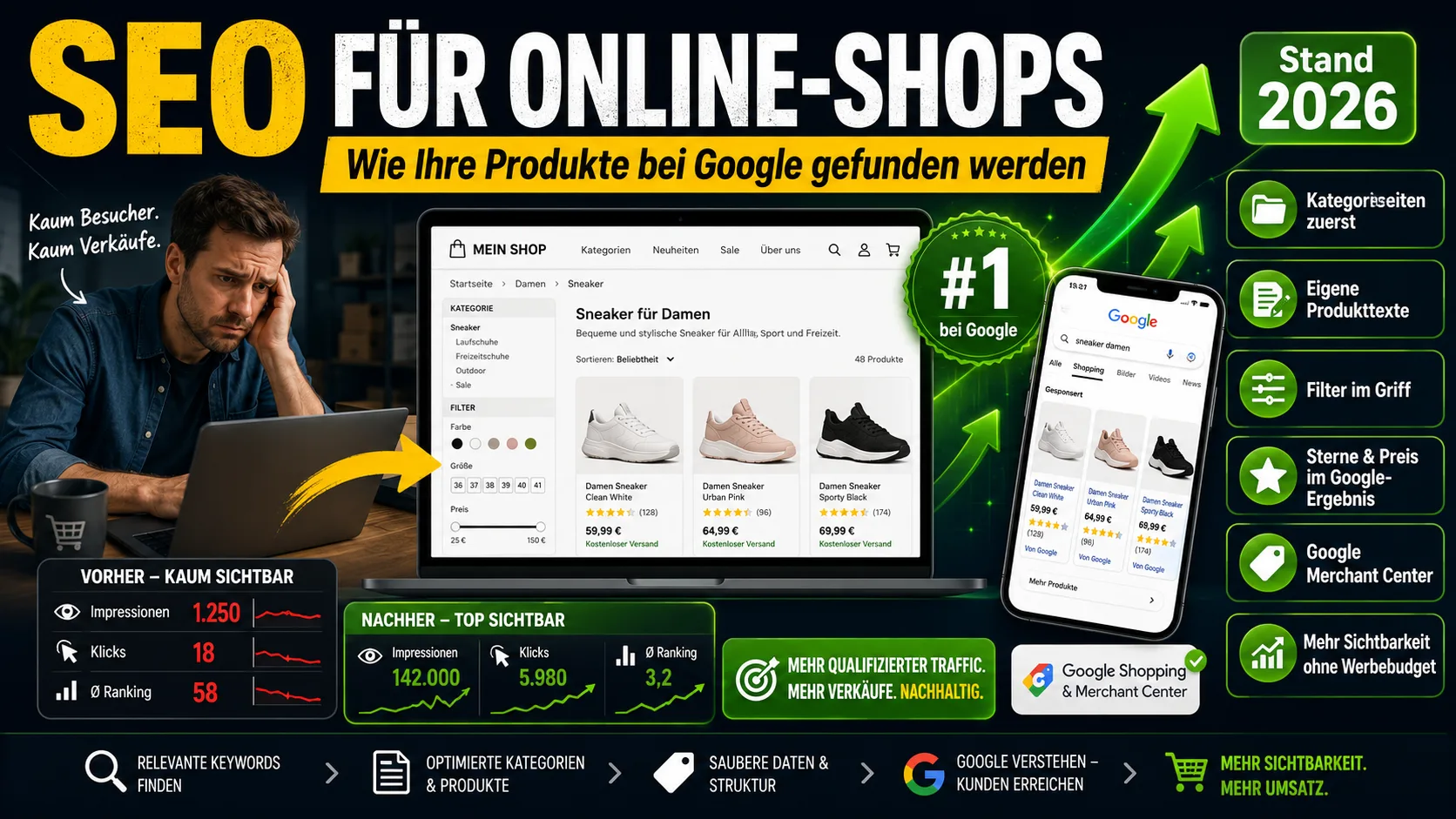
SEO for Online Shops: How Your Products Get Found on Google (2026)
Shop SEO works differently from ordinary website SEO. What really counts on category and product pages – without the technical jargon.
 Marketing & SEO
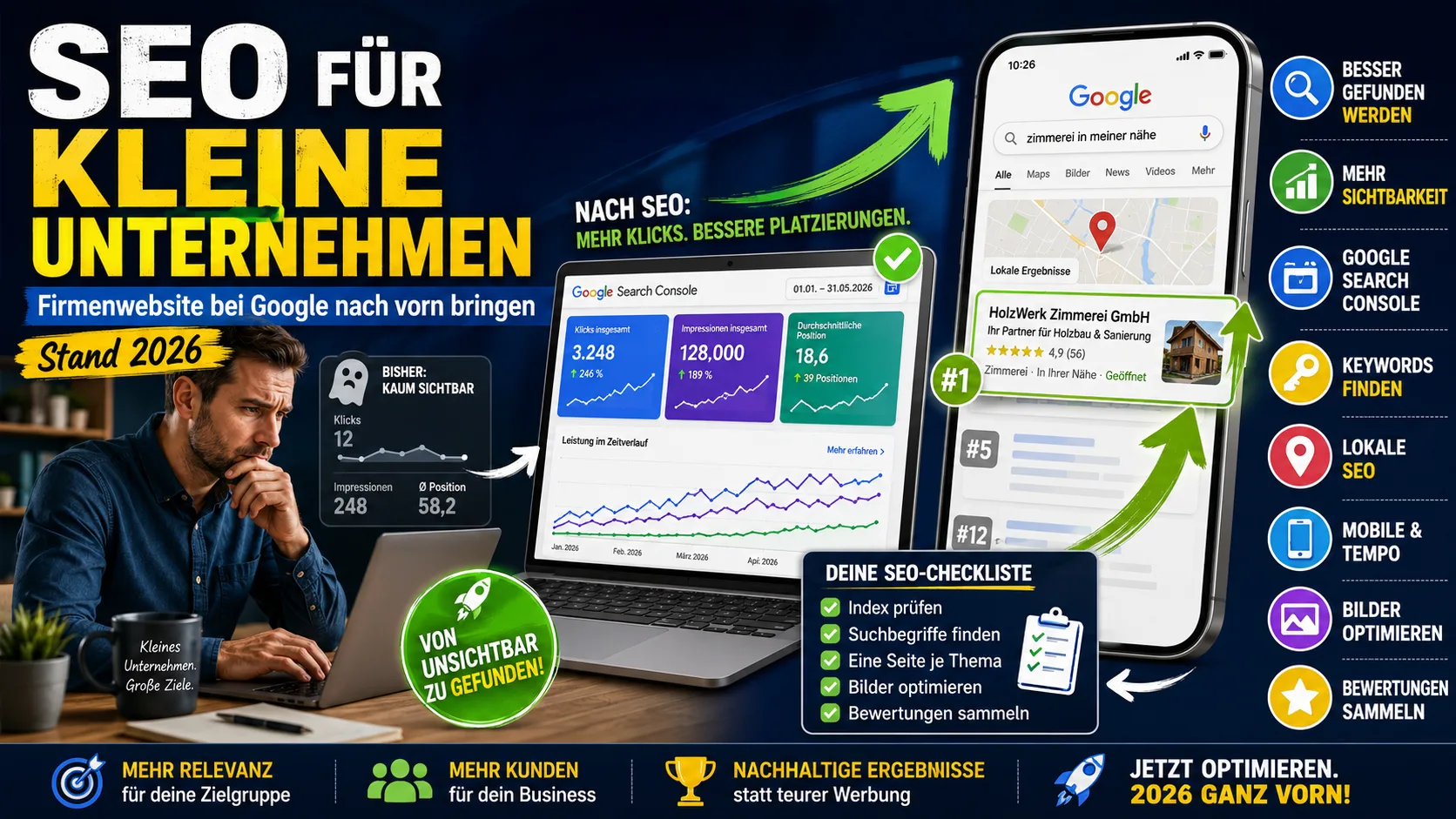
SEO for small businesses: getting your company website to the top of Google (as of 2026)
Starting from scratch: are you even on Google? Why you are not being found, what you can change yourself in three weeks – and what you can safely skip.
 Marketing & SEO
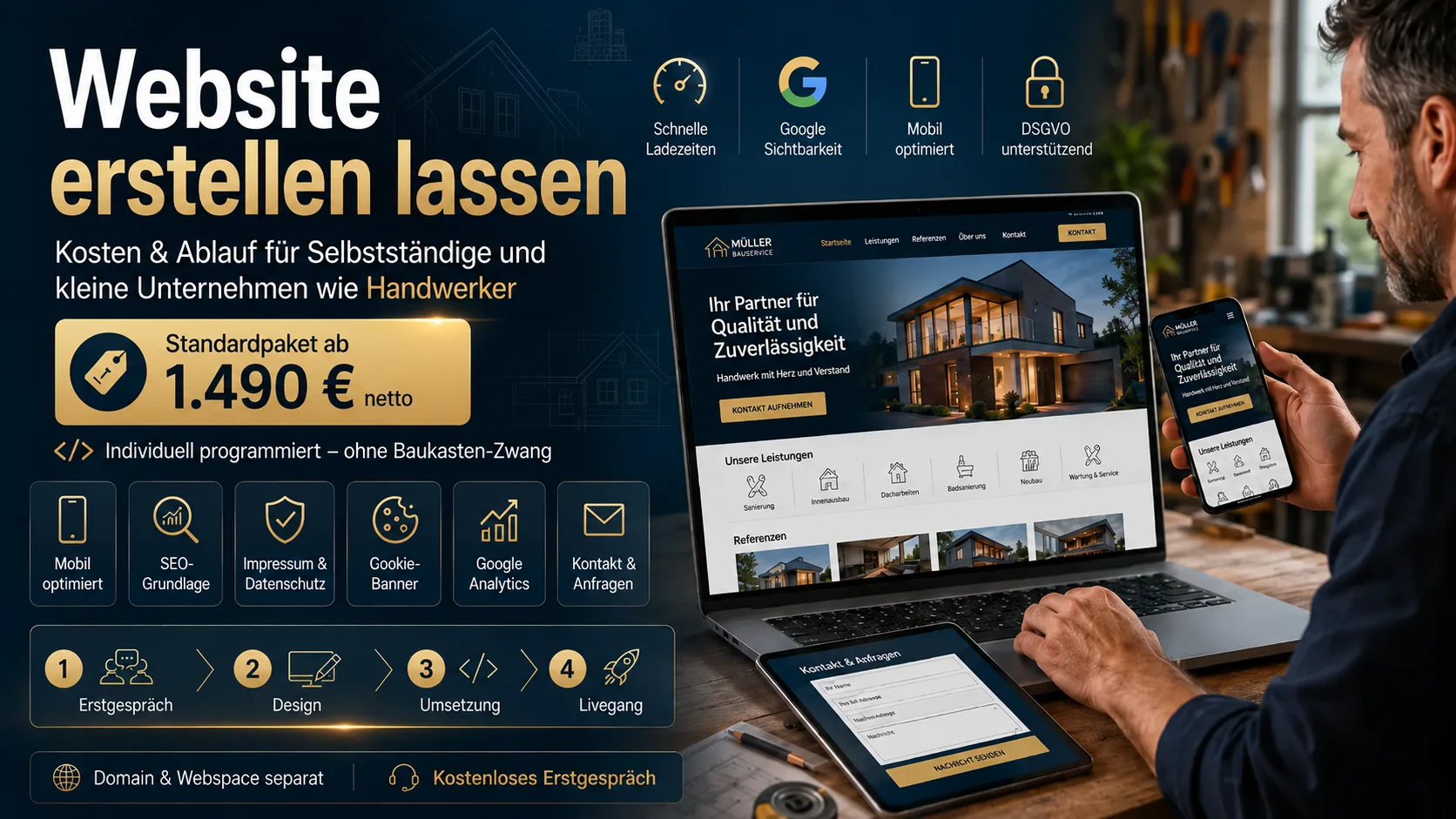
Getting a Website Built: Costs & Process for Freelancers and Small Businesses Like Tradespeople
What does it cost to have a website built? Real prices, what belongs on a 2026 site, and how the process works – for freelancers and small businesses like tradespeople.