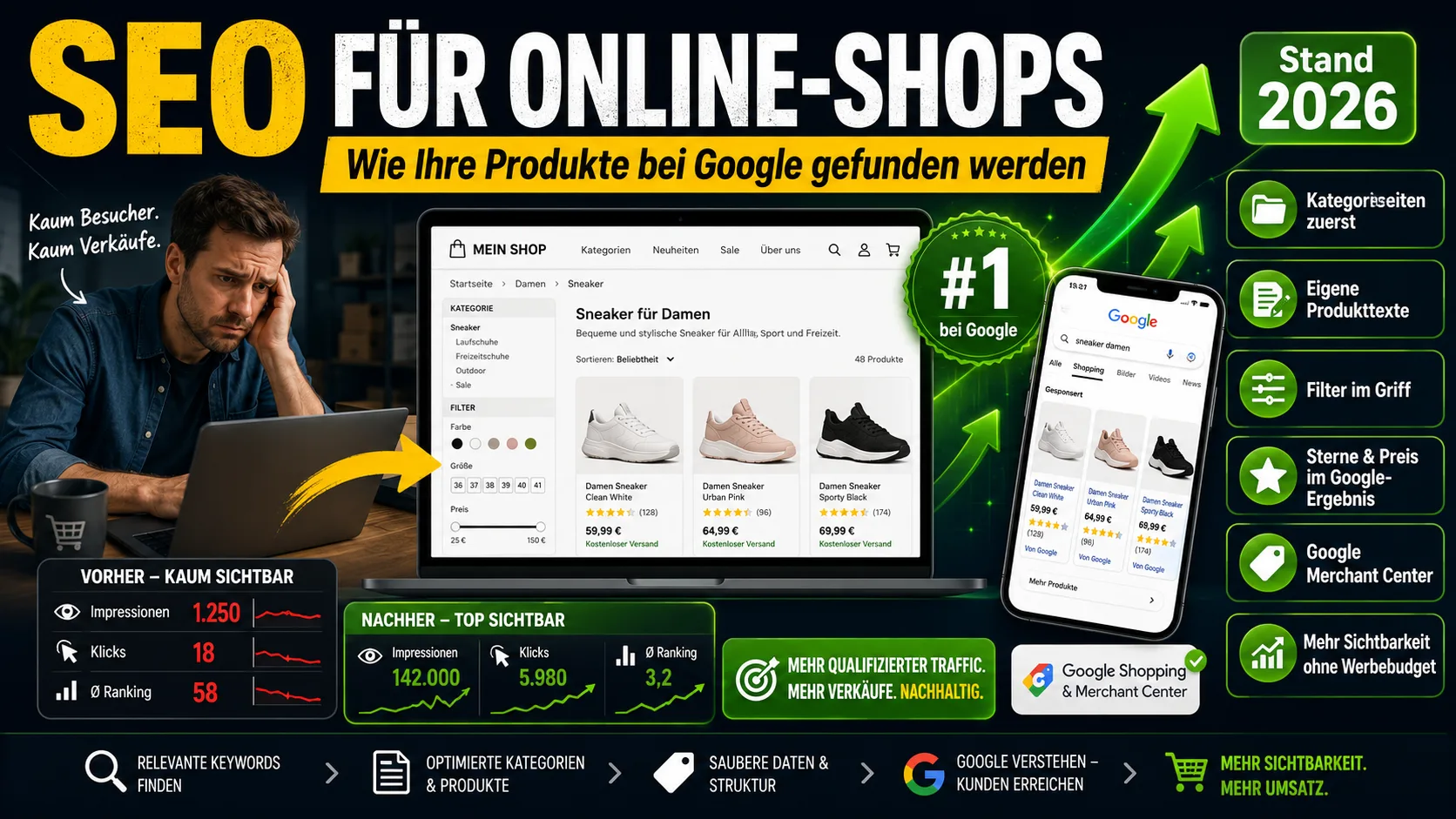
Your shop is online, the products are all entered – and yet hardly anyone reaches your product pages through Google. For online shops this is the rule, not the exception. The reason is almost never the design. It lies in the fact that a shop shows up on Google by different rules than an ordinary company website. Anyone who knows the basic rules for website SEO and simply transfers them to their shop often optimizes exactly the wrong pages.
This article shows what really matters for a shop – regardless of whether you use Shopify, Shopware, WooCommerce or JTL. You can check and change much of it yourself, without a programmer.
Table of contents
- Why shop SEO works differently from a normal website
- The most important insight: category pages beat product pages
- Which search terms shop customers really use
- Build category pages correctly
- A flat structure: every product within a few clicks
- The problem with copied manufacturer texts
- Product pages: your own texts and the right details
- Filters and sorting: the silent SEO killer
- Stars and price right in the Google result
- Free in the Google Shopping results: the Merchant Center
- Sold-out and discontinued products
- Speed and images: what counts and what your system already does
- When Google and ChatGPT give the answer themselves
- How quickly shop SEO takes effect and the check for mobile
- How to tell what to tackle first
- Checklist: optimizing a category page
- Checklist: optimizing a product page
- Topics beyond the scope of this article
Why shop SEO works differently from a normal website
A company website might have ten pages. A shop quickly has a thousand – every product, every category, plus filters, sort orders and search results that the shop automatically generates as pages of their own. This creates two typical problems that simply don't exist on small websites:
First, a shop produces a great many pages by itself that strongly resemble one another. Second, the individual product texts are often identical to those of hundreds of other shops, because everyone uses the same manufacturer text. Both mean that Google doesn't know which of your pages it should even show.
If you're familiar with our general guide to website SEO: the basics there still apply. This article sits one level above them – at the things only a shop brings with it.
The most important insight: category pages beat product pages
Most shop operators put all their energy into individual product pages. That's the most common mistake. Because the pages that reliably rank on Google and bring the most visitor traffic are, as a rule, the category pages.
The reason is simple: people rarely search for one very specific item with a model number. They type in something general – „men's hiking boots", „thin-walled espresso cups", „garden hose 30 meters". These general search terms match a category, not an individual product. A well-made category page can rank for many such search terms at once.
For your day-to-day work this means: before you improve 200 product texts, take care of your most important 10 to 15 category pages. That's where the greater leverage lies.
Which search terms shop customers really use
People who want to buy type differently from people who only want to inform themselves. Typical buying signals are words like „buy", „cheap", „deal", „best-rated" or a specific size or brand. Terms like these are worth gold to a shop – they lead to visitors who already have an intention to buy. Pure information questions („How do I care for hiking boots?") are now often answered by Google itself; those are better suited to a guide article than to a sales page.
From this follows the costliest mistake in thinking about shop SEO – self-cannibalization: if your category page and a product page and perhaps a blog post are all optimized for the same search term, your own pages compete with one another. Google doesn't know which one to show, and in case of doubt none of them ranks well.
The solution is a simple assignment: one important search term belongs to exactly one page. The general term („men's hiking boots") belongs on the category, the specific one („Meindl Ohio 2 GTX") on the product page, the question („breaking in hiking boots") in the guide. Write this assignment down once for your most important terms – it prevents the most common invisible drag.
Build category pages correctly
A typical category page consists only of a heading and a grid of product images. To Google that's thin – there's hardly any text it could classify. Three things make the difference:
- A clear heading (H1) with the term people really search for. So „hiking boots for men" instead of an internal abbreviation.
- A short introductory text above the products. Two to four sentences are enough, taking up the topic and naturally containing the most important search term. This text picks up visitors and Google at the same time.
- A bit more text below the products – for example answers to typical questions about the category („What should you look out for when buying?"). It doesn't have to be a doctoral thesis, but it sets the page apart from the competition's empty image gallery.
Important: the introductory text belongs at the top in the visible area, not as a grey block of text right at the bottom of the page where no one reads it.
A flat structure: every product within a few clicks
A rule many underestimate: every product should be reachable from the home page in as few clicks as possible – three to four as a rule of thumb. Anything buried deep in subcategories of subcategories is harder for Google to find and gets rated as less important. Customers rate it that way too, by the way.
In practice this means: better a clear, manageable category structure with sensible main categories than a nested labyrinth. Well-visible breadcrumb navigation („Home › Shoes › Hiking boots") helps in two ways – it shows customers where they are, and Google how your pages connect. Most shop systems come with breadcrumbs; you just have to activate them.
The problem with copied manufacturer texts
If you copy and paste your supplier's product description, hundreds of other retailers do the same. Google then sees the same text on hundreds of pages and has to decide which of them to show – usually the big, well-known shop wins, not yours. Experts call this „duplicate content".
You don't have to reinvent every product. But at least write a few sentences of your own for your most important and best-selling items: what the product is suitable for, what the practical difference to the alternative is, who it's worth it for. This kind of context is exactly what the manufacturer text never provides – and exactly what customers are looking for.
Product pages: your own texts and the right details
On the product page itself, alongside your own text, above all completeness counts. Google and customers expect the same information: a meaningful title (product name plus the most important property), price, availability, real product photos and – where available – customer reviews.
One practical point is product variants. If a shirt exists in five sizes and three colors, that shouldn't be 15 almost identical individual pages that compete with one another. Better is one product page with selection options. Most shop systems handle this out of the box – you just have to set the variants up correctly and not enter them as separate products.
Filters and sorting: the silent SEO killer
This is the point almost no one has on their radar and which harms shops the most. Every filter a customer clicks – color, size, price, brand – technically creates a new address (URL). Combine several filters, and one category quickly turns into hundreds or thousands of addresses showing almost the same content.
If Google takes all these filter addresses into its index, the opposite of what you want happens: your shop looks bloated and Google spreads its attention across a thousand trivial variants instead of your good category pages. Two tools help:
- Canonical tag: a small technical marker that tells Google „the actual page is the main category". Filter addresses thus point to the clean category page.
- Targeted exceptions: filter combinations people actually search for (such as „red men's sneakers") can be deliberately built out into their own small landing page with its own text. All the others stay out.
That sounds technical, but in common shop systems it's usually a setting or a plugin – not a programming project. What matters most is that you're aware of the topic at all and check (or have checked) once how your shop handles filter addresses.
Stars and price right in the Google result
You know the Google results where review stars, price and „In stock" already appear beneath the shop. Such results stand out and get clicked more often – and more clicks in turn help the ranking. This is made possible by something called „structured data": invisible additional information in the page's source code that tells Google price, availability and rating unambiguously.
The good news: you don't have to program this. Shopware and JTL largely bring it along; for Shopify and WooCommerce there are apps or plugins that add it automatically. You can check the result for free with Google's „Rich Results Test" – you enter a product URL there and see whether Google recognizes price and rating.
Free in the Google Shopping results: the Merchant Center
Many people only think of paid ads when it comes to Google Shopping. What gets overlooked is that Google also displays products there for free, organically – the so-called „free product listings". When someone searches for a product and switches to the „Shopping" tab, your items can appear there without any advertising budget.
The way to get there is the free Google Merchant Center: there you store a product data set (a so-called feed) with title, image, price, availability and product number. The common shop systems can generate such a feed automatically and keep it up to date – for Shopify, Shopware, WooCommerce and JTL there are ready-made connections or plugins for this.
Two things are decisive: the feed must be complete (the more correct details, the better), and the details in the feed have to match those on the product page – one price in the feed, a different one on the page leads to problems. For shops with many products, this is one of the few free channels that brings visibility on top of the normal Google search.
Sold-out and discontinued products
A perennial topic in shops: what happens to a product that's currently not available? Don't delete the page prematurely. If the item is coming back soon, leave the page online and visibly point out „currently unavailable", ideally with information on when stock will return. That way you don't lose the ranking the page has built up.
If a product is gone permanently, on the other hand, you should automatically redirect visitors to a suitable successor or the parent category (a so-called 301 redirect). This prevents error pages and passes the built-up strength of the old page on to a sensible new one.
Speed and images: what counts and what your system already does
Google assesses how fast and stable a page loads. In shops the large product image is usually the bottleneck. Two simple levers: don't upload images at full size but scale them down appropriately, and use a modern image format like WebP, which is significantly smaller at the same quality.
Here too: many systems now optimize images automatically or via plugin. You don't have to become a tech expert – but a look at the load time of your most important pages (free of charge via Google's PageSpeed Insights) quickly shows whether action is needed.
When Google and ChatGPT give the answer themselves
More and more often Google answers search queries directly at the top with an AI summary, and many people now ask ChatGPT instead of Google. For shops this means: you don't just want to rank, you want to be named and recommended as a source. The basis for this is the same as above – clear, honest, original content instead of interchangeable manufacturer texts. Anyone who offers real buying advice („Which size fits?", „What is this suitable for?") is more likely to be picked up by the AI systems. How to stay visible in AI search in general we've described in the post on Google AI Mode.
How quickly shop SEO takes effect and the check for mobile
So you can plan realistically: SEO doesn't work overnight. It usually takes several months before changes to categories and product texts show up in better positions – three to six is a common rule of thumb. That's no reason to doubt, it's normal. Anyone who gives up after two weeks throws away exactly the work that's just starting to take hold.
And a point that sounds self-evident today but still goes wrong: the majority of purchases happen on mobile, and Google primarily assesses the mobile version of your shop. So check your most important pages yourself once on a smartphone – can everything be read and tapped easily, and the purchase completed without zooming? Modern shop systems are mobile-ready out of the box, but custom design changes occasionally break that.
How to tell what to tackle first
You don't have to do everything at once. This order brings results fastest in most shops:
- Set up the free Google Search Console. It shows which search terms people are already almost finding you with – that's where the fastest potential lies.
- Take on your 10 most important category pages: heading, introductory text, short text at the bottom.
- Write your own texts for your best-selling products.
- Check once how your shop handles filter addresses, and have it configured cleanly if needed.
- Use Google's test tools to check whether price, availability and rating appear in the search result and whether your pages load quickly.
Shop SEO isn't a one-time project but a habit. If you keep these points in mind with every new product and every new category, your visibility grows along with the range – entirely without ongoing advertising costs.
Still unsure which shop system even suits you? We clarify that in the comparison Online shop systems 2026.
Checklist: optimizing a category page
It's never just the text – it's the combination. This order roughly corresponds to the impact:
- URL – short and descriptive with the search term:
/mens-hiking-bootsinstead of/cat?id=1487. - Title tag (the „page title" field or
meta_title) – search term up front, then shop name, around 55–60 characters: „Men's hiking boots buy online | Shop name". This is the most important lever for ranking and click at the same time. - H1 – the visible main heading, exactly once, exactly the search term: „Men's hiking boots".
- Introductory text at the top – two to four sentences above the products, with the main term built in naturally.
- Text below the products – a bit more depth, for example a short buying guide or two or three typical questions. This sets you apart from the competition's empty image gallery.
- Meta description – around 150 characters with benefit and a small call to action. Not a ranking factor, but it decides whether your result gets clicked.
- Images – a category header image is optional; good product images with alternative text (the text description of the image) matter more.
- Internal linking – breadcrumb navigation as well as links to subcategories and your top products.
Checklist: optimizing a product page
- URL – descriptive, with the product name.
- Title tag – product name plus the most important feature (and, if relevant, the brand).
- H1 – the product name.
- Your own description text – don't copy the manufacturer text. Three to five sentences on what the product is suitable for, for whom and what the difference to the alternative is; then the hard facts as bullet points.
- Complete details – size, material, weight, technical data. Google and customer expect the same information.
- Images – several real photos, alternative text with the product name, as WebP and scaled down.
- Structured data „Product" – the invisible additional information that brings price, „In stock" and review stars directly into the Google result. In most systems via app or plugin, not something you program yourself.
- Variants – size and color as a selection on one page, not as many almost identical individual pages.
- Reviews – embed real customer reviews; they build trust and provide the stars from point 7.
- Meta description – specific, with what makes this product special.
One field alone does little. The ranking arises from the interplay of URL, title, H1 and your own text – the stars and prices in the search result come from the structured data. The once-popular „meta keywords", by the way, you can leave out: Google hasn't evaluated them for years.
Topics beyond the scope of this article
So this post stays with the essentials – what you can improve in the shop yourself – three larger topics are deliberately only touched on. Anyone who wants to go deeper will find detailed guides directly at the sources:
- Links from outside (backlinks / off-page): recommendations from other websites remain a strong ranking factor, but they're a field of their own and an extensive one. A reputable introduction is Google's official SEO Starter Guide.
- Technical loading speed in detail (Core Web Vitals): anyone who wants to tune performance beyond image optimization will find the basics at Google under Learn Core Web Vitals.
- Multilingual or cross-border shops (hreflang): if you sell in several languages or countries, Google explains the correct markup under localized versions of a page.
For the vast majority of small shops, though, what's above brings the biggest progress first – long before these specialist topics come into play. Once the visitors arrive, the invoicing behind it should be ready too — guides and tools for that are at office1.cloud.
Handle invoices more easily
Easy Invoice combines quotes, invoices and customer management in the cloud.
Try Easy InvoiceRead next
 Marketing & SEO
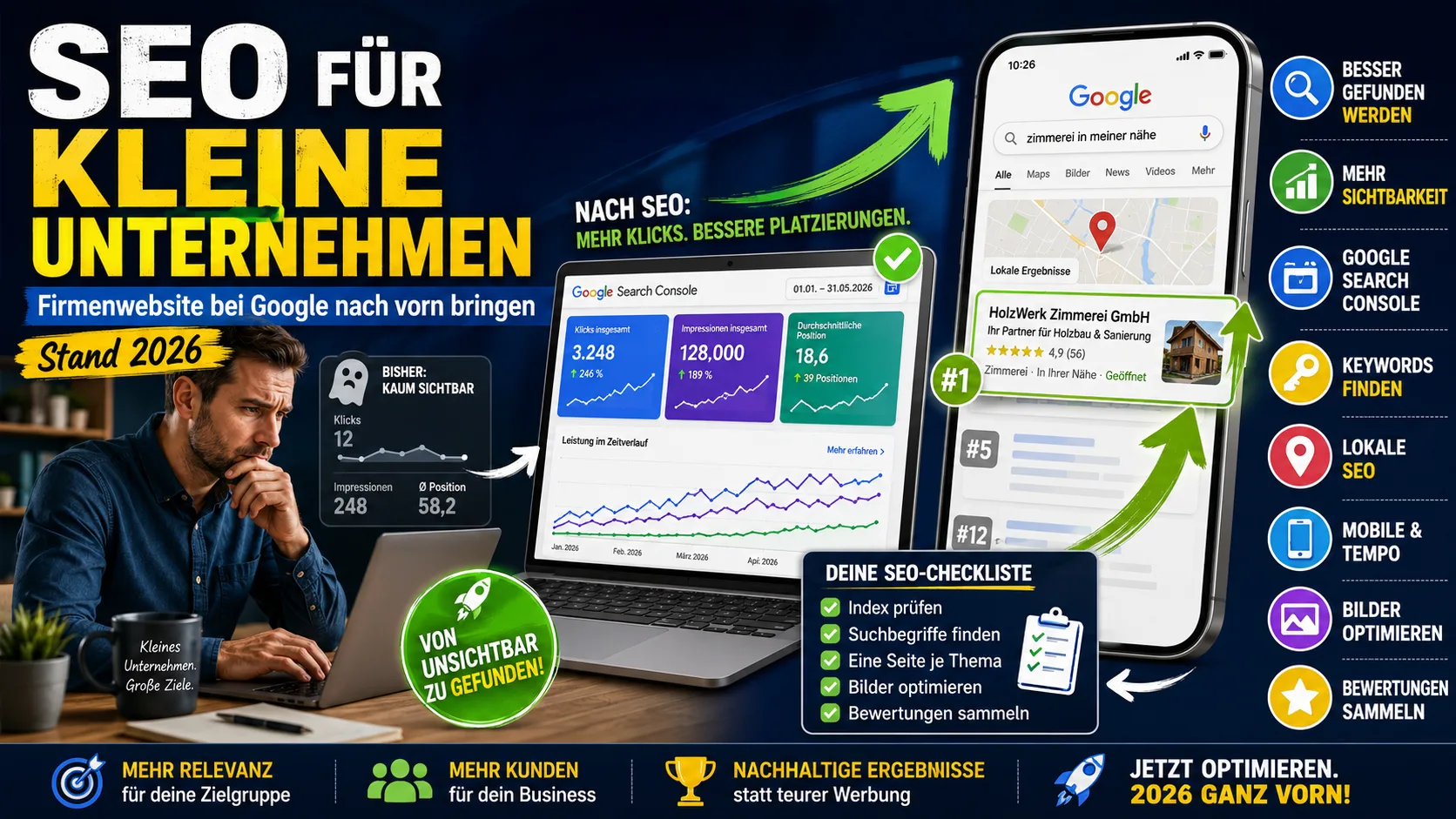
SEO for small businesses: getting your company website to the top of Google (as of 2026)
Starting from scratch: are you even on Google? Why you are not being found, what you can change yourself in three weeks – and what you can safely skip.
 Marketing & SEO
Getting a Website Built: Costs & Process for Freelancers and Small Businesses Like Tradespeople
What does it cost to have a website built? Real prices, what belongs on a 2026 site, and how the process works – for freelancers and small businesses like tradespeople.
 Marketing & SEO
Social media bans for minors: the status quo in 2026 – and what it means for retailers
More and more countries are introducing age limits for social media. The 2026 status quo – which countries, from what age and from when, what even counts as a social media platform – and what it means for small retailers' advertising reach with young audiences.