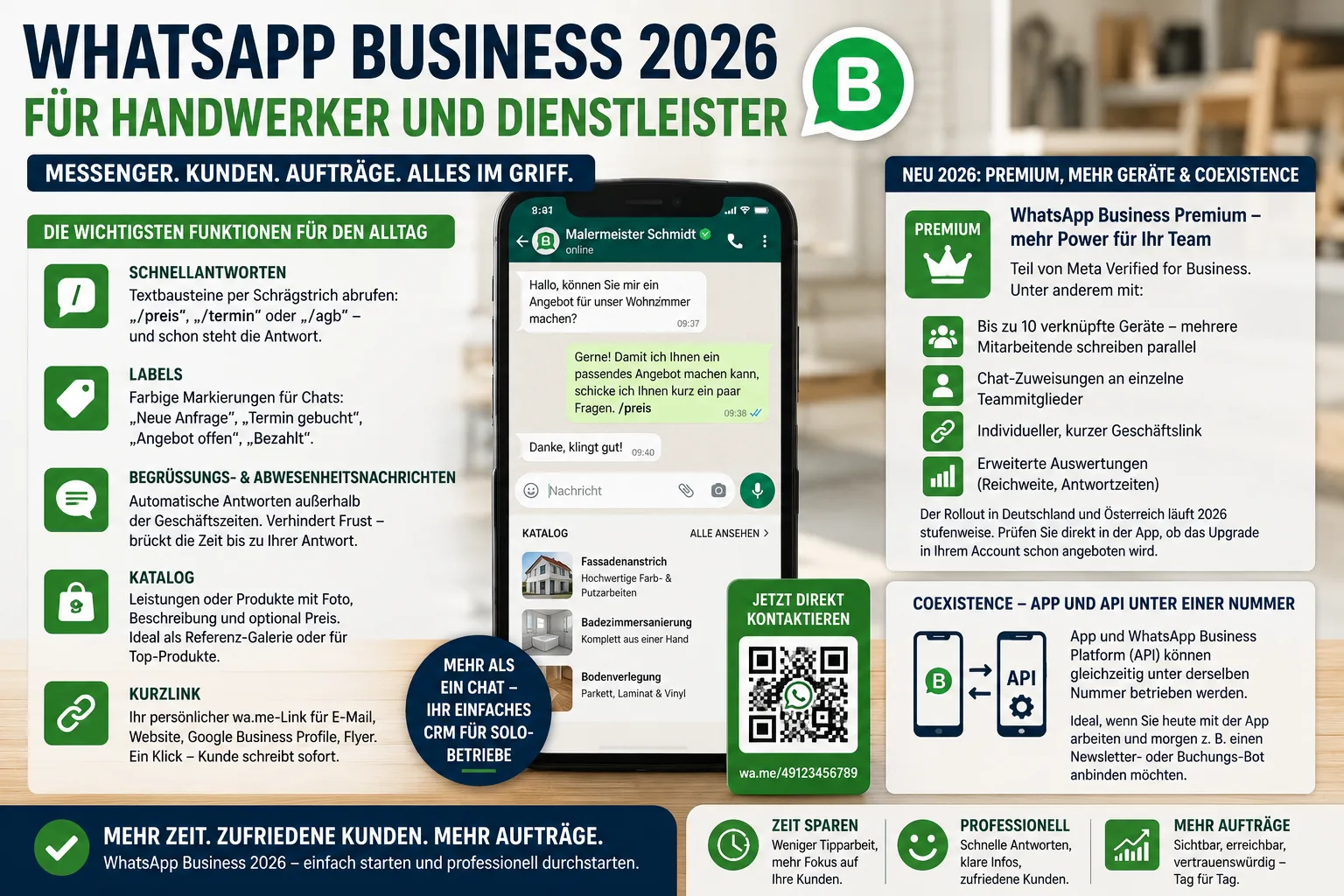
WhatsApp Business 2026: A Practical Guide for Tradespeople and Service Providers
Customers send messages now — they rarely call. With the free WhatsApp Business app, painters, hairdressers, and other small service businesses can capture enquiries quickly and keep them organised. This guide walks you through setup, the most useful 2026 features, and the data-protection rules you should know.
Table of Contents
- Why WhatsApp Business beats personal WhatsApp
- Setup in 15 minutes
- The most useful day-to-day features
- New in 2026: Premium, more devices, and Coexistence
- Data protection: what a small business needs to know
- A real example: a small painting business with two staff
- Frequently Asked Questions
- Conclusion
- Sources
Why WhatsApp Business beats personal WhatsApp
WhatsApp is one of the most-used apps in many European countries — opened daily by tens of millions of people. That is exactly where your customers already are, so that is where your business should be reachable.
Using your private WhatsApp account for this is still a bad idea. You mix family chats with customer enquiries, you have no opening-hours automation, and you can't show a proper business profile. The WhatsApp Business app fixes all of that. It is a separate, free app that runs on the same phone or a second one — with a different phone number from your personal one.
What does this mean for you? A clean line between private and business — and a professional presence in the messenger your customers open every day.
Setup in 15 minutes
You need a dedicated business phone number (a second SIM, or a landline number verified by call). Everything else happens in the app:
- Download WhatsApp Business from the App Store or Play Store
- Register with the business number
- Fill in the business profile: company name, category, address, opening hours, website, and a good logo
- Write a short description ("Painting business in north Cologne, interior and façade work")
- Activate a greeting message and an away message
A complete profile matters. A blank business card looks unprofessional — and throws away the trust bonus an official account gives you.
The most useful day-to-day features
The WhatsApp Business app ships with a handful of features that save real time every week:
Quick replies are text snippets you call up with a slash. "/price", "/booking", or "/terms" — and the answer is ready. Perfect for the questions that come in every week.
Labels are coloured tags for chats: "New enquiry", "Booked", "Quote open", "Paid". You see at a glance what still needs work, with no extra tool.
Greeting and away messages reply automatically when a customer writes outside opening hours. That avoids frustration and bridges the gap until your personal reply the next morning.
Catalogue shows your services or products with a photo, description, and optional price. For tradespeople it works best as a reference gallery: before-and-after shots of ten projects, each in a category. For online sellers it doesn't replace a shop, but it surfaces your top items quickly.
Short link is a personal wa.me link you can drop into your e-mail signature, your website, your Google Business Profile, or your flyers. One tap and the customer is writing to you — no typing your number.
What does this mean for you? The app is more than a chat screen — it is a lightweight CRM for solo businesses.
New in 2026: Premium, more devices, and Coexistence
With the standard app you can use WhatsApp Business on the phone plus up to four extra linked devices (tablet, web, desktop). That is enough for a sole owner.
Things get interesting for teams with WhatsApp Business Premium, now marketed by Meta as part of Meta Verified for Business. The Premium tier offers, among other things:
- up to 10 linked devices, so several team members can work the account in parallel
- chat assignments to individual team members
- a custom short business link
- richer analytics (reach, response times)
The rollout in many European markets is staged through 2026 — check directly in the app whether the upgrade is offered in your account. If not, the free version is still a strong starting point.
A second new feature is Coexistence: the app and the WhatsApp Business Platform (API) can run on the same number at the same time. That helps when you start with the app today and add a marketing newsletter or booking bot tomorrow — without changing your main number.
Data protection: what a small business needs to know
This is the less pretty part. The WhatsApp Business app is convenient — but only the paid WhatsApp Business Platform (API), usually booked through a provider (Business Solution Provider), is fully GDPR-compliant. European data-protection authorities flag two main issues: the automatic contact sync, and the transfer of data to the United States.
In practice for a sole trader or small business:
- Incoming customer enquiries are usually uncritical, because the customer actively writes to you and initiates the business relationship.
- Active marketing (newsletters, promotional broadcasts) via the free app is risky. You need provable, explicit consent, and you should move to the API with double opt-in.
- Update your privacy notice: mention WhatsApp as a communication channel and briefly describe what data is processed.
- Staff devices: if employees use their own phones, agree the rules in writing ("bring your own device") — and set contact sync restrictively in the app settings.
These points are not a deal-breaker for typical trades or service-business use. You should know them and document your choices.
A real example: a small painting business with two staff
The Schmitz family runs a small painting business. Until recently every enquiry came to the owner's personal phone. With WhatsApp Business it now looks like this:
A second SIM card at €5 a month sits in an old smartphone that lives on a desk in the office. The profile shows the company name, address, opening hours, and a link to the website. The away message replies in the evening: "Thank you for your enquiry. We will get back to you personally by 10 a.m. tomorrow."
Customers send photos of rooms or damaged spots straight into the chat. The owner tags the chat with the label "Measurement needed" and books a site visit. As soon as the quote is created via the PepperTools quoting feature, it goes out by e-mail — the WhatsApp chat then only handles follow-up questions.
What does this mean for you? You don't replace your whole order workflow — you channel first contact and quick follow-ups through one place and save yourself calls and e-mails every day.
If you already invest in local visibility, add the WhatsApp short link to your Google Business Profile. It noticeably improves the ratio from click to actual enquiry — customers don't have to type a number. For collecting reviews afterwards, our practical guide to customer reviews is a good next step.
Frequently Asked Questions
Do I need a second phone number for WhatsApp Business?
Yes. Only one WhatsApp account can run per phone number — either personal or business. A second SIM or a landline number (verified by call) solves it. This also prevents private contacts from accidentally seeing business messages.
Is WhatsApp Business free?
The WhatsApp Business app itself is free. You only pay for the optional Premium tier (Meta Verified for Business) or for moving to the WhatsApp Business Platform (API), which you book through a third-party provider.
Can I send promotional messages via WhatsApp?
Only with the recipient's explicit consent — and even then, the free Business app is legally risky. For newsletters and broadcasts, the API with documented double opt-in is the clean route.
Can colleagues work on the same WhatsApp account?
Yes. The standard version lets you link up to four additional devices (tablet, web, desktop). With Premium / Meta Verified for Business, up to ten — provided the upgrade is already available in your account.
Where should I put my WhatsApp link?
On your website, in your e-mail signature, in your Google Business Profile, on business cards, flyers, and vehicle livery. A wa.me link opens the chat directly — no typing.
Conclusion
The WhatsApp Business app is probably the simplest way in 2026 to channel first contact and follow-ups with customers — especially for trades, local service businesses, and small online sellers. Use it as an inbound channel, combine it with clean order handling and professional invoicing, and plan the data-protection steps early. When you grow, you can move to the API painlessly — your number and your customers stay.
Sources
- About WhatsApp Business — WhatsApp Help Center — official information on features and the business profile
- About your business profile — WhatsApp Help Center — official guide to the business profile
- Create and manage a catalog — WhatsApp Help Center — official step-by-step instructions
- How tradespeople can offer products and services on WhatsApp — Deutsche Handwerkszeitung (German) — trade-press source for craft businesses
- Using WhatsApp Business legally for marketing — e-recht24.de (German) — practical notes on promotional messages and data protection
- WhatsApp Business catalog feature: legal requirements — IT-Recht Kanzlei (German) — legal requirements for the catalog feature
Note: This article does not constitute tax or legal advice. For your individual situation please consult a tax advisor or lawyer.
Handle invoices more easily
Easy Invoice combines quotes, invoices and customer management in the cloud.
Try Easy InvoiceRead next
 Marketing & SEO
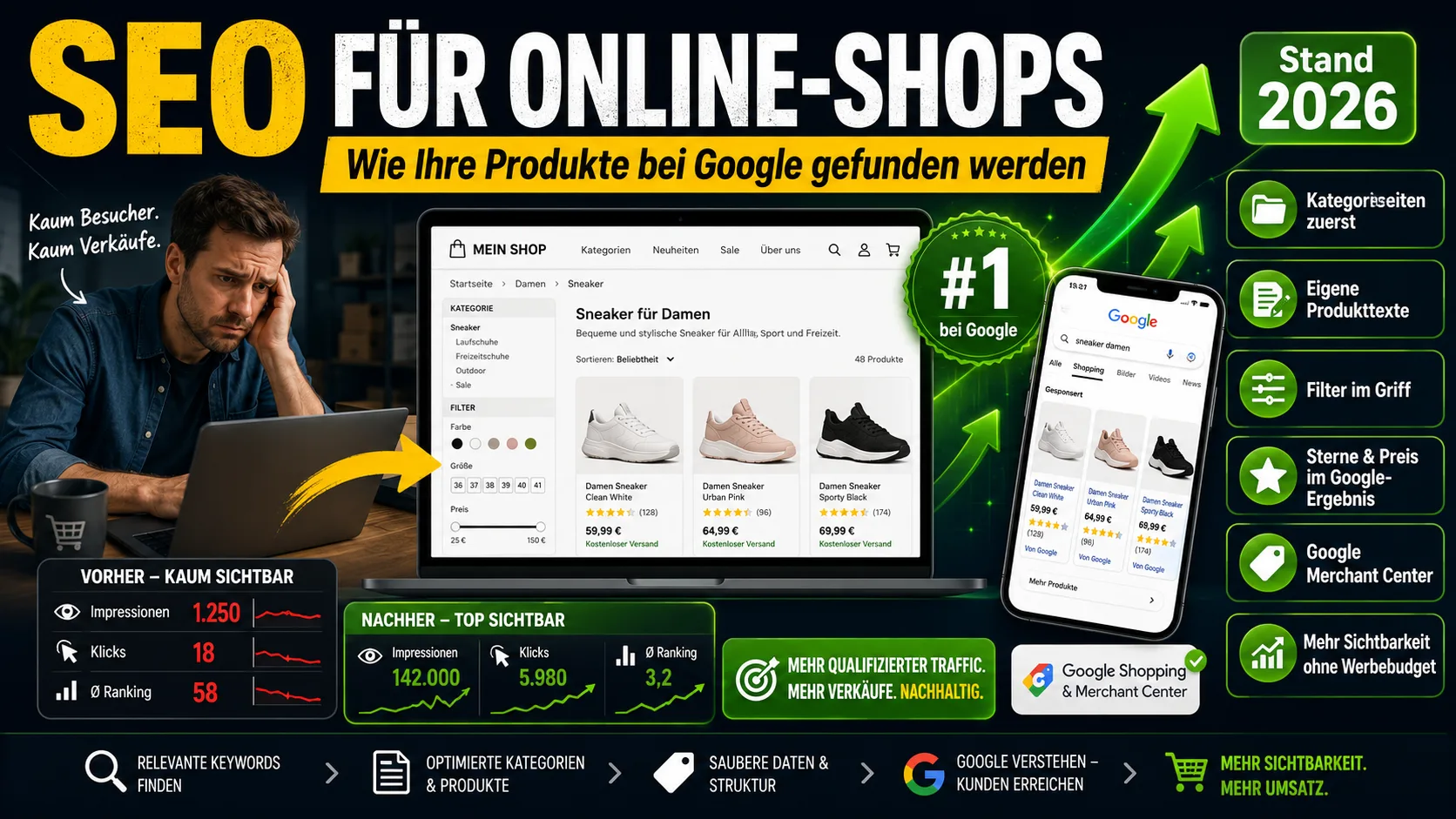
SEO for Online Shops: How Your Products Get Found on Google (2026)
Shop SEO works differently from ordinary website SEO. What really counts on category and product pages – without the technical jargon.
 Marketing & SEO
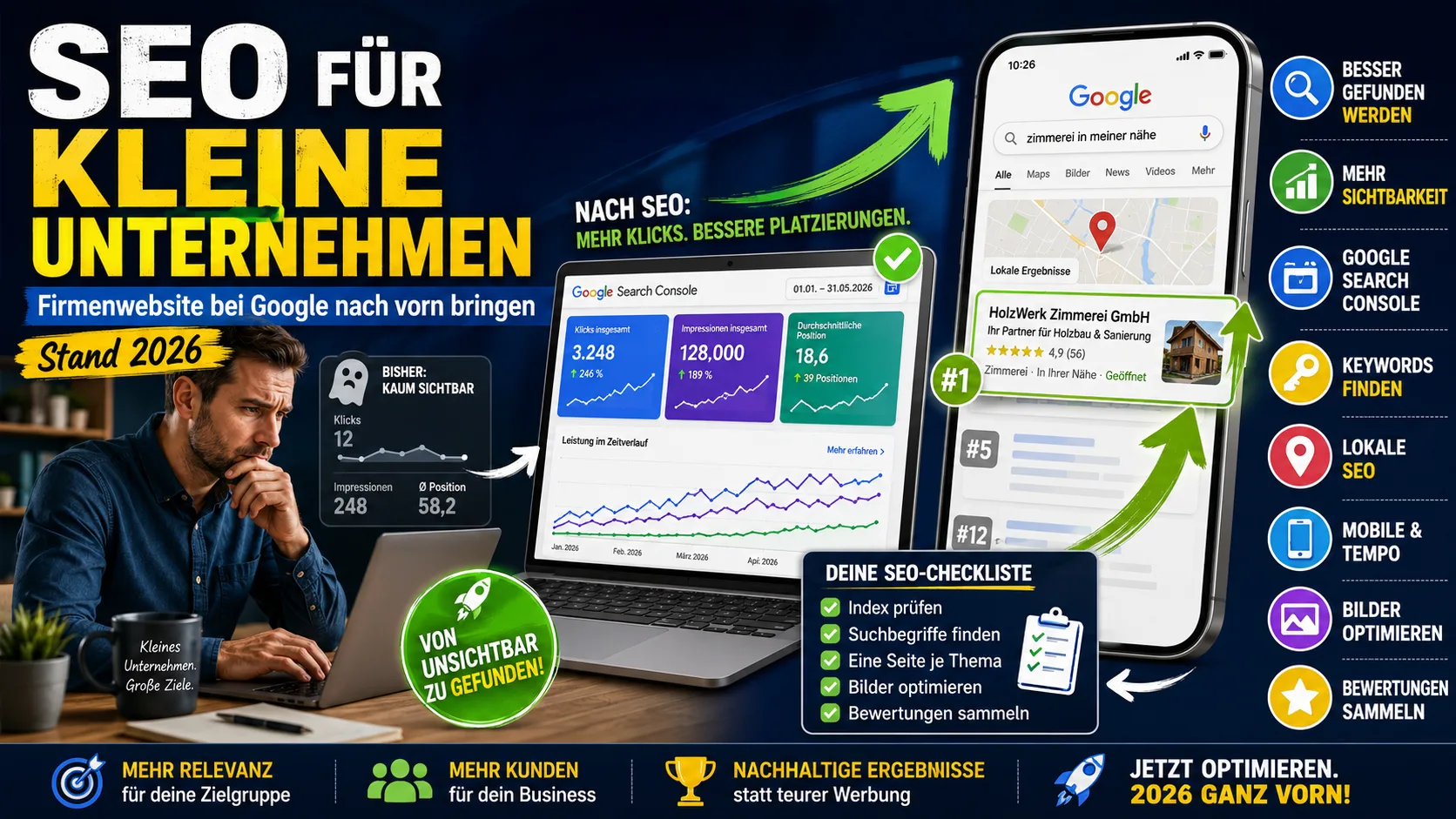
SEO for small businesses: getting your company website to the top of Google (as of 2026)
Starting from scratch: are you even on Google? Why you are not being found, what you can change yourself in three weeks – and what you can safely skip.
 Marketing & SEO
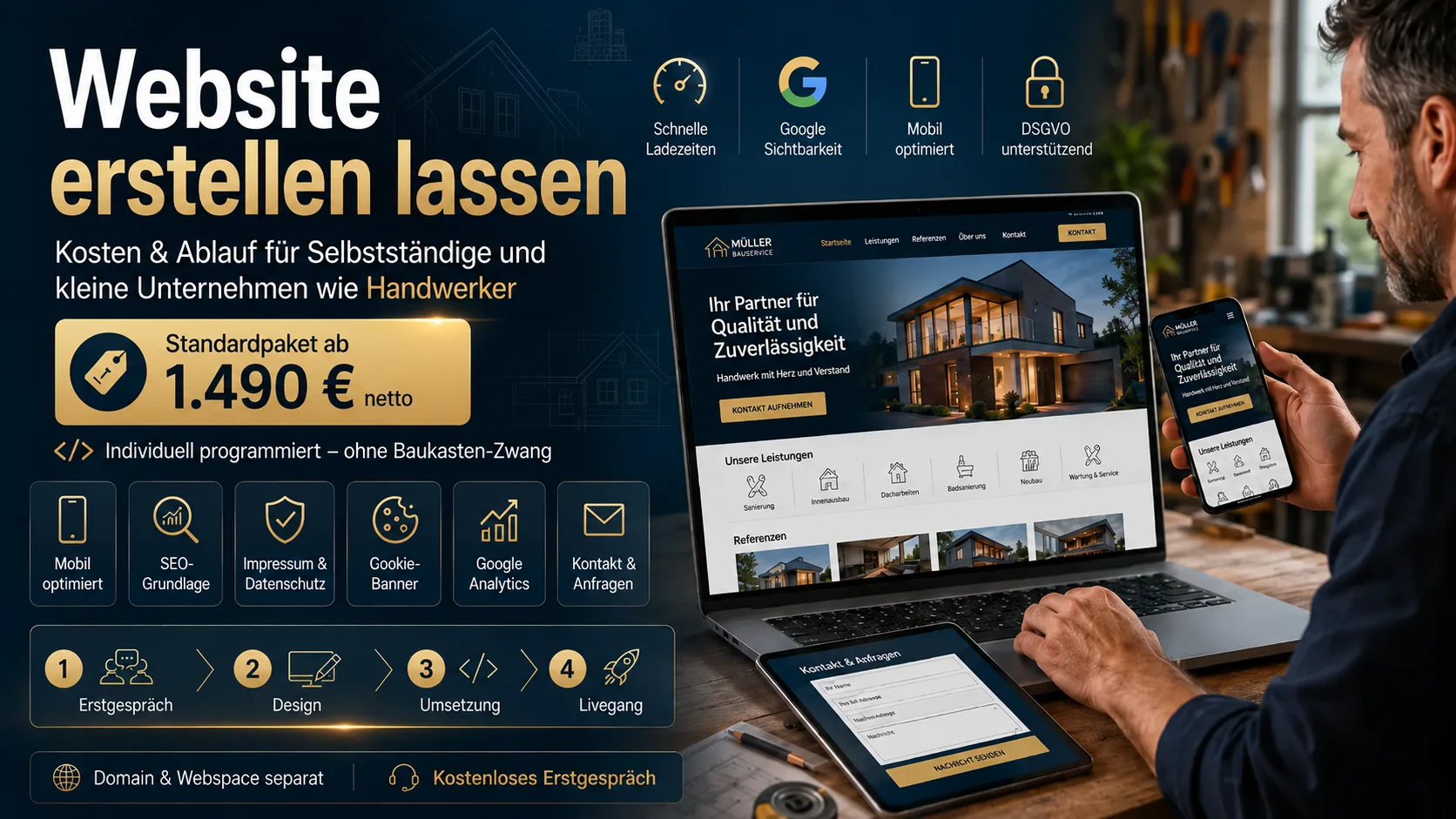
Getting a Website Built: Costs & Process for Freelancers and Small Businesses Like Tradespeople
What does it cost to have a website built? Real prices, what belongs on a 2026 site, and how the process works – for freelancers and small businesses like tradespeople.