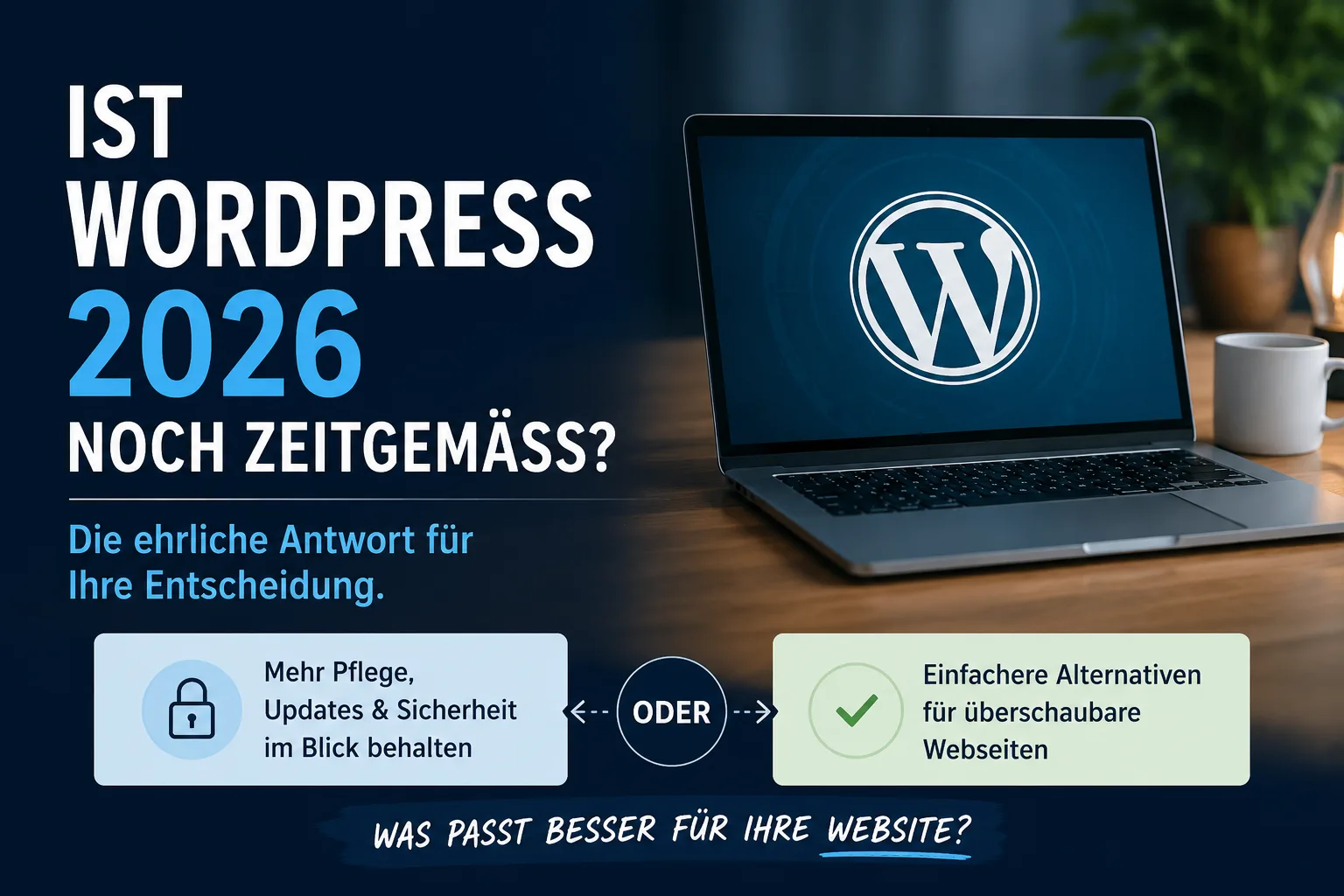
The short answer: No, you do not have to use WordPress. WordPress is the best known system for websites, but it is not automatically the best one for your situation. If you need a manageable site that you rarely change, there are simpler routes that require less upkeep. WordPress makes sense above all if you want to publish texts yourself on a regular basis without calling a specialist every time — and if somebody else should be able to take over your site later on. And if the constant updates worry you: you can also rent WordPress in a way that leaves that work to a provider. What that costs and what to watch out for is explained further down.
Table of contents
- What is WordPress anyway?
- There are two things that are both called "WordPress"
- Why do you constantly read about attacks on WordPress?
- What does "doing updates" actually mean day to day?
- The alternative: a site with no login at all
- Where the one hour turns into a whole weekend
- What WordPress genuinely does better
- If you want WordPress: the three routes and what they cost
- The update trap in the word "managed"
- And what if you do not want to do any of this yourself?
- Three questions that settle your decision
- Frequently asked questions
This article reflects the situation in July 2026. The prices quoted are provider details at the time of research, mostly excluding VAT and in some cases promotional rates; check them with the provider before making a decision.
What is WordPress anyway?
WordPress is a program that runs on a rented computer on the internet — known as a server — and produces your website from there. You log in with a user name and password, type your text into a field that looks like a simple word processor, click "Publish", and the page is online. You do not need to know anything about programming for that.
What made WordPress so big are the add-ons, known in the jargon as plugins. These are small extra programs from third-party providers that you add with a few clicks: one for the contact form, one for the cookie notice, one for backups, one for the online shop. There are tens of thousands of them. These add-ons are the reason for the popularity of WordPress — and, as you will see in a moment, the cause of almost all its problems.
There are two things that are both called "WordPress"
This is the most common confusion of all, and without clearing it up the rest does not make sense:
wordpress.org is the software itself. It is free. You download it and install it on a server that you rent. Everything that happens afterwards — updates, backups, repairs — is your responsibility or that of somebody you pay for it.
wordpress.com, by contrast, is a company from which you rent a finished site. Everything is already set up, you log in and start writing. You pay monthly and have fewer freedoms in return.
The two are loosely connected but in daily use they are completely different offers. When somebody tells you that WordPress is free, they mean wordpress.org — and the software really is free. The server, your web address and above all the upkeep are not.
Why do you constantly read about attacks on WordPress?
Because WordPress is so widespread. The security company Patchstack, which collects such cases systematically, counted 11,334 newly discovered vulnerabilities in the WordPress environment for the year 2025. That sounds overwhelming. What matters, however, is where those gaps sit:
- 91 percent were in the add-ons, that is in the extra programs from third-party providers.
- 9 percent were in the design templates that give the site its appearance.
- In the actual WordPress core there were six of them in the entire year, all rated as low risk.
That is the answer to the question that troubles so many people. WordPress itself is not the way in; what you install alongside it is. Anyone who adds twenty add-ons has twenty foreign programs on their server, and twenty different people would have to look after them. Not all of them do: according to the same report, more than half of the providers who were informed had not fixed the problem before it became public.
The core is not entirely free of trouble either. In July 2026 there was one of these rare cases: a combination of two flaws allowed a site to be taken over completely without the attacker needing a password. The emergency updates were released on 17 July. What stood out was the reaction of some providers — at one German host the route of attack was blocked for all customers the very next day, without those customers having to do anything. We come back to exactly that difference in the section on the three routes.
One thing should be put in perspective: somebody knocks on the door of every website. Automated programs comb the internet without pause looking for sites where something has been left open. The difference is not whether somebody comes by, but whether they find something that gives way.
What does "doing updates" actually mean day to day?
An update is a revised version of a program with which the manufacturer fixes errors. With WordPress such updates appear continuously — for WordPress itself, for every single add-on and for the design template. On a normal company website that quickly adds up to several notifications a week.
In everyday terms this means three things:
First, somebody has to see the notifications at all. If you only log in every three months, known gaps stay open for three months — and known gaps are exploited quickly, often within a day of being published.
Second, an update can break something. Two add-ons that work fine on their own suddenly no longer get along after being updated, and the contact form is gone. That is why you make a backup beforehand, check afterwards, and need somebody who can judge the result.
Third, it costs money if you do not do it yourself. Maintenance contracts from German service providers usually run between 40 and 150 euros a month for a normal company website; for an online shop, more towards the upper end. Over three years that quickly amounts to 2,000 to 5,000 euros purely for keeping things current.
This calculation is the real reason why the question "do I have to use WordPress?" is a fair one.
The alternative: a site with no login at all
There is a distinction here that hardly anyone explains because it sounds technical — but it is easy to understand and it decides everything.
Option A: finished pages. Your pages are created once on your computer and then transferred to the server, much as files used to be burned onto a CD. There is no login area, no password, no database — that is, no digital filing cabinet holding your texts that somebody could break into. Finished pages simply sit there and are displayed. If you want to change something, you change it on your computer and upload it again.
Option B: a system with a login area. You log in on the internet and write there. That is precisely what WordPress does.
The security difference is not a detail, it is the heart of the matter: with option A there is almost nothing to take over. Not because nobody comes by, but because there is nothing there that could give way. Where the danger sits instead should be said honestly: with the access details for your server and for your customer account with the provider. Anyone who loses their password loses a site like this too. (How to secure your accounts is covered in our article on cyber security for the self-employed.)
Option A is exactly what comes out today when you have a site built with the help of an AI program. For a blog, a tradesperson's site or a company introduction that is a serious choice — not the stopgap it is sometimes made out to be.
One warning belongs with it: as soon as your self-built site does get a login area because you would like the convenience of writing in your browser, you have built precisely the thing that makes WordPress vulnerable — except that with WordPress thousands of experts examine the program code and with your solution nobody does. A rarely used system is attacked automatically less often. That makes it less conspicuous, not more secure.
Where the one hour turns into a whole weekend
It is true that a site like this can be standing within one or two hours — for the site itself. What that estimate usually does not include:
- Contact form. A site without a login area cannot send messages on its own. You need an additional service for that, and it needs protection against junk, otherwise hundreds of automated messages land in your inbox every day.
- Legally required details. Your imprint and privacy notice have to be correct in substance; a cookie notice becomes necessary as soon as you embed something like a map or a video from a third party. Experience shows that AI-generated sites have gaps here, and they only come to light when a letter arrives.
- Images. Photos from your phone are too large and slow the site down. Somebody has to shrink them.
- Being found. For Google to record the site properly, a few details have to be in there that an AI does not supply on its own. More on that in our article on SEO for small businesses.
- Later changes. Every change means: open the laptop, edit the file, upload. You cannot do it from your phone.
None of this is dramatic. Together, though, these are the hours that turn "two hours" into two weekends. Anyone who knows this and still wants it is making a good decision. Anyone who does not know it ends up disappointed.
What WordPress genuinely does better
Three things — everything else is marketing.
1. You do not depend on a single person. This is the most important point and the one almost nobody mentions. Your self-built site is understood by the AI that produced it, and by you, for as long as you remember. Finding somebody in three years who will work their way into that entirely bespoke solution is tedious and expensive. For WordPress you will find somebody who knows it in practically any small town. If your site is meant to outlast your involvement, or if an employee, a successor or an agency will take it over at some point, that is a very strong argument.
2. You can change content without needing a specialist or your computer. Adjust the price list, post a holiday notice, write an article — from your phone, from the car, in the evening on the sofa. If you change something twice a year you will hardly miss it. If you write weekly, you will miss it a lot.
3. The boring obligatory parts are already done. Contact form with junk protection, cookie notice, image resizing, the details for Google, several languages. Each one on its own is no drama. Together they are exactly the hours from the previous section.
And where does WordPress no longer have an edge? In appearance, in speed, in Google rankings and in price. On all four points a lean, cleanly built site tends to be better rather than worse.
If you want WordPress: the three routes and what they cost
Let us assume you have decided on WordPress. Three routes are then open to you, and they differ above all in how much work is left with you.
Route 1: renting from WordPress.com
You rent the finished site from the provider itself and install nothing. In July 2026 the plans with annual payment were 0 euros (free, with restrictions), 4 euros (Personal), 8 euros (Premium), 25 euros (Business) and 45 euros (Commerce) a month.
The catch you should be aware of: choosing add-ons freely — that is, the freedom you take WordPress for in the first place — is only available from the Business plan at 25 euros upwards. Anyone who starts at the bottom often notices only later that a particular function is missing.
Suitable for: people who want to write and would rather have nothing to do with technology.
Route 2: managed hosting — somebody else does the upkeep
"Managed" means you are not renting the site but the care around it. The provider installs updates, makes backups and monitors the server. This is the direct answer to the worry about endless update work. German providers with servers in Germany (as of July 2026, prices excluding VAT):
| Provider | from | Notable |
|---|---|---|
| Mittwald | 13 €/month | updates either by click or fully automatic, data centre in Germany |
| Raidboxes | 17 €/month (Mini), 22 € (Starter) | specialises in WordPress, servers exclusively in Germany — see the next section |
| WP-Space | 10 €/month promotional rate (24 € regular) | you decide yourself which updates should run automatically |
| HostPress | 44 €/month with annual payment | updating of the system, add-ons and design template explicitly included |
Suitable for: everybody who wants WordPress but does not want to maintain it themselves — and that is the majority.
Route 3: ordinary web hosting, install it yourself
The cheapest route. You book a simple hosting package, set up WordPress with a few clicks using an installation assistant, and do the updates yourself. Providers with German data centres include All-Inkl, IONOS, Strato, webgo, Mittwald and Hetzner; entry-level packages start at a few euros a month, and IONOS advertises promotional rates from 1 euro (in return for a twelve-month minimum term and a one-off setup fee). For complete beginners, tests rate Strato as the simplest choice and All-Inkl as the most balanced value for money for small businesses.
Just be clear about one thing: with this route all of the update work stays with you. It is precisely the effort you probably wanted to avoid.
Suitable for: people who want to learn the ropes and enjoy doing so. If you want to go deeper, you will find the process in our series on running your own server with Debian.
And here is the framing that holds it all together: the 13 to 44 euros a month for route 2 are not a surcharge. They replace the maintenance contract at 40 to 150 euros, or your own time. The question is not whether you pay for the upkeep, but where.
The update trap in the word "managed"
This is where you have to look closely, because "managed" is not a protected term and providers mean different things by it.
Remember the figures from above: 91 percent of the vulnerabilities are in the add-ons, six cases a year in the WordPress core. And now the decisive point: many managed plans only update the core, not the add-ons.
At Raidboxes, for example, the Mini (17 euros) and Starter (22 euros) plans include automatic updates for WordPress itself. Add-ons and design templates are explicitly only taken over by the provider in the "Fully Managed" plan at 35 euros. Anyone who books the small plan believing everything is taken care of has precisely the part on their hands where more than nine out of ten gaps are found.
It is similar at webgo: the CMS packages from 17.95 euros are an ordinary hosting offer in which updates and backups stay with you — genuine all-round care only begins there with the considerably more expensive managed servers. That is not a criticism of the provider, it is what the service description says. You just have to read it.
The one question you should ask every provider before signing: "Do you also update my add-ons and my design template — or only WordPress itself?" The answer determines whether you have bought upkeep or merely storage space.
And what if you do not want to do any of this yourself?
For many readers the deliberation ends right here: they need a decent site but have no appetite for update notifications or for the question of which plan covers which update. In that case the most sensible route is to have the site built and looked after — and to concern yourself with none of it.
We offer this ourselves, which is why we state the figures openly so you can compare. At peppertools.de/de/ihre-homepage there are two models:
- A one-off 1,490 euros excluding VAT: up to five subpages with an individual design, a contact form and the basic settings so that Google records the site properly. The site then belongs to you. You book hosting and the web address yourself.
- 99 euros excluding VAT per month: the same work, but hosting and web address are included, as is ongoing care, technical maintenance and text changes. Term of 24 months.
It usually takes around two weeks until the site is online. Privacy notices, the basics for being found and the presentation on mobile phones are part of the work.
And here is the framing you are entitled to, even though it applies to us: weigh the rental price against the individual items. Managed hosting costs 13 to 44 euros a month, a maintenance contract another 40 to 150 euros, the build comes on top as a one-off, and in both cases you either make the text changes yourself or pay somebody to do them. Anyone who wants to maintain the site themselves and enjoys the technology is better off with the three routes above. Anyone who wants to hand the matter over completely is not paying more with the rental model but bundling what would otherwise appear on three separate invoices. Which is better for you depends solely on whether you want to take care of it — not on which model looks more expensive.
Three questions that settle your decision
"Which system is better" is not the right question. These three are:
1. Who will change this site in three years — and are they able to? If the answer is "me, and I get on fine with technology", a simple site without a login area is perfectly all right. If the answer is "no idea, somebody", take WordPress. It is understood everywhere.
2. How often do you change something? A new phone number twice a year? Then you do not need a login area. An article, offers, appointments every week? Then you want one.
3. Do you want to take care of updates — or pay for them? Either is fine. Only "neither" does not work. A WordPress site that nobody looks after becomes a risk to you and your visitors within a year.
Frequently asked questions
Is WordPress dying out? No. It still runs on more than 40 percent of all websites worldwide and thus on many times as many as the next largest provider. Its share has been declining slowly since the end of 2025 because many small sites are moving to rented off-the-shelf solutions. For your decision today that makes no difference.
Is my existing WordPress site unsafe now? Not automatically. You should pay attention if nobody has installed updates for months, if add-ons are installed that you do not recognise, or if an add-on is no longer maintained by its maker at all. Have it checked once before you consider switching — tidying up is often cheaper than rebuilding.
Can I move from a simple site to WordPress later? Yes. The texts and images are yours and can be transferred; the effort lies in the appearance and the structure. It works the same way round. A switch usually becomes more difficult with rented off-the-shelf systems — ask there before signing what form you can get your content back in.
And what about an online shop? That is a different question with different answers, because payment, shipping and legal texts come into play. The comparison of shop systems is in a separate article.
If you are unsure, start small: a simple site with the essential details is better than an elaborate system that nobody maintains after a year. And if you do take WordPress, plan the upkeep in from the start — either as a fixed date in your calendar or as an item in your monthly costs. If you want the site built for you anyway, you will find the usual prices and the process in our article on having a website built.
One last thought that makes the decision easier for many people: your website and your office work are two separate things. You write quotes and invoices regardless of what your site runs on. Building an add-on into WordPress for that means one more extra program that has to be kept current — and your invoices then sit on the same server as your public website. Keeping them separate, for instance with a dedicated solution such as office1.cloud, keeps both lean: the site, and the list of things you have to look after. Once the visitors arrive, the invoicing behind it should be ready too — guides and tools for that are at office1.cloud.
Handle invoices more easily
Easy Invoice combines quotes, invoices and customer management in the cloud.
Try Easy InvoiceRead next
 Tech & Servers
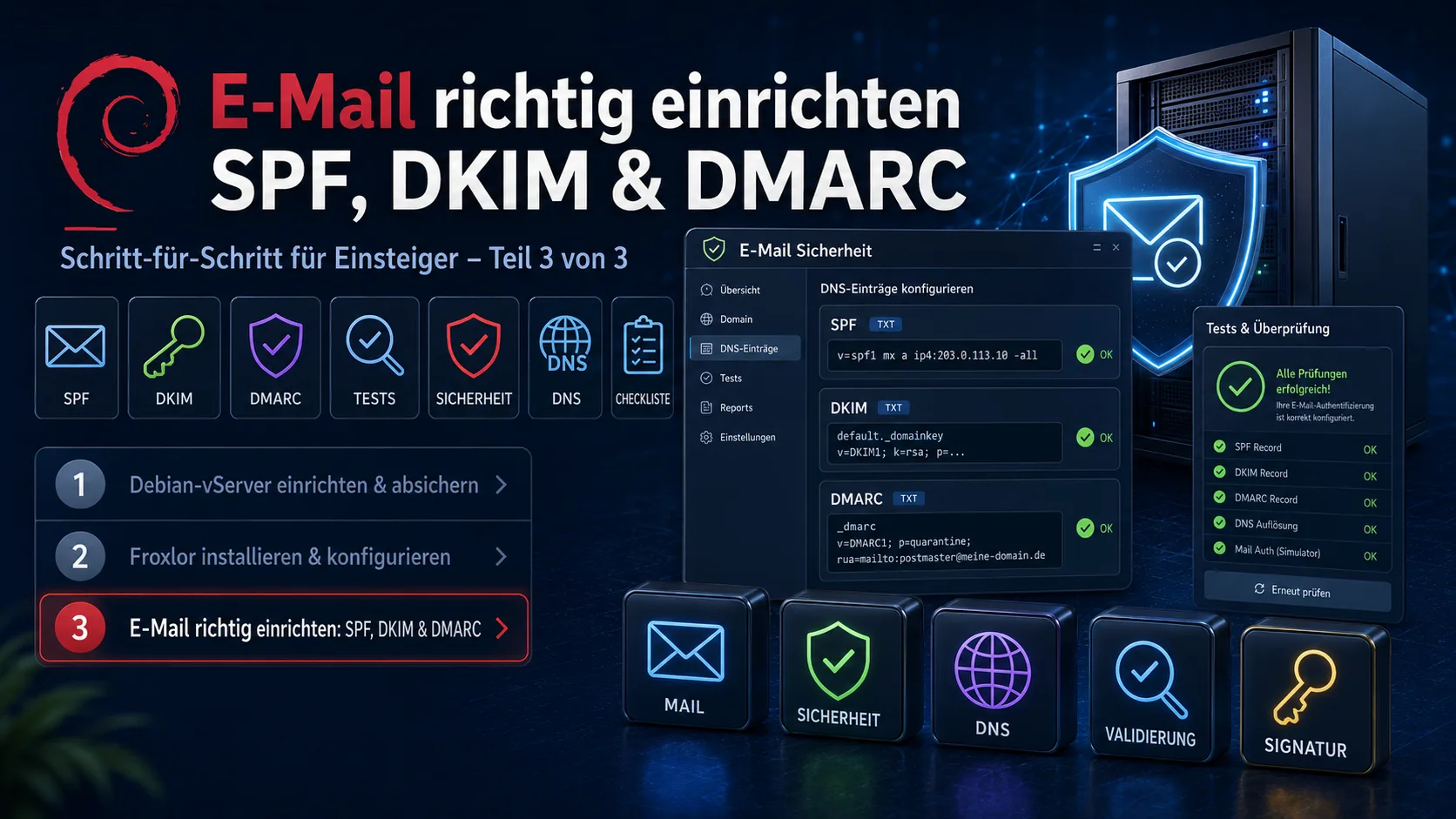
Set up email correctly: SPF, DKIM and DMARC for beginners (Part 3 of 3)
Part 3 of the series „Your own server – from zero to secure": set up SPF, DKIM and DMARC so your emails arrive instead of landing in spam. With DNS records, DKIM signing via OpenDKIM on your own server, the right order (p=none first) and free test tools – all ready to copy.
 Tech & Servers
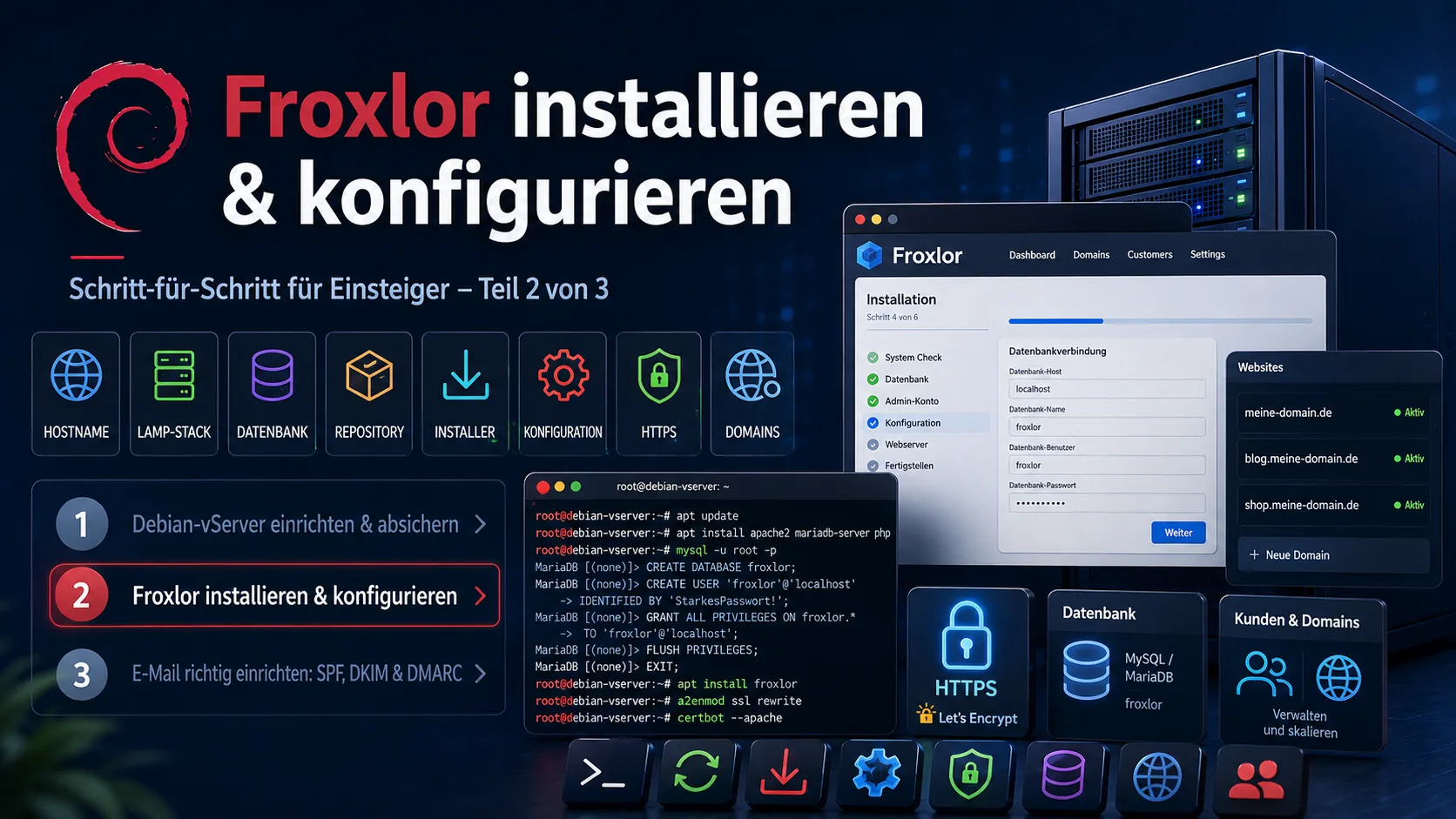
Install and configure Froxlor: a beginner's step-by-step guide (Part 2 of 3)
Part 2 of the series „Your own server – from zero to secure": install Froxlor as a free server panel on Debian 12 – from the LAMP stack via the repository install and the web installer to applying the configurations and HTTPS via Let's Encrypt. Incl. subchapters on common problems (cron, Let's Encrypt) with copy-paste commands.
 Tech & Servers
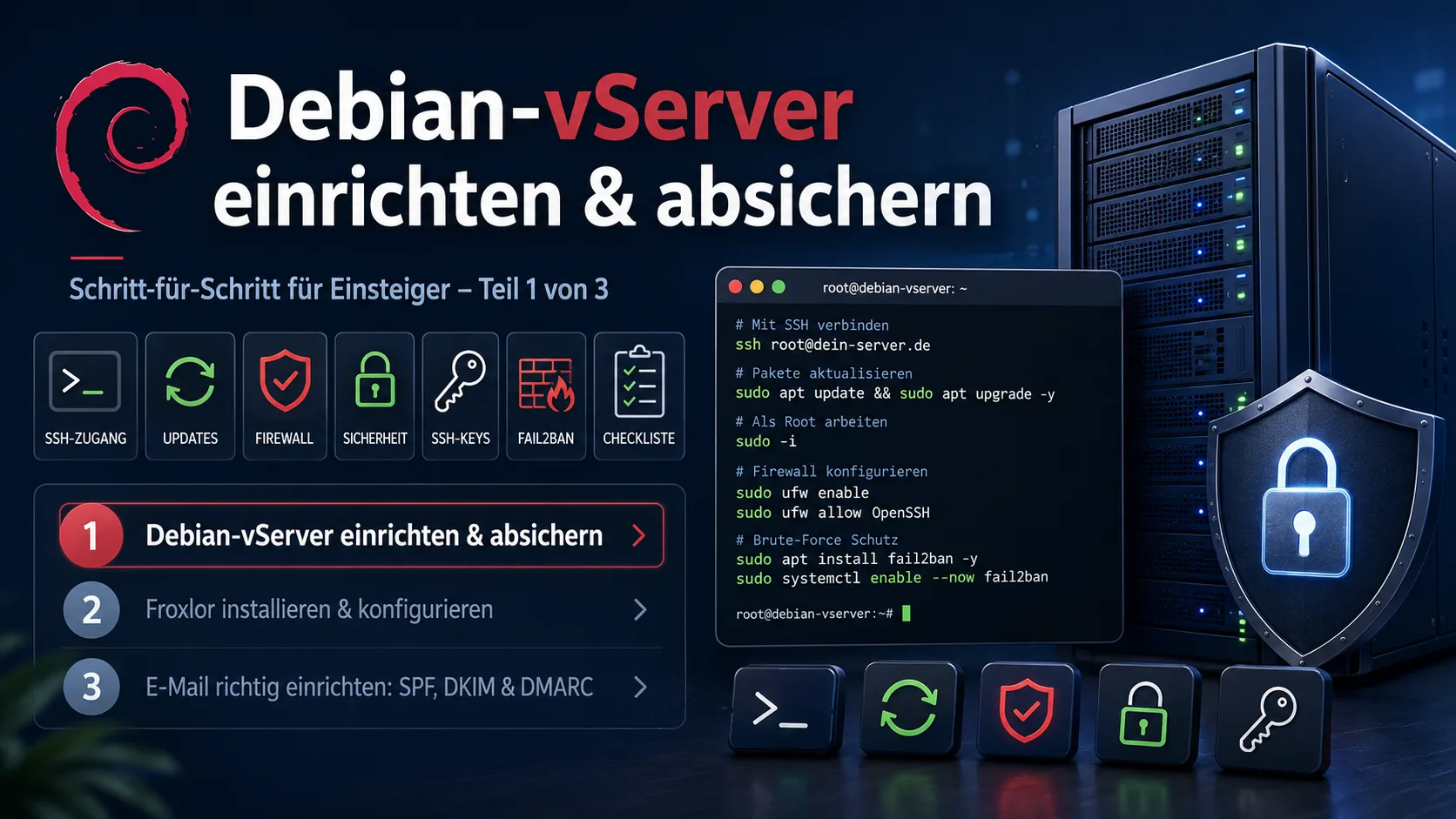
Set up and secure a Debian vServer: a beginner's step-by-step guide (Part 1 of 3)
Part 1 of the series „Your own server – from zero to secure": you've rented a vServer – now what? This beginner guide brings your Debian 12 server to a secure baseline: update the system, create a sudo user, secure SSH with a key, set up a firewall, Fail2ban and automatic security updates. Every step ready to copy.