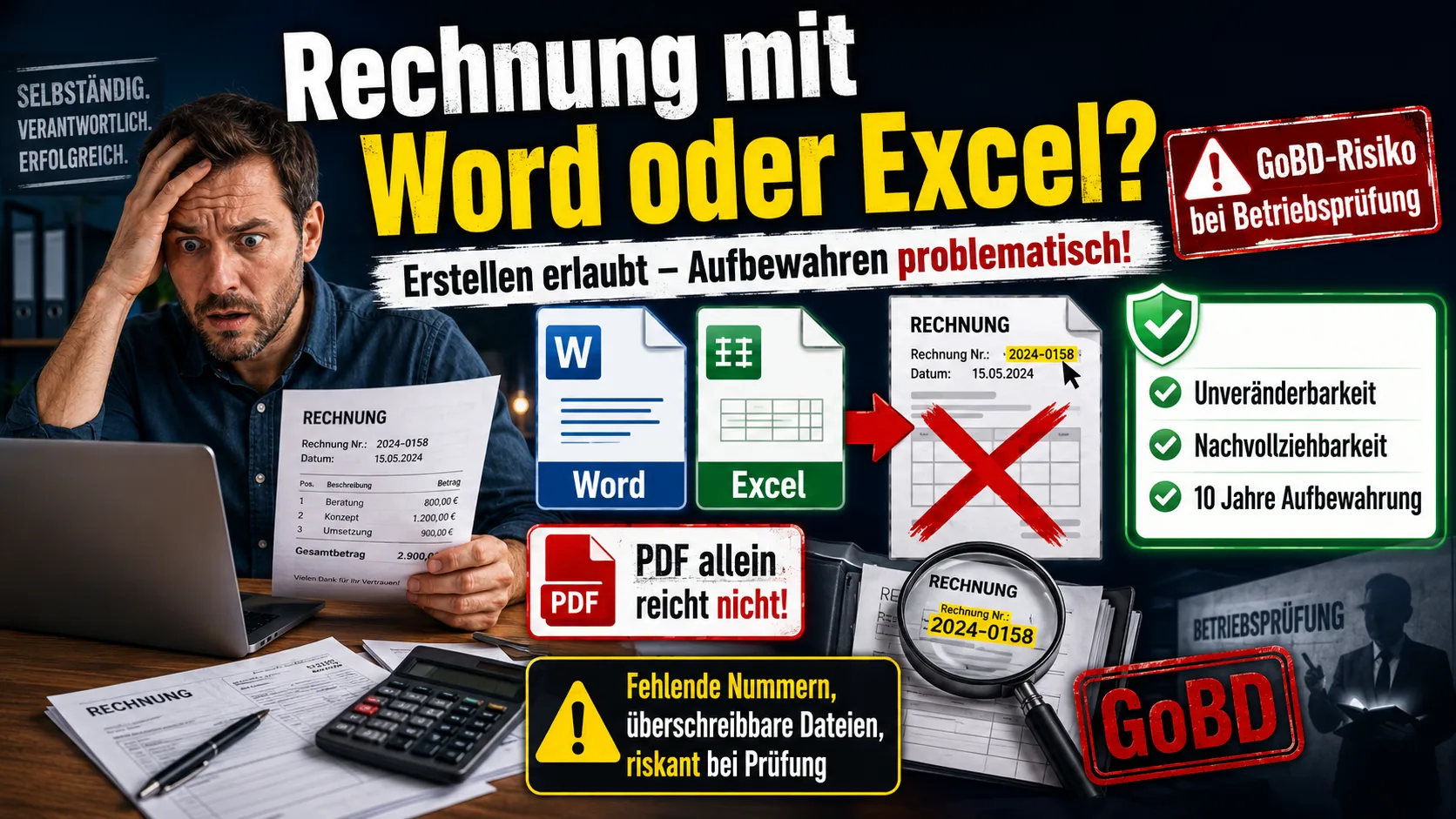
The short answer first: creating an invoice in Word or Excel is not forbidden. There is no law that prescribes a particular program. The catch lies elsewhere – namely in how the invoice is retained afterwards. And that is exactly where Word and Excel almost always fall short in practice.
Creating isn't the problem – keeping is
When people think about invoices and the tax office, they think about writing them. Yet what the tax office cares about most is what happens to the invoice after it goes out. Once a document has been issued, it must be preserved permanently, unaltered and in a way that can be traced. That is the heart of the GoBD – Germany's "principles for the proper keeping and retention of books, records and documents in electronic form."
A Word or Excel file doesn't meet that standard: it can be opened, overwritten and saved again at any time, without anyone seeing the change. It's precisely this easy alterability that is the problem – not the program itself.
If you want to write invoices with all mandatory details in a few minutes, you can try the invoicing software Easy Invoice free for 10 days.
What the GoBD actually require
For invoices, the requirements come down to three points:
- Immutability: A finished document may not be altered or deleted after the fact. If something needs correcting, you do it with a new invoice that references the old one – not by overwriting.
- Traceability: Every sequential invoice number must be present, with no gaps. A missing number makes it look as though you made a sale disappear.
- Legibility for ten years: Invoices must be kept for ten years, and in such a way that they can be read and reviewed again at any time.
Why Word and Excel fall short here
With the classic Word template, here's what happens: you open the document from your last invoice, change the customer, date and amount, save – and the previous invoice is overwritten. There's no history, no fixed numbering, no protection against accidental changes. With Excel, you add calculation errors and formulas that slip out of place.
A common misconception: "I convert the invoice to a PDF, so then it can't be changed." That doesn't help. A PDF can just as easily be replaced or regenerated, and what matters anyway is that the whole process – creation, numbering, filing – is traceable. A PDF exported after the fact and sitting on a hard drive proves none of that. Printing the invoice out and filing the paper copy as well doesn't replace proper digital retention either.
What you risk in a tax audit
As long as everything runs smoothly, none of this shows up. It becomes critical in a tax audit. If the auditor can't accept the invoices as proper – for example because numbers are missing or the documents are obviously freely editable – they may reject your records and estimate your profit. Such an estimate rarely comes out in your favour. On top of that can come add-on assessments and, in the worse case, the suspicion that manipulation was deliberate.
And this doesn't only affect extreme cases: even an ordinary invoice created in freely editable Word or Excel is formally open to challenge. How clear-cut this is from the authorities' point of view is shown in a video by OlliNichtImDienst on TikTok – he spent 20 years as a German tax-office auditor and describes openly that invoices exactly like these Word and Excel ones are not proper, and that he "nailed" self-employed people over them during audits: watch the video on TikTok (video in German). The risk, in other words, isn't theoretical – it's the everyday reality of an audit.
Switching – easier than you'd think
Anyone who has worked with Word or Excel so far often dreads the move. But it's less complicated than many fear:
- Bring your master data along: Customers, products and prices can be imported as a CSV file into almost any software – often with just a few clicks. It's exactly these lists from your old Excel spreadsheet that noticeably shorten the move.
- Old invoices stay where they are: You don't have to transfer invoices you've already written. You simply keep the old documents on file and start in the new solution with the next sequential number.
- A good moment: The ideal time to switch is at the start of a year or quarter. That way you close off the old period cleanly and begin the new one entirely in the new system.
From then on, the program takes over exactly the things that were error-prone in Word: sequential numbers automatically, no overwritable documents, tidy filing. If you're switching anyway, it's worth looking at what matters when choosing – we've summed that up in Invoicing Software for Small Businesses: What to Look For.
And should a wrong invoice ever go out: deleting is off-limits even then. How to correct it cleanly is covered in Correcting an Invoice: Cancellation Invoice and Correction Invoice.
What else the GoBD require of your workflow - from retention periods to process documentation - is explained in GoBD-compliant invoices.
Handle invoices more easily
Easy Invoice combines quotes, invoices and customer management in the cloud.
Try Easy InvoiceRead next
 Invoicing & Accounting
Invoicing with a Kleingewerbe in Germany: sample, template, details
With a Kleingewerbe (small trade business), you write invoices like any other business. Whether VAT is added does not depend on the trade, but on the small business scheme (Kleinunternehmerregelung). Here you find the mandatory details for both cases and a sample to copy.
 Invoicing & Accounting
Showing a discount on an invoice in Germany: template, VAT, example
A discount is deducted from the net amount, and VAT is calculated afterwards. Here are two templates to copy, the rules for discount codes and vouchers, and what applies if you grant the reduction only after the invoice.
 Invoicing & Accounting
Freelancer invoices in Germany: template, required details, VAT
As a freelancer (Freiberufler) in Germany, you write invoices without registering a trade, but with the same mandatory details as any business. One question decides: do you add VAT or not? Here you find the answer for your case and a template for each of the three cases.