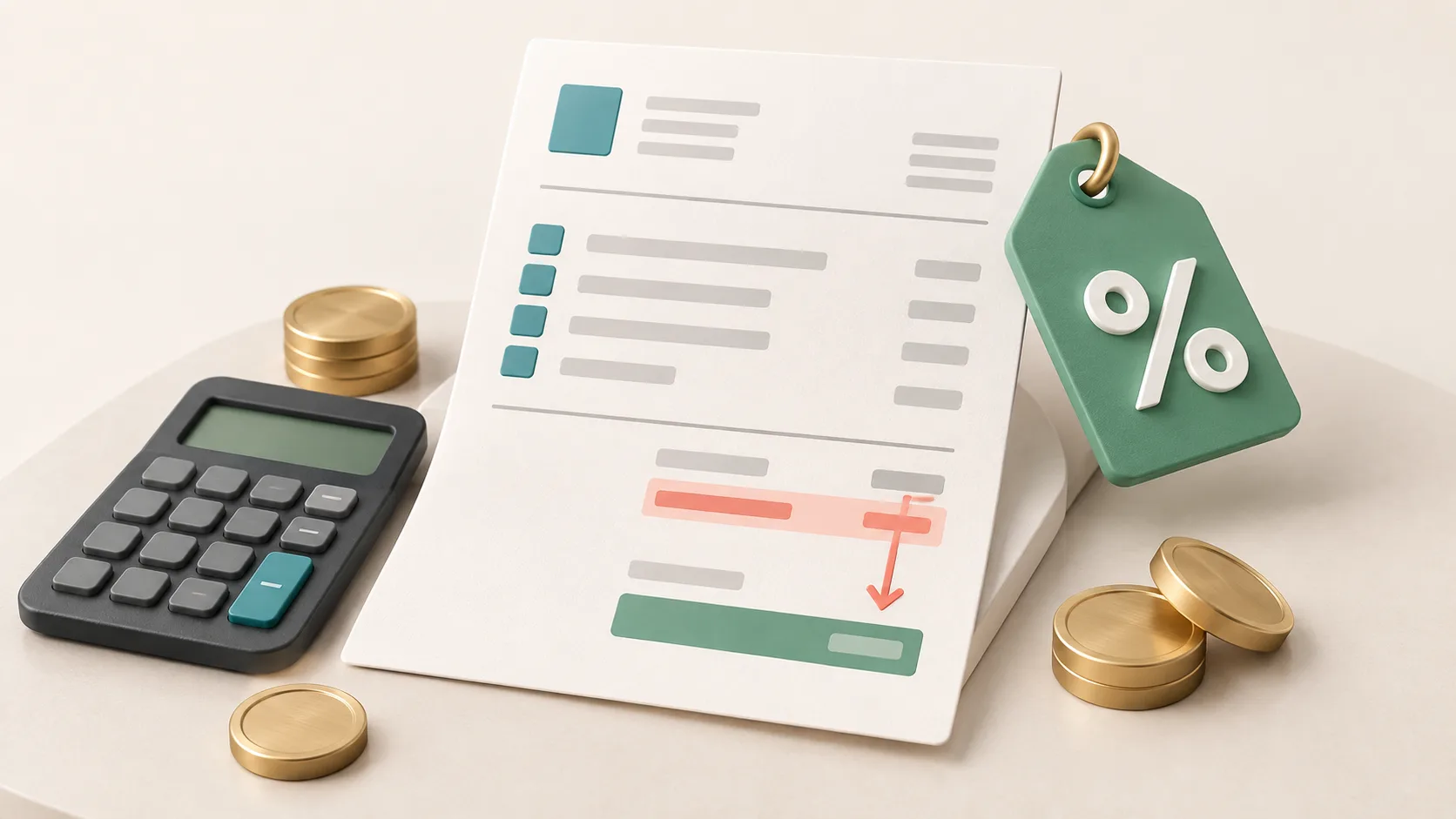
Deduct the discount from the net amount and calculate the VAT (Umsatzsteuer) only on the reduced amount. That way the tax is correct and the customer sees how much they save. Whether the discount needs its own line on the invoice depends on when it is fixed: if it is already deducted from the price, German law does not, by its wording, require a separate statement. If, when you write the invoice, it is only clear that a reduction may follow later, for example an annual bonus, the invoice has to refer to it.
Contents
- Does the discount have to appear on the invoice?
- Net or gross: how to calculate the discount
- Template: discount on one item
- Template: discount on the whole invoice
- Black Friday: discount codes and vouchers
- Granting a discount after the invoice
- Small businesses and invoices up to 250 euros
- Booking the discount
- Frequently asked questions
Does the discount have to appear on the invoice?
For a discount that is already deducted from the price, German law does not, by its wording, require any additional statement. Showing it still helps: the customer sees the reduction, and your invoice matches your quote. The German VAT Act requires the invoice to show the consideration "as well as any reduction of the consideration agreed in advance, unless it is already taken into account in the consideration" (Section 14(4) sentence 1 no. 7 UStG).
This mandatory item therefore targets reductions that are agreed when the invoice is written but not yet deducted. The tax authorities expressly mention bonuses, cash discounts and rebates whose amount is not yet fixed when the invoice is written. In that case the invoice has to "clearly refer to the agreement", for example by naming the contract (VAT Application Decree, UStAE, section 14.5(19)).
| Your case | What goes on the invoice |
|---|---|
| Discount deducted immediately, for example a sale price, discount code or loyal customer discount | the reduced amount; a discount line is optional but common |
| Bonus agreed, amount only fixed later, for example based on annual volume | a clear reference to the agreement, such as "The bonus agreement of 15 January 2026 applies" |
| Cash discount (Skonto) for prompt payment | a statement such as "2% cash discount if paid by 25 November 2026"; according to the tax authorities you do not have to calculate the amount |
| Discount only after the invoice, without a prior agreement | the original invoice stays as it is, the reduction is handled separately, see Granting a discount after the invoice |
How to word a cash discount and what happens to the VAT is covered in the article Cash discount on the invoice. All other mandatory details of an invoice are explained in Writing an invoice. In the office1.cloud invoicing software you can set a discount on the whole document, either as a percentage or as an amount, and additionally a percentage discount per item.
Net or gross: how to calculate the discount
With a percentage discount it makes no difference whether you deduct it from the net or the gross amount: the result is the same. On the invoice you still deduct it from the net amount, because VAT is calculated on what the customer actually pays (Section 10(1) UStG).
| Discount | from net amount €100.00 | from gross amount €119.00 |
|---|---|---|
| 10% | €90.00 net + €17.10 VAT = €107.10 | €119.00 − €11.90 = €107.10 |
| 10 euros | €90.00 net + €17.10 VAT = €107.10 | €119.00 − €10.00 = €109.00, including €17.40 VAT |
With a fixed amount in euros, it does make a difference. So state whether "€10 off" means net or gross. For discount codes, check the settings of your shop system to see whether the code is deducted from the net or the final price. When a customer deducts an amount from the payment, the tax authorities assume that it proportionally contains VAT (UStAE, section 10.3(1)).
Template: discount on one item
If the discount only applies to one item or service, put it directly in that line. The customer then sees exactly what they pay less for.
| Item | Description | Qty | Unit price net | Discount | Total net |
|---|---|---|---|---|---|
| 1 | Logo design with three variants | 1 | €800.00 | 10% (−€80.00) | €720.00 |
| 2 | Business card layout | 1 | €200.00 | – | €200.00 |
| Total net | €920.00 | ||||
| plus 19% VAT | €174.80 | ||||
| Invoice amount | €1,094.80 |
Template: discount on the whole invoice
If the discount applies to the whole purchase, add it as a separate line below the subtotal, before the VAT.
| Item | Article | Qty | Unit price net | Total net |
|---|---|---|---|---|
| 1 | Linen cushion cover, sand | 2 | €25.00 | €50.00 |
| 2 | Wool blanket 140 × 200 cm | 1 | €70.00 | €70.00 |
| Subtotal net | €120.00 | |||
| less 15% discount (Black Friday promotion) | −€18.00 | |||
| Total net | €102.00 | |||
| plus 19% VAT | €19.38 | |||
| Invoice amount | €121.38 |
Two VAT rates on one invoice. The law requires the consideration to be broken down by tax rate. A discount on the whole invoice therefore reduces both parts: if you sell a book for €40 net at 7% and a bookmark set for €10 net at 19% with 10% off everything, the invoice shows €36.00 at 7% and €9.00 at 19%. The easiest way is to enter the discount in each item straight away.
Black Friday: discount codes and vouchers
A discount code in an online shop is a discount like any other: the invoice shows the reduced price, either as a discount line or directly in the items. The shop calculates VAT on the amount after the discount.
Two things that often get mixed up during promotions:
- A discount code and a gift voucher are not the same. A discount code reduces the price. A gift voucher that someone bought beforehand is a means of payment with its own rules (Section 3(13) to (15) UStG). When a customer redeems a purchased voucher, that is not a discount.
- Advertising the discount. How you may display strike-through prices and percentages in your shop is governed not by the VAT Act but by the German Price Indication Ordinance (PAngV). Anyone announcing a price reduction for goods to consumers states the lowest total price of the last 30 days before the reduction, under Section 11 PAngV. Details are in the article Price Indication Ordinance: discounts and strike-through prices.
Granting a discount after the invoice
If you grant the discount only after the invoice has been sent, the invoice stays as it is. Instead, you adjust the VAT for the period in which the amount changes (Section 17(1) UStG). The tax authorities make clear that the original invoice does not have to be corrected in such cases (UStAE, section 17.1(3a)).
An example: you charged €1,000 net plus €190 VAT, so €1,190. The customer complains and you agree on a 10% reduction. The reduction is €100 net plus €19 VAT, €119 in total.
| Situation | What happens |
|---|---|
| Customer has not paid yet | They transfer €1,071. Your VAT goes down by €19 |
| Customer has already paid | You refund €119. According to the tax authorities, your VAT only goes down in the period in which you pay the money back |
| Customer is a business entitled to input tax deduction | It reduces its input tax by the same €19, as required by Section 17(1) sentence 2 UStG |
For the reduction, it is best to issue a separate document with its own number, a reference to the invoice, the net reduction, the VAT on it and the new amount. This document may also be called a "credit note" (Gutschrift). If you change reductions for goods at 7% and 19% together, for example an annual bonus, the law requires such a document: it must show how the change is split between the two tax rates (Section 17(4) UStG). A template is shown in the article Creating a credit note. If the original invoice itself is wrong, see Correcting an invoice.
If you pay VAT on a cash basis (Ist-Versteuerung), the tax only arises when payment is received (Section 13(1) no. 1(b) UStG). If the customer pays less from the outset, you only pay tax on what arrives.
Small businesses and invoices up to 250 euros
As a small business under the German small business scheme (Kleinunternehmer), you simply deduct the discount from the invoice amount. There is no VAT on your invoice, so nothing to calculate out. The mandatory details for small business invoices in Section 34a UStDV do not include a separate discount statement. What else belongs on these invoices is explained in the article Writing an invoice without VAT.
For invoices up to 250 euros gross, Section 33 UStDV requires fewer details: the consideration and tax may be shown as one sum, together with the tax rate. No discount statement is provided for there either. The article Small-amount invoices up to 250 euros shows which details are sufficient.
Booking the discount
A discount already deducted on the invoice usually simply reduces revenue: you book the reduced amount. You do not need a separate discount account for this.
If you want to see discounts separately or grant them afterwards, the DATEV charts of accounts have dedicated "Gewährte Rabatte" (discounts granted) accounts:
| Chart of accounts | 7% VAT | 19% VAT |
|---|---|---|
| SKR 03 | 8780 | 8790 |
| SKR 04 | 4780 | 4790 |
Which accounts are set up in your bookkeeping and how your tax adviser wants reductions booked is best agreed with them once.
Frequently asked questions
Does a discount have to be shown on the invoice?
If it is already deducted from the price, Section 14 UStG does not, by its wording, require a separate statement. A separate discount line is common and easier for the customer to follow. A reference is needed, however, if a reduction has been agreed whose amount is not yet fixed when the invoice is written.
Is the discount deducted from the net or the gross amount?
With percentages the result is the same. With a fixed euro amount it is not: state whether net or gross is meant. Always calculate VAT on the amount after the discount.
Invoice with discount and cash discount: which comes first?
Usually the discount comes first, then VAT. The cash discount is stated below as a payment term and refers to the invoice amount after the discount. According to the tax authorities you do not have to calculate the cash discount amount; a statement such as "2% cash discount if paid by …" is sufficient.
May I show a discount in a quote?
Yes. The mandatory details under Section 14 UStG apply to invoices, not to quotes. You can show the discount in the quote just as on the invoice. If you turn the quote into the invoice, both match. What makes a quote binding is explained in the article Binding or non-binding quote.
What applies to a discount for a customer in another EU country?
There, too, the discount reduces the net amount your invoice is based on. If you invoice without German VAT, a later reduction also changes your EC Sales List (Zusammenfassende Meldung), in the period of the change. More on this in the article Zusammenfassende Meldung.
Try Easy Invoice free for 10 days — no payment details, the trial ends by itself.
Sources
- Section 14 UStG, issuing invoices (para. 4 sentence 1 no. 7)
- Section 10 UStG, taxable amount
- Section 17 UStG, change in the taxable amount
- Section 13 UStG, when tax arises
- Section 3 UStG, vouchers (paras. 13 to 15)
- Section 33 UStDV, small-amount invoices
- Section 34a UStDV, invoices of small businesses
- Section 11 PAngV, price reductions
- VAT Application Decree, as of 2 June 2026, sections 10.3, 14.5 and 17.1 (BMF)
- DATEV chart of accounts SKR 03, 2026
- DATEV chart of accounts SKR 04, 2026
- Händlerbund: So erstellen Sie eine Rechnung
Handle invoices more easily
Easy Invoice combines quotes, invoices and customer management in the cloud.
Try Easy InvoiceRead next
 Invoicing & Accounting
Freelancer invoices in Germany: template, required details, VAT
As a freelancer (Freiberufler) in Germany, you write invoices without registering a trade, but with the same mandatory details as any business. One question decides: do you add VAT or not? Here you find the answer for your case and a template for each of the three cases.
 Invoicing & Accounting
Retention periods 2026: invoices, receipts and what may go in 2027
Since 2025, eight instead of ten years have applied to invoices and other accounting vouchers (Buchungsbelege). The table shows all periods, when they start, when they run longer and which folders you may clear out at the start of 2027.
 Invoicing & Accounting
OPOS list: reading open items, debit and credit, plus a template
The open items list shows who still owes you money and whom you still owe money. How to read debit and credit on the OPOS list from your tax adviser (Steuerkanzlei), find items that were paid long ago, and keep your own list with a template.