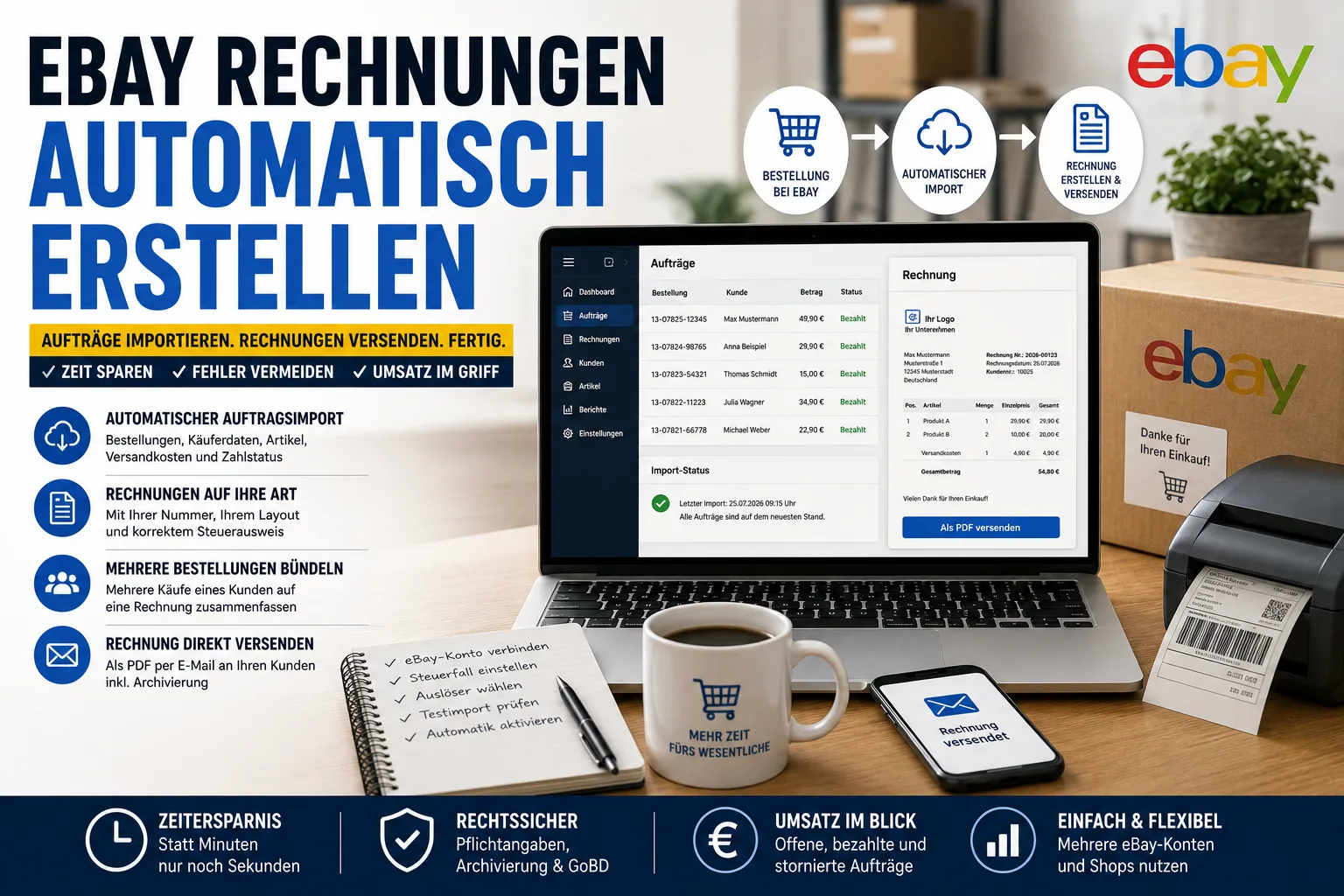
eBay does not create invoices for you. The only way to automate this is software that connects to your eBay account, keeps pulling in your orders and turns them into finished invoices – with your invoice number, your layout, your tax details. Setting it up takes about half an hour, after that it runs without you.
Three things decide whether the automation holds up in daily business: what gets imported, when the invoice should be created, and whether several orders from one buyer can go on one invoice.
Table of contents
- eBay order import with the Easy Invoice Cloud
- When should the invoice be created?
- Several orders on one invoice
- Several eBay accounts in one login
- Checklist for choosing
- Two things that are often misunderstood
eBay order import with the Easy Invoice Cloud
You connect the software to your eBay account once – through eBay's own authorisation page, so the program never sees your password. From then on it regularly asks for new orders and takes over: buyer name and address, items with quantity and price, shipping costs as a separate line, payment method and status, plus order number and date.
Two details decide whether that actually becomes a finished invoice:
- Returning customers are recognised instead of being created again every time. Without that you cannot bundle orders later on.
- Items are matched to the products you have stored. Then the tax rate and the description come from your own product data – not from the eBay listing title, which usually contains marketing words.
In the Easy Invoice Cloud the import follows exactly this pattern – with several eBay accounts and your own shop in a single login. What such a connection looks like in practice is shown in our article on the Etsy connection.
If you would like to see it with your own orders: a free trial account is available without payment details. The trial ends automatically – there is nothing to cancel.
Each imported order also shows what eBay kept: the new flat-rate percentages and the order fee from 1 July 2026 are listed in eBay fees from 1 July 2026.
When should the invoice be created?
The most important setting – and the one most often chosen wrongly:
| Trigger | Suitable if … | Drawback |
|---|---|---|
| On order received | you need a document straight away | if the buyer never pays you have to cancel it |
| On payment received | the normal case for most sellers | practically none |
| On dispatch | you print the invoice and put it in the parcel | if a parcel is delayed, the document is missing |
Activate only one. Anyone who switches on all three so as not to miss anything ends up with several invoices for one order.
Several orders on one invoice
A buyer buys three times in a row using "Buy It Now" instead of the basket. The result: three orders, postage three times, three invoices – for one parcel. eBay cannot merge this after payment; combined shipping only works beforehand.
For the invoice it can be solved: software that bundles orders from the same customer turns them into one document and one transaction. In Easy Invoice this also works across several of your eBay accounts. Watch out for three things: bundling should be a suggestion you confirm, not an automatism covering everything with the same name. Orders already dispatched no longer belong on it. And shipping costs charged more than once must appear as a refund on the document, otherwise the total does not match what the buyer actually paid.
Several eBay accounts in one login
One account for new goods, one for remaining stock, plus your own shop – this is where many solutions get expensive, because they charge per selling account. Ask beforehand: are several eBay accounts possible without a surcharge? Can the number ranges stay separate if different companies are behind them? And does your own shop run through the same invoicing?
Checklist for choosing
- Does the software fetch the orders itself – or do you have to export and upload a file?
- Does it also send the invoice, or only create it?
- Can you choose the trigger?
- Does it recognise returning customers and can it bundle orders?
- How many eBay accounts and shops are included?
- Do returns and partial refunds produce a cancellation or correction invoice – or does the document simply disappear?
- Does it know your tax situation: small business scheme, margin scheme, sales within the EU?
- How far back does it fetch orders if you want to catch up on past months?
- Can you export invoices and customer data in full if you decide to switch?
Free offers almost always have a limit, and it usually sits exactly at the number of documents or at the interface – see Free invoicing software: where is the catch?
Two things that are often misunderstood
"Send invoice" on eBay is not an invoice. According to eBay's help pages that button creates a request for payment addressed to a buyer who has not paid yet. It only works before payment, not at all with "immediate payment" listings, and it lacks the mandatory details of an invoice. What eBay does give you is the invoice for your own selling fees.
You do not have to give every buyer an invoice – but you do have to document every sale. Under German VAT law (Section 14 UStG) a normal delivery of goods to a private customer does not require an invoice, while a business customer does. You still have to record and document every single sale; that is a separate obligation and it always applies. Since you cannot tell from an eBay order whether a business is behind it, issuing an invoice for every order is simply the easier route. What belongs on it is explained in our guide to writing an invoice.
To get started: connect the account, set your tax situation, choose "on payment received" and import ten past orders as a check. If those ten invoices are correct, switch the automation on.
_This article provides general information and does not replace tax or legal advice._
Handle invoices more easily
Easy Invoice combines quotes, invoices and customer management in the cloud.
Try Easy InvoiceRead next
 E-Commerce & Marketplaces
New eBay Terms of Service from 15 September 2026: What Sellers Should Check Now
New eBay terms apply from 15 September. Four things change, and one of them can cost you your account.
 E-Commerce & Marketplaces
Creating invoices for Shopify
Shopify sends order confirmations – not invoices. How to get from a Shopify order to a finished invoice in five steps, with your own number, correct tax details and automatic sending.
 E-Commerce & Marketplaces
eBay vehicle parts: free returns mandatory since 28 September – what it costs you
New parts over 10 euros at a fixed price: since 28 September you have to take them back free of charge for 30 days and adjust your withdrawal policy. Which returns are not covered, what the rule costs and what to check now.