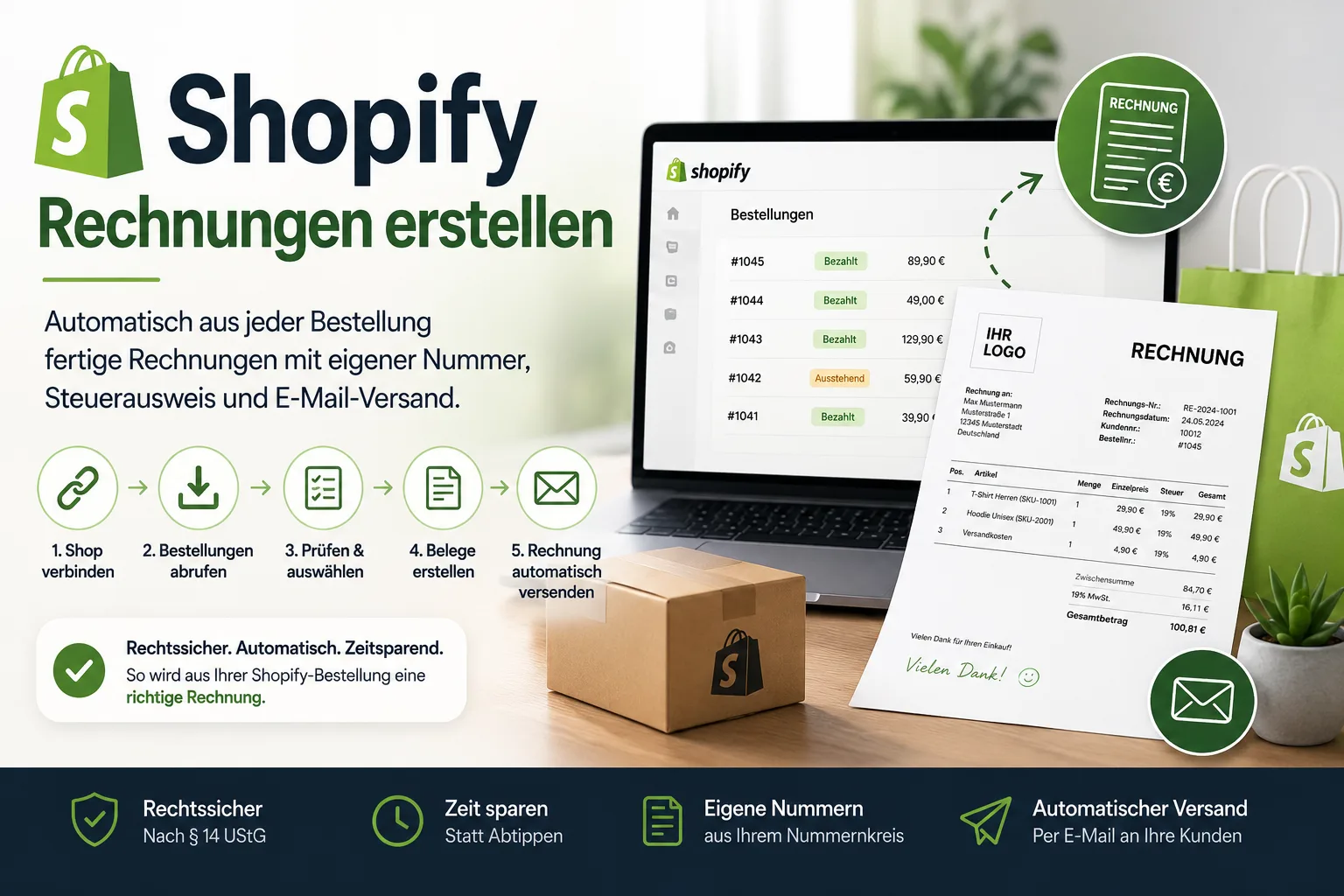
Shopify does not create invoices for you. What your buyers automatically receive is an order confirmation – an email about the purchase, not a document with the mandatory details required by § 14 of the German VAT Act (UStG). The invoice is created outside the shop: invoicing software connects to your Shopify account, pulls the orders in by itself and turns them into finished documents – with your own invoice number, your layout, the correct tax details and, if you want, sent straight to the buyer by email. Setting it up takes an afternoon; after that it is a few clicks a day.
What that looks like in practice is shown here using the Easy Invoice Cloud as an example – along with three stumbling blocks you should know about, whichever software you choose.
Does Shopify create invoices? The short answer
No. Shopify sends order confirmations and, with the Order Printer app, prints order documents – but it does not create invoices with the mandatory details German law requires, and it does not assign invoice numbers. The comparison shows the gap:
| Shopify order confirmation | Invoice (§ 14 UStG) | |
|---|---|---|
| Sent automatically to the buyer | yes | only if your invoicing software sends it |
| Sequential invoice number | no, order number only | required, from your own number range |
| Your full business details, tax number or VAT ID | partly | required |
| Net amount, VAT rate and VAT amount per rate | shown as totals | required per rate |
| Delivery date or period | no | required |
| Suitable as a document for your bookkeeping | no | yes |
| E-invoice (XRechnung, ZUGFeRD) for business customers | no | possible |
That is why "Shopify invoicing" in practice means: connect an invoicing tool that imports the orders and creates the invoices. How that works step by step follows below.
Table of contents
- From order to invoice in five steps
- What is taken over from the Shopify order
- Does the buyer get the invoice automatically?
- Why the invoice number must not come from Shopify
- Shopify, eBay, Etsy: one number range for every channel
- What Shopify itself offers – and where it stops
- Do I have to send an invoice to every Shopify buyer?
- Returns, partial refunds, cancellations
- E-invoicing: XRechnung and ZUGFeRD from shop sales
If you want to write invoices with all mandatory details in a few minutes, you can try the invoicing software Easy Invoice free for 10 days.
From order to invoice in five steps
- Connect the shop. You authorise the connection once through Shopify's own approval page. The software never sees your Shopify password, and you can disconnect at any time.
- Decide what should be created. For each shop connection you set whether an order becomes an invoice, a delivery note or a sales order – and whether only paid orders should come in. For most shops the latter is the right setting: no document for a purchase that is never paid for.
- Fetch the orders. One click and the orders come straight from the shop – no CSV export, no uploading. You see them as a list with order number, date, customer, gross amount, payment status and order status.
- Check and select. The software shows in advance whether all items could be matched to your product data and whether the payment method was recognised. Anything unclear is sorted out with two clicks – or you let missing customers and products be created automatically.
- Create the documents. The selected orders become finished invoices with a consecutive number from your own number range. Several orders from the same buyer can be combined into one invoice beforehand.
The result is a document just like the one you would have written by hand – only without retyping and without transposed digits. You can try it for free with your own orders: ten days, no payment details, no cancellation. The account expires by itself.
What is taken over from the Shopify order
For an order to really become an invoice rather than just a list of numbers, more has to come across than the name and the total. What is transferred:
- billing and shipping address, name and email address of the buyer
- all line items with quantity, unit price, SKU and the tax rate stored for them
- discounts and voucher codes as a separate line – with the name of the code, not as a silent deduction
- shipping costs as a separate line item with their own tax rate
- payment method, payment status, order status, order number, date and currency
One point decides the quality of the document: product matching. Items are matched against your own product data by SKU, EAN or name. That is not a detail for tidy-minded people. It is the only way your product description and your tax rate end up on the invoice – instead of the shop listing title, which usually still says "✨ NEW ✨ Bestseller". Where nothing matches, you see it before the document is created, not afterwards at your accountant's.
Does the buyer get the invoice automatically?
Yes – the invoice can be sent by email directly from the document, using your own sender address. For invoices, quotes, sales orders, delivery notes, credit notes and down-payment invoices you store a separate text template each, so every email sounds the same and nothing has to be typed out again.
A useful side effect: the invoice goes to the customer from your address, not from some app domain. If they have a question, they reply to you and not into the void.
Why the invoice number must not come from Shopify
Shopify issues consecutive order numbers per shop. That is not an invoice number, even though both look like a sequence of digits. The difference becomes uncomfortable in three situations:
An order is cancelled. The number has been used and then disappears. With an invoice number that would be a gap you have to explain.
You sell through more than one channel. Shopify counts its orders, eBay counts its own, sales on site run alongside. Three sequences that overlap – and at the end of the year you sit down and sort them out by hand.
You rebuild the shop or migrate it. With order numbers people happily start again from scratch. With an invoice number range that must not happen.
That is why the invoice number is created where all sales channels come together – in the invoicing software, not in the shop. What else belongs on the document is covered in our guide to writing an invoice; for amounts up to 250 euros gross the shortened details of a small-amount invoice are enough.
Shopify, eBay, Etsy: one number range for every channel
Very few merchants stay on one channel. That is exactly where a solution that only lives inside the Shopify shop becomes a dead end: for the marketplace you need the next one, for direct sales the one after that.
Besides Shopify, Easy Invoice connects to eBay, Etsy, WooCommerce, Shopware 6, JTL-Shop, PrestaShop and TikTok Shop, among others – several shops at the same time, including several Shopify shops. Everything runs into one customer base, one number range and one set of reports. For your tax adviser there is a separate login and a DATEV posting batch as an export.
What the same process looks like on a marketplace is shown in our articles on eBay and Etsy.
What Shopify itself offers – and where it stops
For the sake of completeness: Shopify has a free printing app, the Order Printer. It prints templates for invoices, packing slips and pick lists.
What you do not get with it: your own consecutive invoice number – what gets printed is the order number. No automatic sending to the buyer. No consolidation with other sales channels. No reporting and no bookkeeping, and therefore no basis for keeping your outgoing invoices for eight years as required by § 14b UStG. And changes to the template only work through HTML, CSS and Liquid – in other words, through code.
For two orders a month that may be enough. As the basis for your invoicing it is not.
Do I have to send an invoice to every Shopify buyer?
Strictly speaking, no: for ordinary deliveries of goods to private customers, § 14 UStG does not require an invoice; for business customers it does – and there you have six months.
In practice this distinction does not help you much. You cannot tell from a Shopify order whether a company is behind it; a company name in the address field is an indication, not proof. And you have to record and document every sale anyway – that is a separate obligation, regardless of who bought. Anyone who automatically creates the invoice for every order saves themselves the case-by-case check and the email that arrives three weeks later: "Could you send me an invoice for this?"
If you are a small business under § 19 UStG the same applies, only without showing VAT and with the appropriate note on the document – details in writing an invoice without VAT.
Returns, partial refunds, cancellations
In online retail this is the normal case, not the exception. The basic rule matters: an invoice that has been issued is not deleted. You need a second document that cancels or corrects it – and both stay traceable.
The refund status from Shopify is read in when orders are fetched, so you can see in the list when an order has been fully or partly refunded. You then create the matching document – cancellation or correction – in the software; how the two differ formally is explained in correcting an invoice.
E-invoicing: XRechnung and ZUGFeRD from shop sales
For private customers the PDF invoice remains permissible. But as soon as you sell to companies in Germany – the tradesman ordering materials, the practice, the reseller – e-invoicing becomes relevant: you have had to be able to receive them since the beginning of 2025, and you will have to send them in a structured format from 2027 and 2028 in stages. A PDF file is not enough for that.
Easy Invoice produces both common formats: ZUGFeRD (a PDF with embedded data) and XRechnung (pure XML). You can set the format as the default for your company and override it per customer – one business customer gets XRechnung, everyone else continues to get the familiar PDF. If mandatory details for an e-invoice are missing, you are told before the document is created.
The difference between the formats is explained in XRechnung or ZUGFeRD?, and the deadlines are in E-invoicing obligation 2027 and 2028.
The quickest way to judge it is with your own figures: connect the shop, import ten old orders and compare the resulting invoices line by line with the Shopify backend. If those ten are right, the rest will be too. The trial account runs for ten days, costs nothing and ends automatically – you enter no payment details and there is nothing to cancel.
_This article provides general information and does not replace tax or legal advice._
Handle invoices more easily
Easy Invoice combines quotes, invoices and customer management in the cloud.
Try Easy InvoiceRead next
 E-Commerce & Marketplaces
New eBay Terms of Service from 15 September 2026: What Sellers Should Check Now
New eBay terms apply from 15 September. Four things change, and one of them can cost you your account.
 E-Commerce & Marketplaces
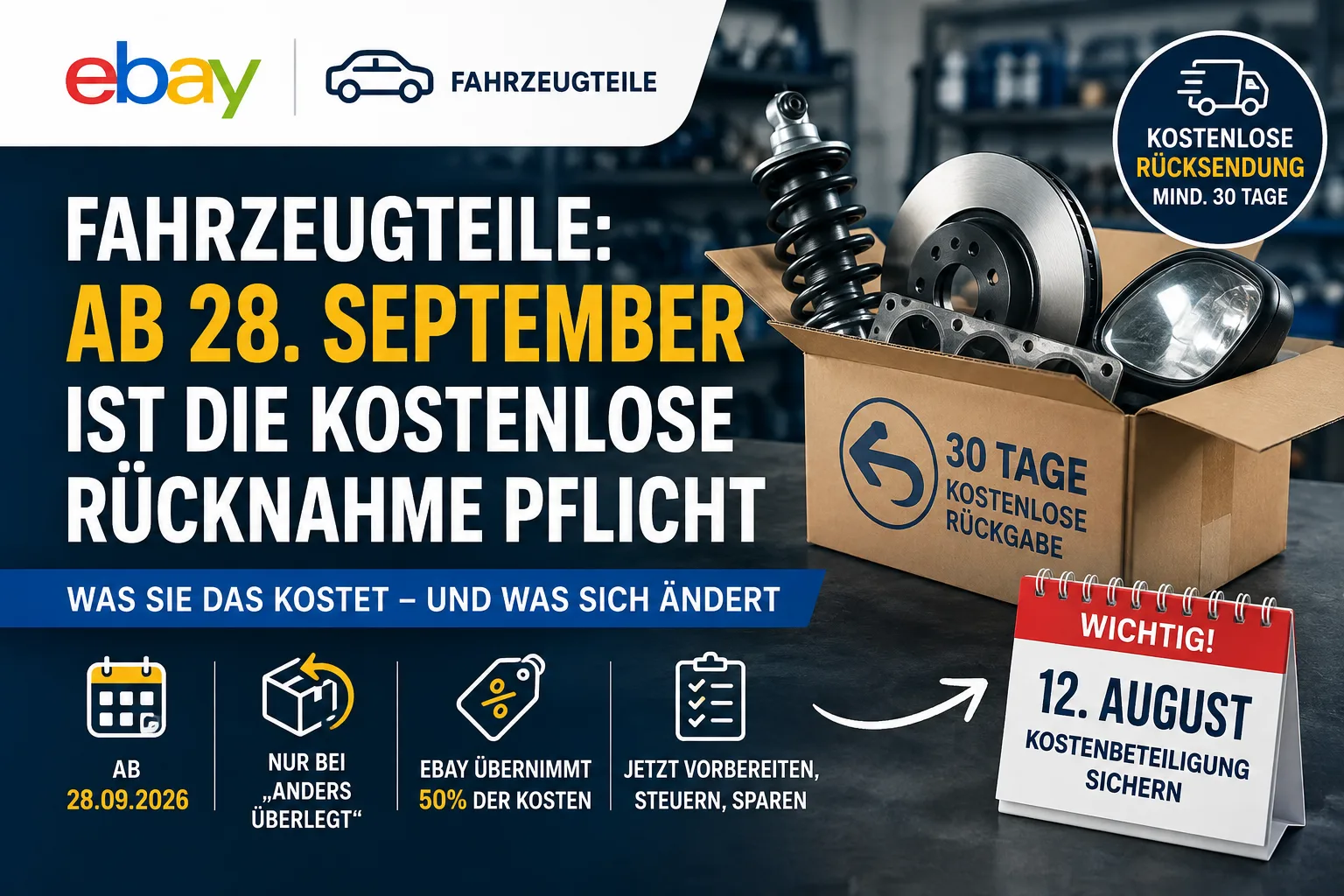
eBay vehicle parts: free returns mandatory since 28 September – what it costs you
New parts over 10 euros at a fixed price: since 28 September you have to take them back free of charge for 30 days and adjust your withdrawal policy. Which returns are not covered, what the rule costs and what to check now.
 E-Commerce & Marketplaces
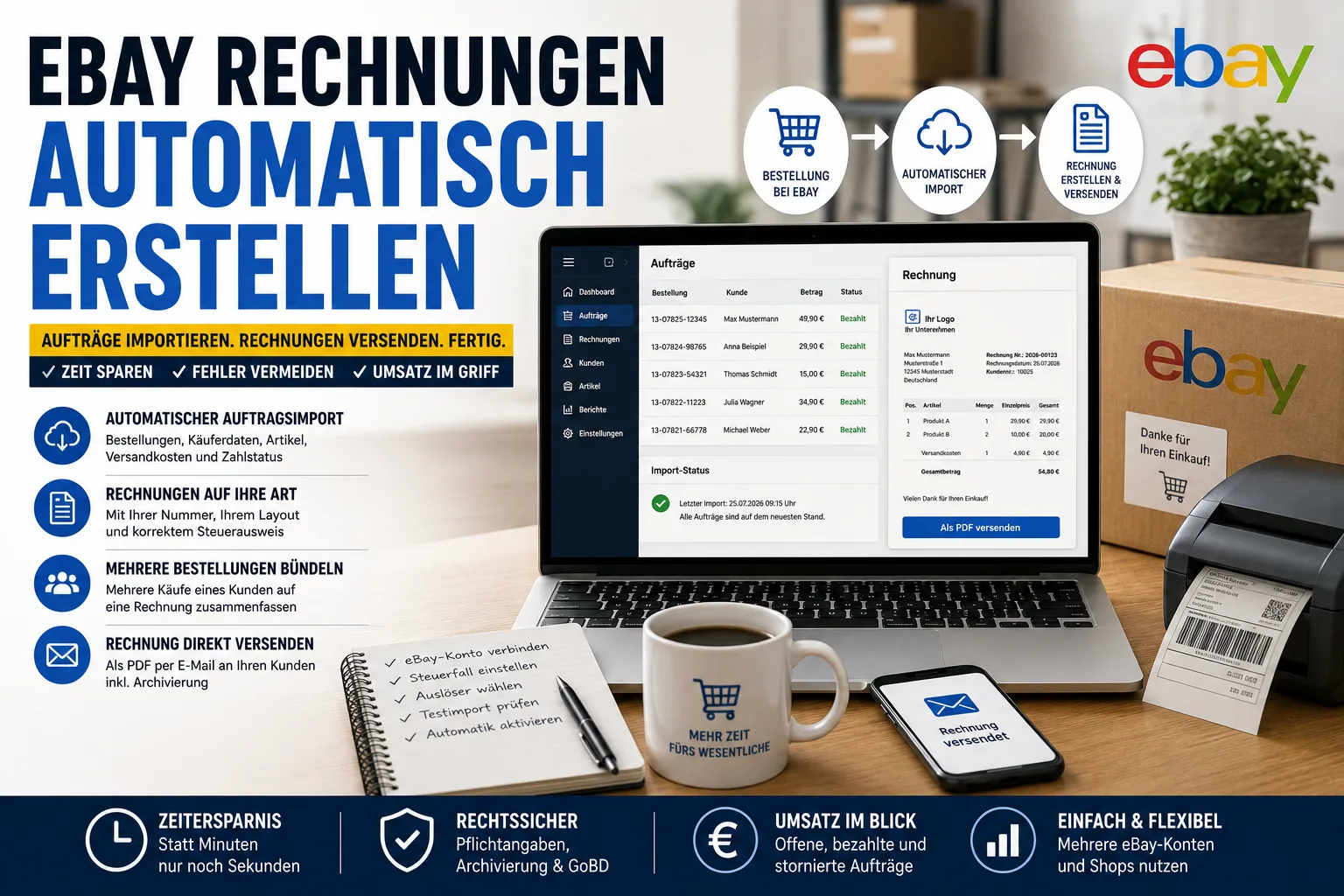
Create eBay invoices automatically
eBay does not create invoices for your sales. How automatic order import works – and how several orders from the same buyer end up on one invoice.